
Description
Airbnb / Short-Term Rental Planner — Airbnb Spreadsheet for Google Sheets & Excel | Short Term Rental Tracker, Rental Income & Expense Log, Booking & Payout Tracker, Occupancy & ADR Dashboard with RevPAR, Host Finance Planner
What’s Included (your download)
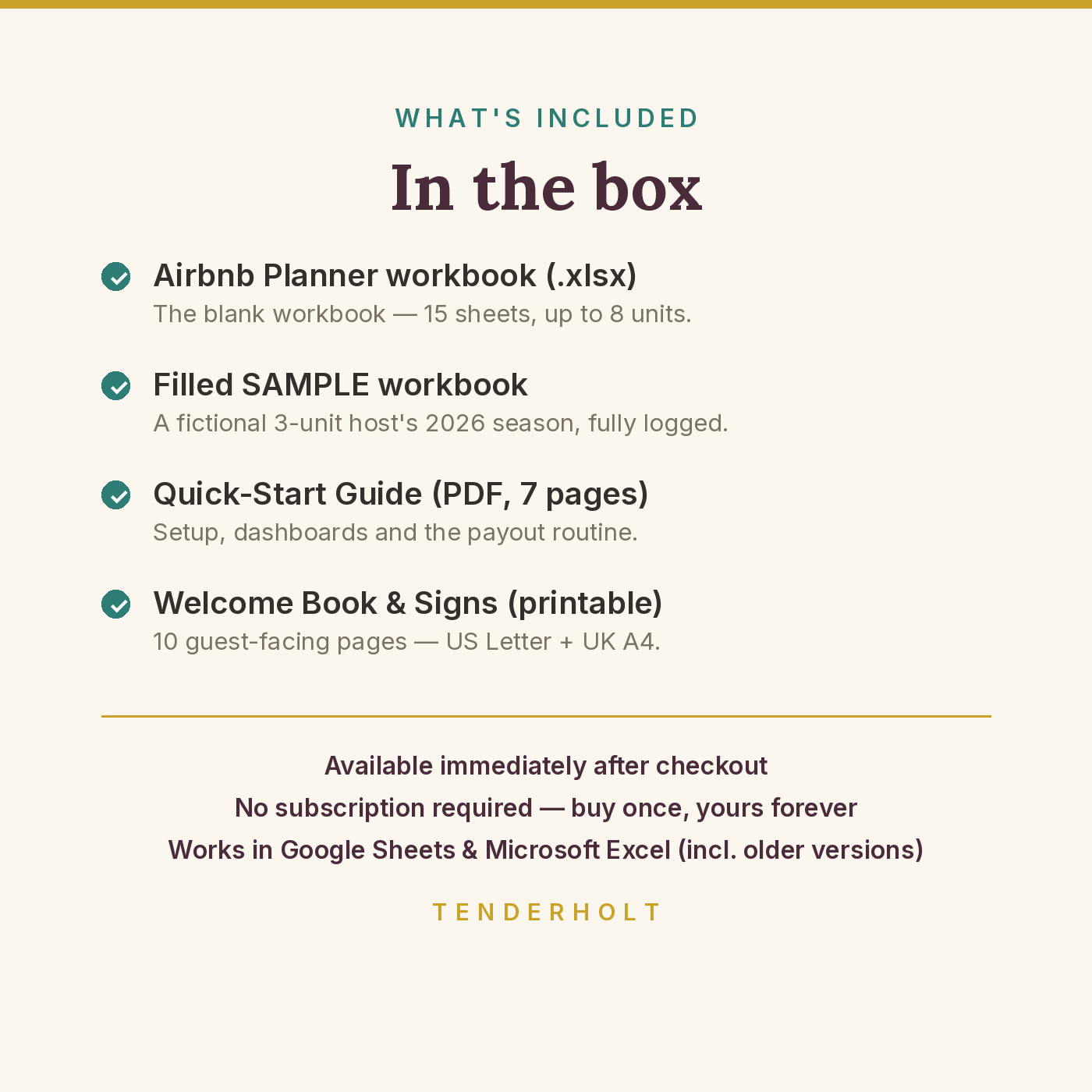
- Airbnb / Short-Term Rental Planner workbook (.xlsx — 15 sheets)
- Pre-filled SAMPLE workbook (.xlsx) — a fictional 3-unit host’s 2026 season
- Quick-Start Guide (PDF, 7 pages)
- Welcome Book & Signs printable (PDF, 10 pages — US Letter)
- Welcome Book & Signs printable (PDF, 10 pages — UK A4)
Product Details
Overview
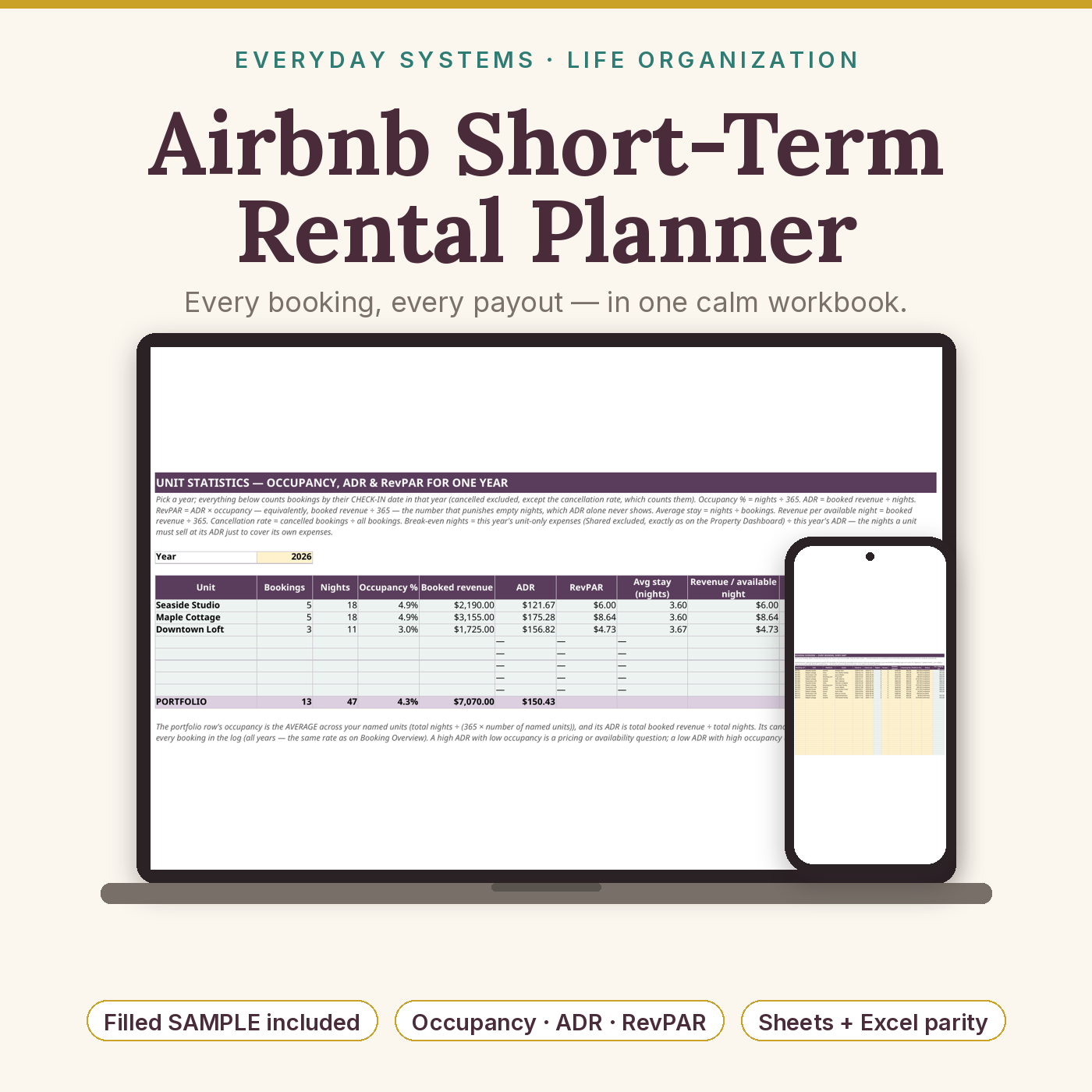
A payout that lands two weeks after the stay and never quite matches what you expected. Cleaning, linen and platform fees nibbled away unit by unit, until the “busy” property turns out to be the one making the least. And the tax slice that was supposed to come off each payout, spent in a good month and hunted for in a bad one. The Airbnb / Short-Term Rental Planner is the host’s finance system that plugs those leaks: a booking log that calculates nights and drops cancelled stays out of every total, an income log of payouts actually received with a tax set-aside sliced automatically, expenses and mileage by unit, and the dashboards hosts actually think in — occupancy, ADR and RevPAR per unit, per month, per year, across five years, and over any date range you choose.
What’s Included
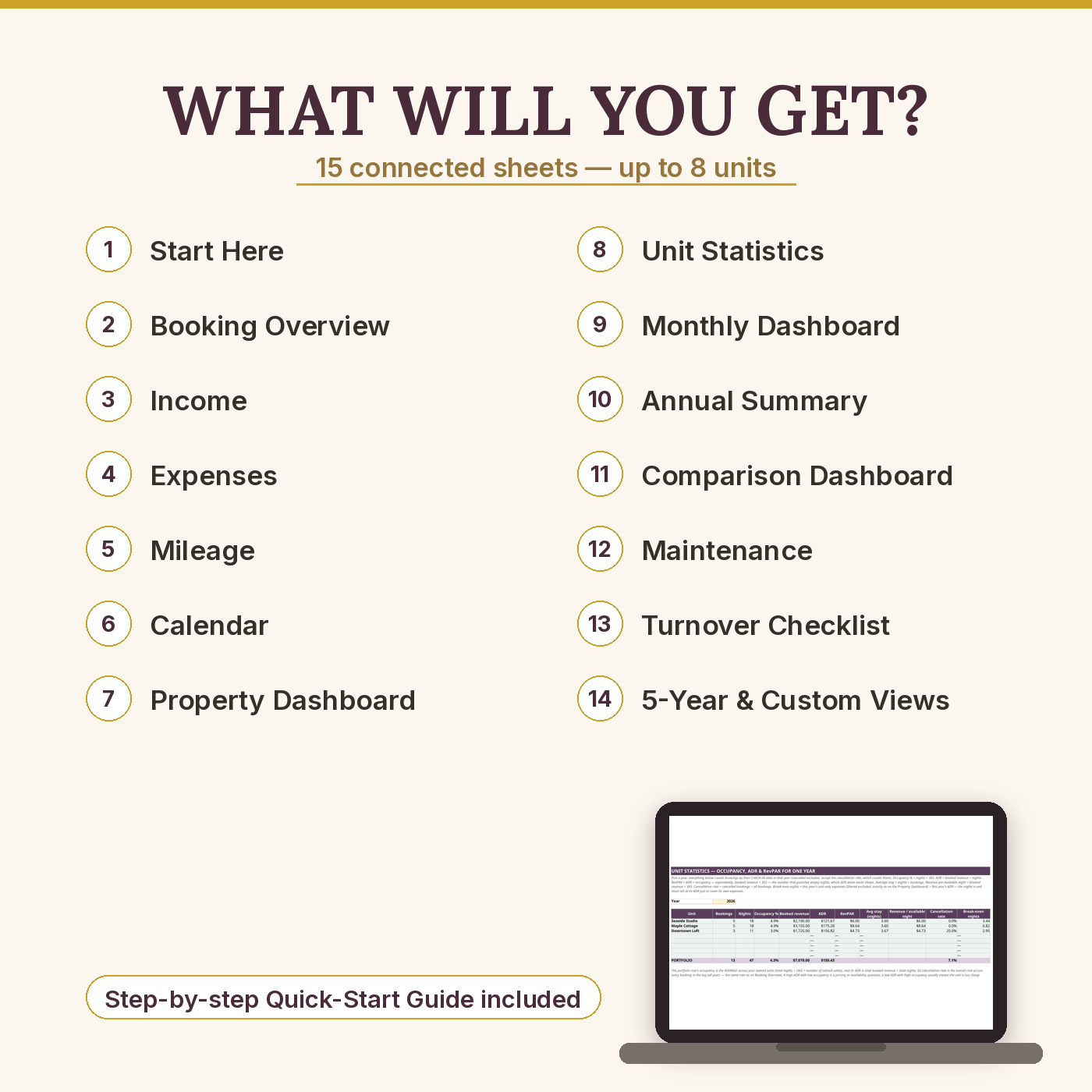
- START HERE — host setup: unit names table (up to 8 units, typed once — every dropdown and dashboard reads them), 4 setup numbers (tax set-aside % default 25%, mileage rate default $0.67/mile, default cleaning fee, lodging / sales tax % you collect — 0 if none), colour legend, sheet directory, 20-minute setup steps
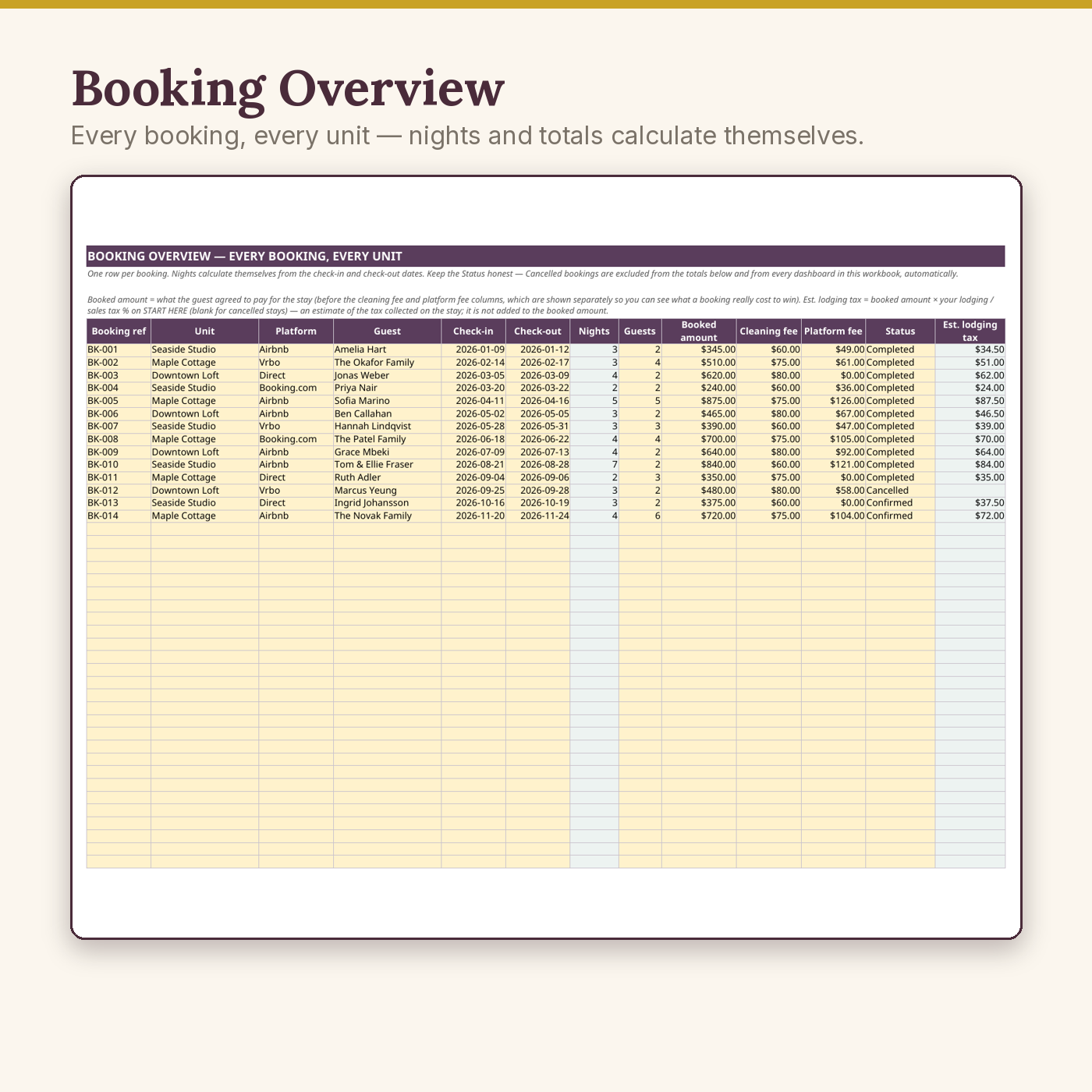
- Booking Overview — 120 booking rows: ref, unit & platform dropdowns (Airbnb / Vrbo / Booking.com / Direct / Other), guest, check-in / check-out with automatic nights, booked amount, cleaning fee, platform fee, status (Confirmed / Completed / Cancelled), and an automatic estimated lodging tax per booking (booked amount × your START HERE %; blank for cancelled stays); totals excluding cancelled, plus bookings, upcoming, cancelled counts and the cancellation rate
- Income — 120 rows of payouts actually received (platform payout / direct payment / extra services / refund given / other; refunds typed negative), with a per-payout tax set-aside that only ever slices positive money, totals, a by-unit summary, and a Payout Reconciliation block: expected from platform bookings (booked + cleaning − platform fees for Airbnb / Vrbo / Booking.com, cancelled excluded) vs received via platform payouts, with the difference, the variance %, and total platform fees — direct bookings are honestly excluded and the sheet says why
- Expenses — 120 rows by unit (or “Shared”) and 10 category dropdowns (cleaning, supplies & linens, utilities, repairs, platform & software fees, insurance, mortgage or rent, furnishings, marketing…), per-category totals + a receipts-kept tally
- Mileage — 80 trip rows; the amount column multiplies miles by your setup rate automatically
- Calendar — booked nights per unit per month for a chosen year (counted in the check-in month — the simplification is printed on the sheet), month totals, days-in-month and a portfolio occupancy pulse
- Property Dashboard — one row per unit: bookings, nights, booked revenue, income received, unit expenses, mileage, profit and ADR (cancelled excluded; Shared costs explained on the sheet, never guessed into a split)
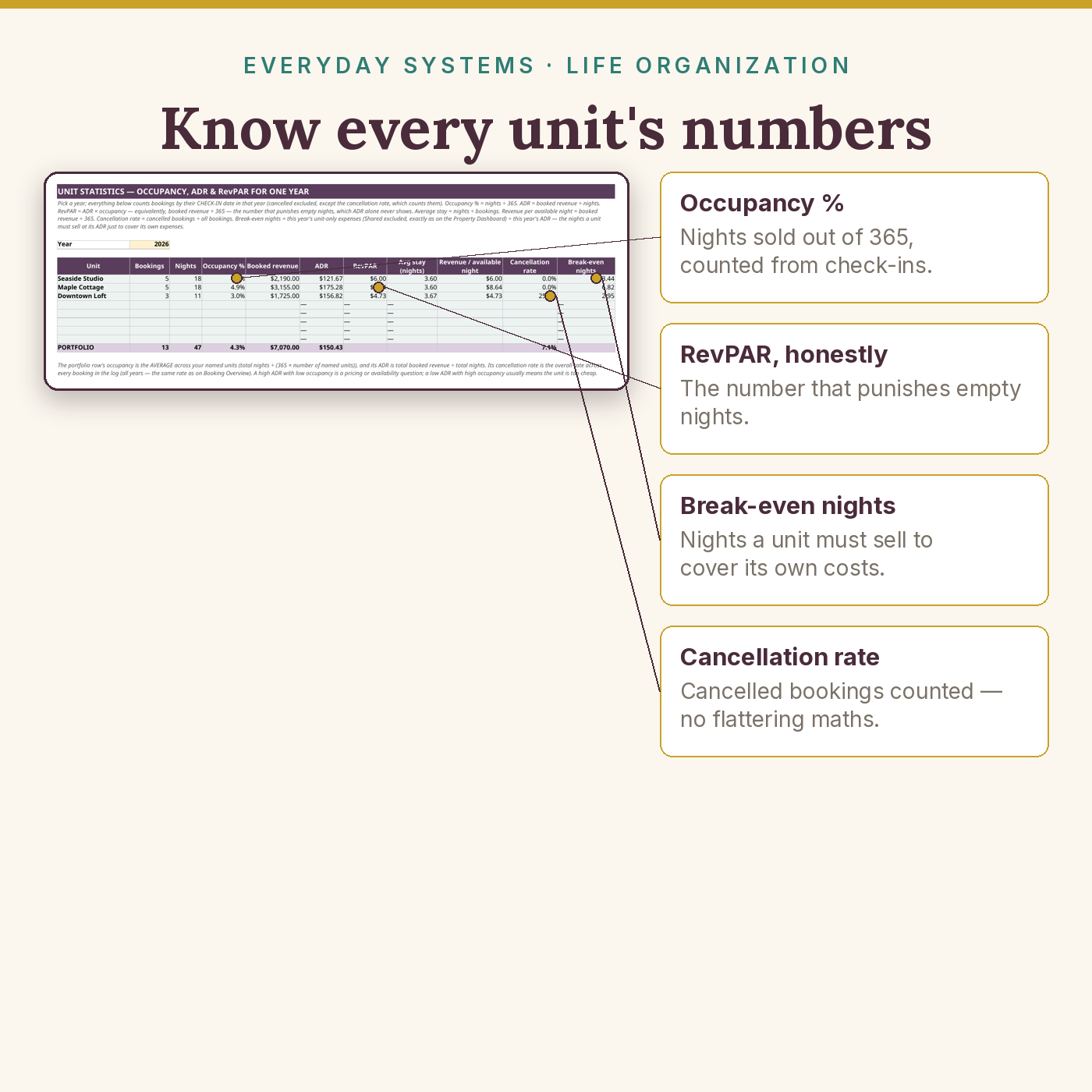
- Unit Statistics — per year, per unit: occupancy % (nights ÷ 365), ADR, RevPAR, average stay, revenue per available night, cancellation rate, and break-even nights (the year’s unit-only expenses ÷ ADR — the nights a unit must sell just to cover its own costs), plus a portfolio row (total nights, overall occupancy, overall ADR, overall cancellation rate)
- Monthly Dashboard — month by month: income (by payout-arrival date), expenses, mileage, profit, bookings and nights; the year income total cross-foots to the Income sheet
- Annual Summary — the year on one page: income, expenses (including Shared), mileage, profit, nights, bookings, average income per booked night, best month, expenses by category, income by unit
- 5-Year Dashboard — five years side by side from a start-year cell: income / expenses / mileage / profit / nights per year
- Custom Range — any start–end dates you choose: income, expenses, mileage, profit, bookings, nights for a season, a quarter, or “since we took over”
- Comparison Dashboard — two units head to head (type the two names): nights, bookings, income, expenses, mileage, profit, ADR, and a Difference (A − B) column
- Maintenance — 60-row schedule: date raised, unit, task, status, cost estimate, next due date, automatic days-until-due and flags (⚠ Overdue / Due within 30 days / OK). Money is counted on Expenses — this sheet is the schedule, so nothing is ever counted twice
- Turnover Checklist — the between-guests checklist as a workbook tab: unit dropdown + date, 20 tasks grouped under Arrival Prep / Cleaning / Restock & Laundry / Inspect & Report, each with a Done / To do dropdown, and a live progress counter (“18 of 20 done” + % complete) at the top; print-ready for a cleaner or co-host
- Plus the 7-page Quick-Start Guide (PDF) — 20-minute setup, the booking → payout routine, reading your dashboards with the sample’s real numbers, the tax-pot habit for hosts, the cleaning & turnover workflow, the year-end routine
- Plus the printable Welcome Book & Signs (10 pages, in both US Letter and UK A4) — Welcome cover, a “Good to know” fill-in page (Wi-Fi, door code, check-in/out times, host contact), House rules, Local favourites, Check-out checklist, and five wall signs in big type: Wi-Fi, Quiet Hours, No Smoking, Check-Out Reminder, In an Emergency
Key Benefits
- Know what each unit really earns: in the SAMPLE, the cottage with the highest ADR keeps the least profit — this workbook is how you find your version of that story
- Cancelled bookings disappear from every total by themselves; nights, set-asides, mileage amounts and estimated lodging tax calculate themselves — and the cancellation rate is shown, not hidden
- Reconcile the platform’s money: expected payouts vs what actually arrived, the difference and variance %, and total platform fees — in the SAMPLE a confirmed November stay explains the whole −$691 difference, no mystery shortfall
- The tax-pot habit, automated: set your % once, and every positive payout slices it off the top — refunds never slice
- Occupancy, ADR and RevPAR the standard way, per unit and for the portfolio, plus break-even nights per unit, with divide-by-zero guards everywhere (“—”, never an error)
- The same turnover standard every stay: a 20-task checklist tab with a progress counter, whoever does the changeover
- Light by design: about 57 KB for the whole 15-sheet workbook — fixed-size trackers instead of thousand-row grids, across our whole catalogue
Who Is This For?
- Airbnb, Vrbo, Booking.com and direct-booking hosts with 1–8 units (flats, cottages, spare homes, small portfolios)
- Hosts who want bookkeeping clarity and per-unit answers without a property-management or accounting subscription
- Anyone who has ever wondered why the busy unit isn’t the profitable one
- Not for: tax filing or tax advice (pair it with a qualified tax professional), hotels or portfolios over 8 units per workbook, or multi-currency books
How It Works
- Download your files as soon as your payment is confirmed — they are also saved in your account’s Downloads library.
- Open the SAMPLE season — Harbor Lane Stays: 3 units, 14 bookings (1 cancelled), $6,091 of payouts, a $40 refund handled honestly — to see every engine working.
- Set your 4 numbers and type your unit names on START HERE (20 minutes), then log bookings as they land and payouts as they arrive.
- Run the weekly routine from the guide; print the Welcome Book & Signs once per unit and fill in the “Good to know” page.
Why It’s Different
Most rental spreadsheets stop at the money — and most “host bundles” charge the guest-facing printables as a separate design-file “bonus”. Here the printable welcome book and all five wall signs are included in the box, in both US Letter and UK A4, built to match the planner, and the turnover checklist is a working tab in the workbook rather than a separate printable to lose. The workbook itself is one lightweight file (about 57 KB), not a suite of linked spreadsheets; every formula was tested for older-Excel + Google Sheets parity (only long-established standard functions — SUMIFS, COUNTIFS, IF, ROUND, DATE, TODAY — no macros, no dynamic arrays, nothing that silently breaks in an older version); and it ships with a filled SAMPLE season, so you can see exactly what every dashboard does before you type a single number of your own.
Delivery & Compatibility
Instant download, straight after your payment is confirmed. You receive the blank workbook (.xlsx, 15 sheets, about 57 KB), the pre-filled SAMPLE workbook (.xlsx, about 59 KB), the Quick-Start Guide (PDF, 7 pages), and the Welcome Book & Signs printable (PDF, 10 pages) in both US Letter and UK A4. Google Sheets (free), Excel 365, Excel 2019+ and LibreOffice all calculate it identically; older Excel also calculates every formula in the file. The engines were formula-checked with 697 automated checks against an independent model. No macros, no add-ins, nothing to install, no bank login ever requested. Your files also live permanently in My Account → Downloads.
Disclaimer
This is an educational organiser with estimates, not tax filing, tax advice or accounting advice — the tax set-aside is a planning habit, not a calculation of what you owe, and occupancy / ADR / RevPAR use the simple definitions printed on their sheets. Pair it with a qualified tax professional for your own situation. The sample host, guests and numbers are fictional.
Pairs well with
The Small-Business & Seller Bookkeeping Bundle — the full bookkeeping step up when hosting becomes one business among several. The Travel Planner — for hosts who also travel: plan your own trips with the same calm, one-file approach.

Reviews
There are no reviews yet.