
Description
Seller Planner — Spreadsheet & Printable Weekly Planner for Etsy, Shopify and eBay Sellers | Listings Pipeline, Orders Tracker, Restock Log, Promo Calendar and Weekly Review (Google Sheets & Excel)
What’s Included (your download)
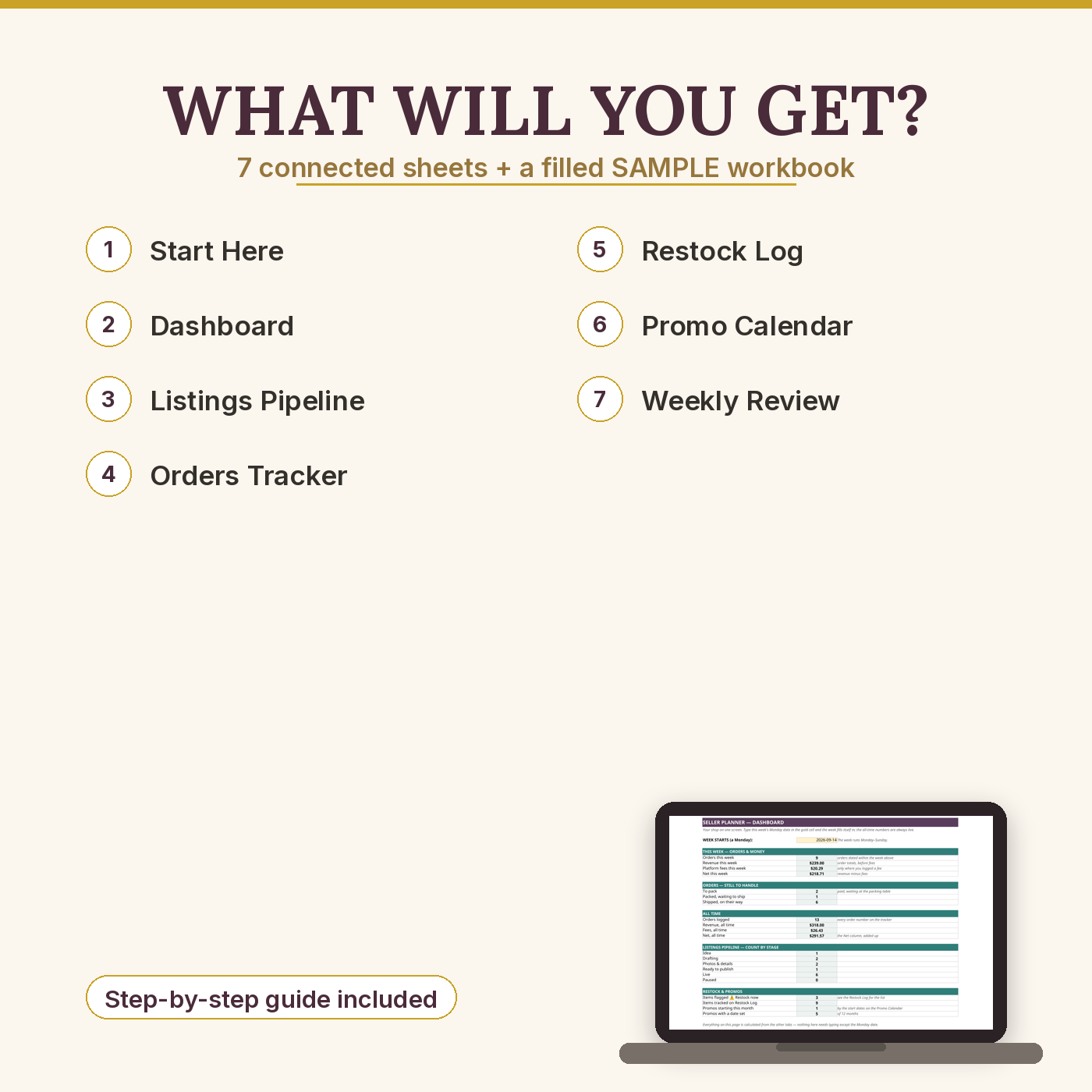
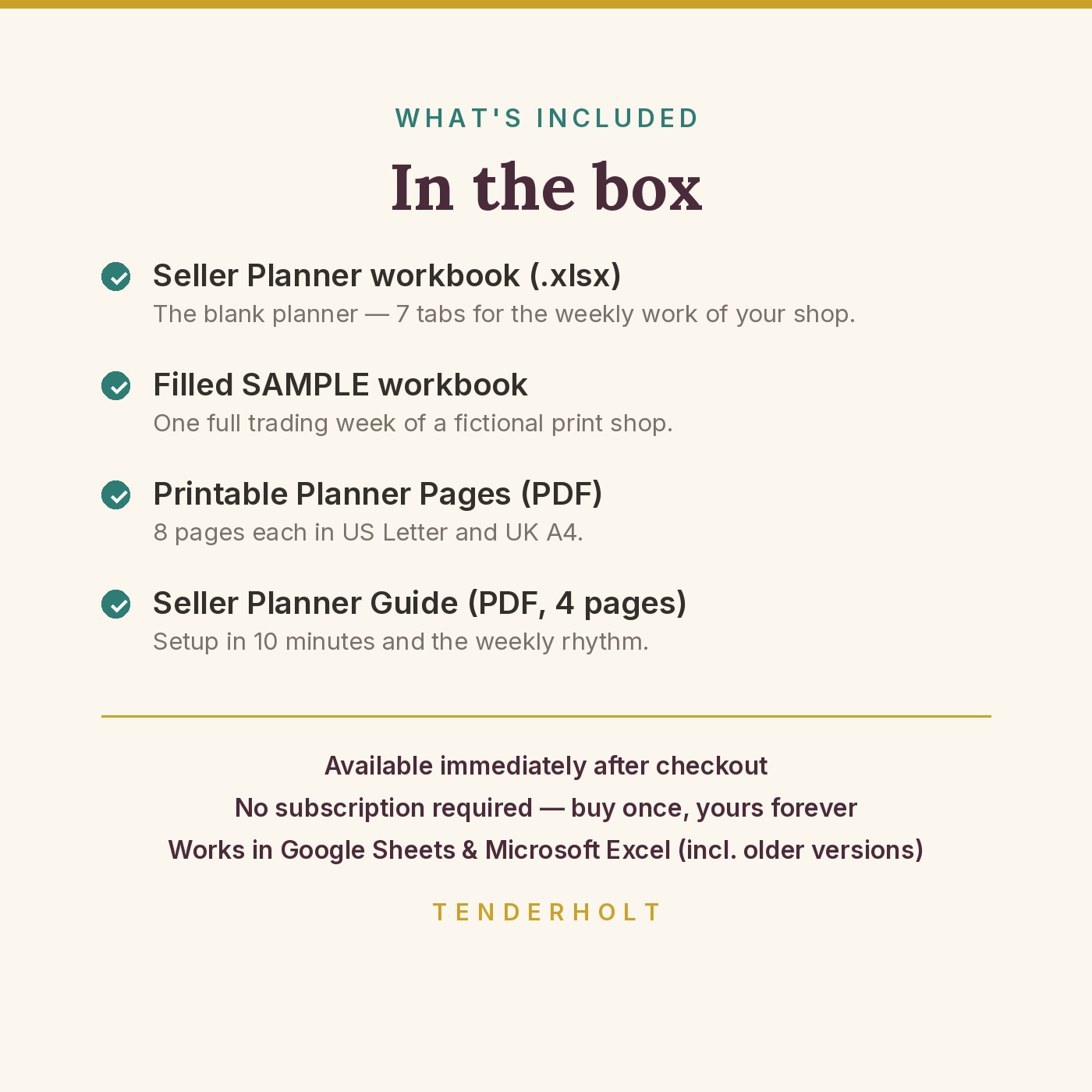
- Seller-Planner.xlsx — the blank workbook: START HERE, Dashboard, Listings Pipeline, Orders Tracker, Restock Log, Promo Calendar and Weekly Review (60 listing rows, 100 order rows, 50 restock rows)
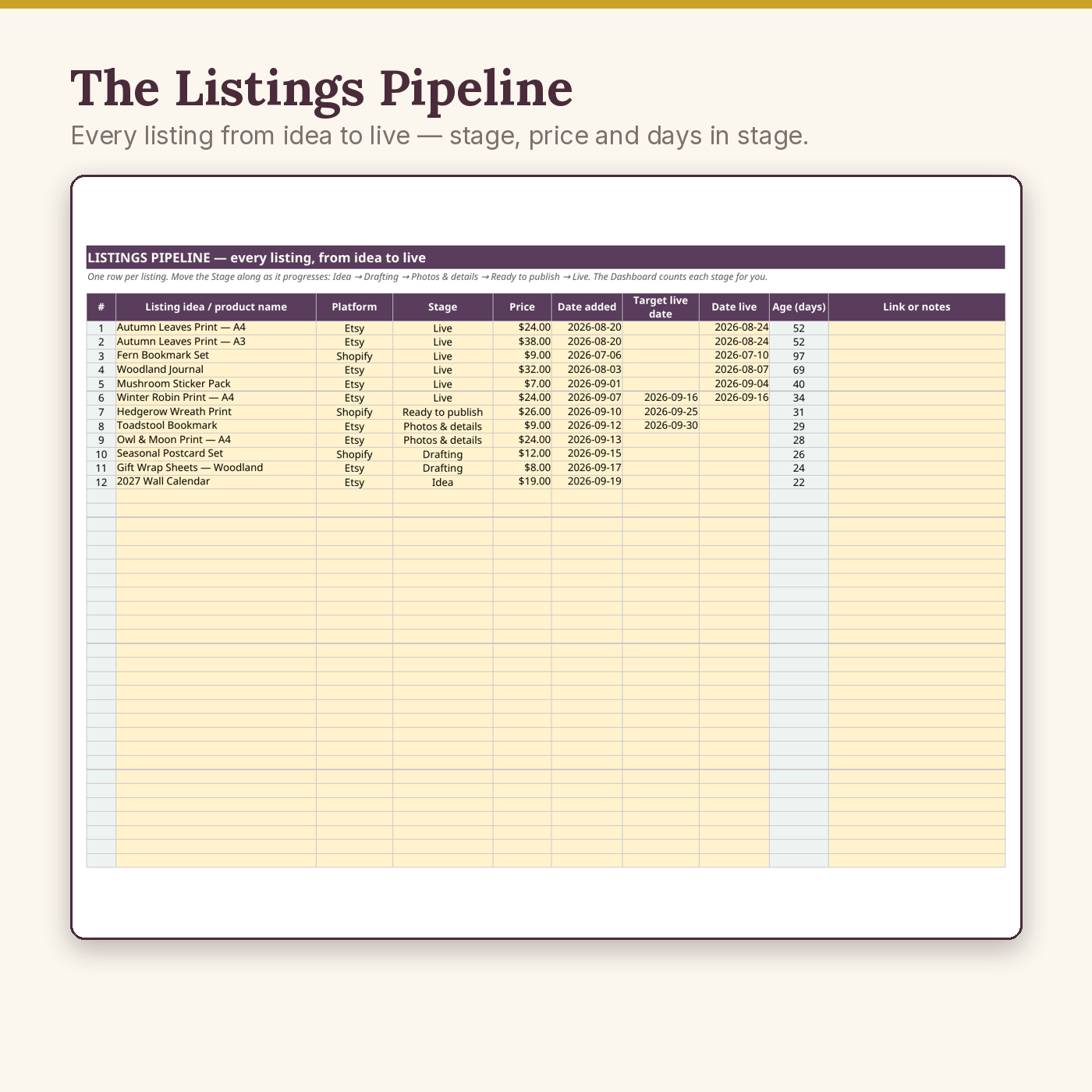
- Seller-Planner-SAMPLE.xlsx — the same workbook filled with one full week of a fictional print shop (“Fern & Fable”): 12 listings in the pipeline, 13 orders, 9 restock lines, a planned promo year — every formula working, so you can see exactly what “done” looks like before you type a thing
- Printable planner pages (PDF, US Letter + UK A4) — Weekly Planner, Listings Pipeline, Orders & Shipping, Weekly Sales Tracker, Restock & Shopping List, Promo Planner, Weekly Review and Notes & Ideas (8 pages, both paper sizes included)
- Seller-Planner-Guide.pdf — the 4-page setup and weekly-rhythm guide: setup in 10 minutes, a sheet-by-sheet tour, printing tips and troubleshooting
Product Details
Overview
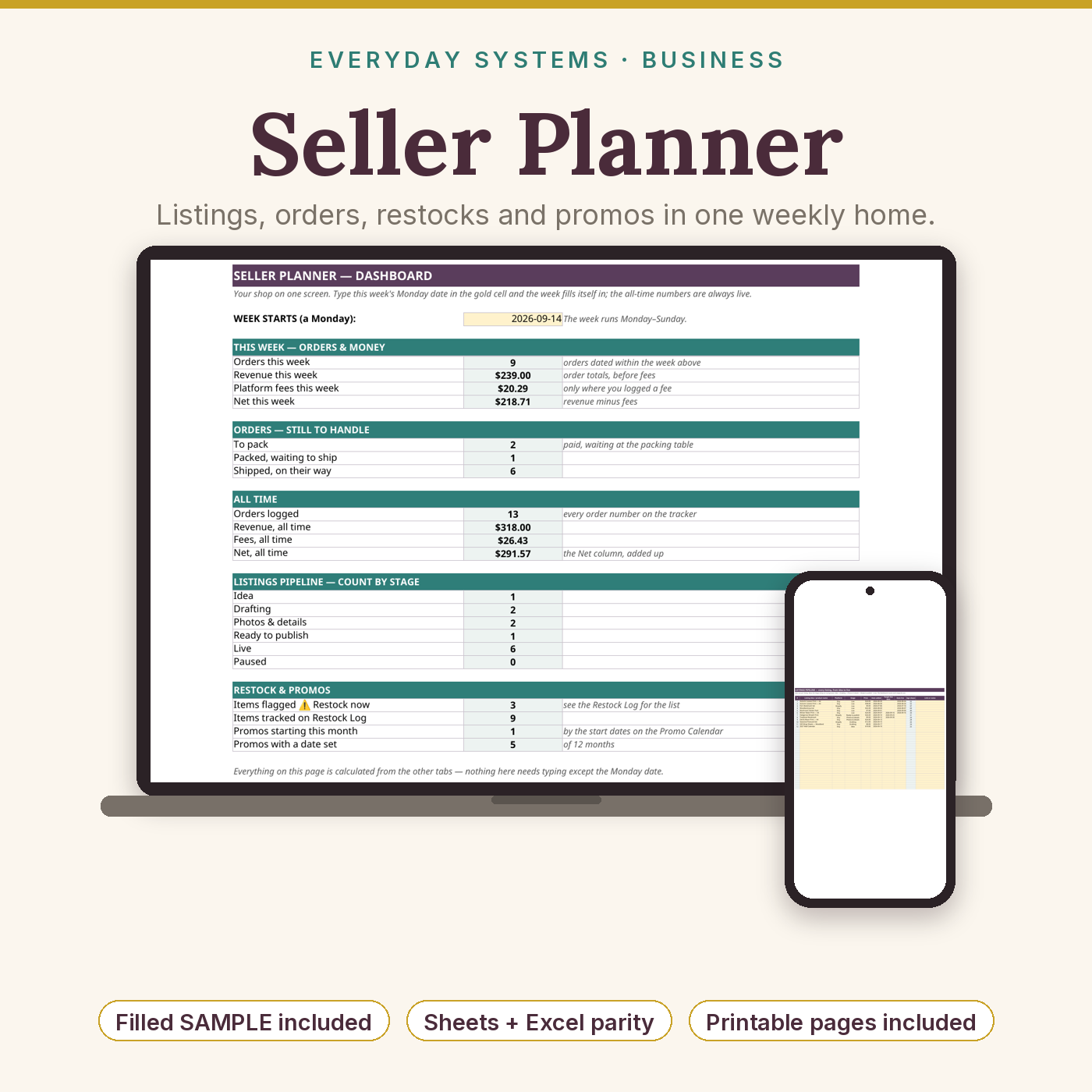
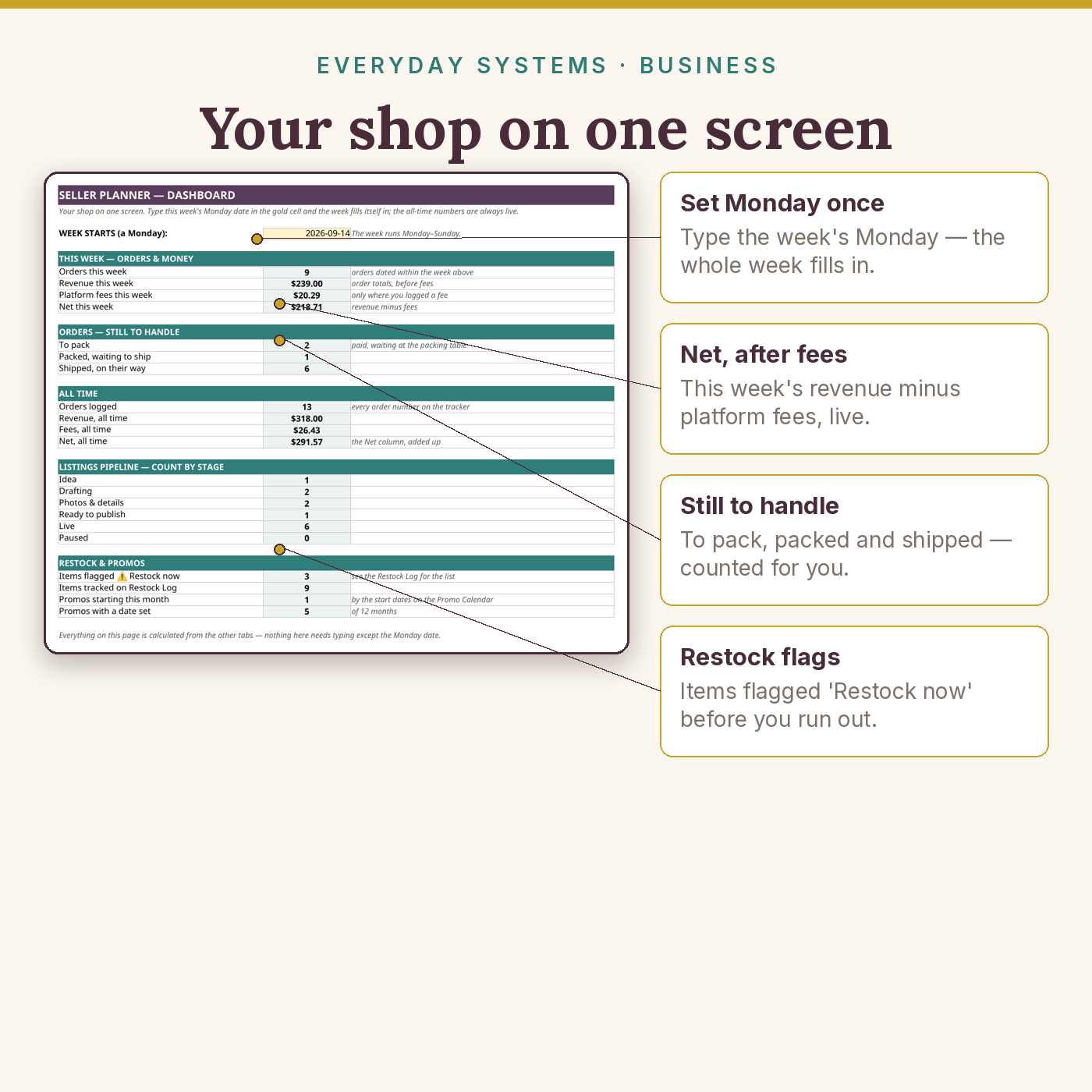
Most seller tools solve one slice of the week: a bookkeeping sheet here, a to-do app there, a notebook for ideas that gets lost by March. The Seller Planner is the workflow layer they all miss. Your listings move through a five-stage pipeline (Idea → Drafting → Photos & details → Ready to publish → Live). Every order is logged the day it arrives, with the platform’s fee separated out so the Net column tells the truth. Stock and materials sit on a Restock Log with reorder points you set, and a ⚠ flag appears — in the log and on the Dashboard — while there is still time to act. Promotions are planned a year ahead, one honest promo a month, with eight evergreen ideas included for empty months. And every Friday, the Weekly Review turns the week’s numbers into one win, one lesson and one priority. Type a Monday date into the Dashboard and the week — orders, revenue, fees, net — fills itself in.
What’s Included
- Blank workbook (Excel .xlsx — opens in Excel and Google Sheets) with 7 tabs and dropdowns for platform, listing stage, order status and restock type
- Pre-filled SAMPLE workbook (Fern & Fable, one full trading week, week of 14 Sep 2026) with every formula live
- Printable planner pages in US Letter and UK A4 (8 pages each size)
- 4-page PDF guide
- Compatibility as a promise, not a disclaimer: only long-standard formulas (SUM, SUMIF/SUMIFS, COUNTIF/COUNTIFS, IF, TODAY) — no macros, no add-ons, no dynamic arrays, no functions that older Excel or Sheets can’t calculate
Key Benefits
- End the “whatever happened to that listing I was making?” problem — every listing has a stage and a next step
- Never sell out of a bestseller silently again — restock flags arrive while you can still fix them
- See what platforms actually keep: fees are logged per order and the Net column does the honest maths
- One planned promo a month instead of a permanent, margin-eating sale — with the results written down so next year’s plan writes itself
- A Friday review habit (10 minutes) that turns a busy week into a lesson and a priority
Who Is This For?
- Etsy, Shopify, eBay, Amazon Handmade and Gumroad sellers with physical or digital stock to manage
- Makers and crafters juggling listings, market days and materials
- Solo sellers whose current system is a notebook, a notes app and a good memory
- Sellers who plan on paper at the packing table but want the record kept properly in a spreadsheet
How It Works
- Download the files and open the SAMPLE first — click the Dashboard and read one finished week.
- Make your own copy of the blank workbook (Sheets: File → Make a copy; Excel: Save As). Gold cells are the only ones you type in; pale cells calculate.
- Add your live listings to the Pipeline, your stock and materials to the Restock Log (set a reorder point for every row), and your first promos to the Calendar.
- Run the rhythm: Monday plan (10 minutes), log orders as they arrive (30 seconds each), Friday review (10 minutes).
Why It’s Different
Most seller planners are either a pretty printable with no memory, or a heavy operations spreadsheet that takes longer to feed than the work it tracks. This is both halves, deliberately light: a spreadsheet that remembers, printable pages for the planning you’d rather do by hand, and a sample that shows a finished week before you start — the three things rival listings keep being reviewed as missing. It uses no formula that older Excel or Google Sheets can’t handle, it works out your net after fees on every order (most order trackers stop at the gross), and it never asks for a subscription, an account or an app.
Delivery & Compatibility
Instant download after checkout: two .xlsx workbooks (blank + filled sample), three PDFs (guide, printable pages in US Letter, printable pages in UK A4). The workbooks open in Microsoft Excel (2016 and newer) and Google Sheets; upload to Drive and use File → Make a copy to work in Sheets. Print the planner pages at 100% scale on whichever paper size matches your printer. Your files also stay in your account’s Downloads library, and if you ever lose them, write to us and we’ll re-send them — no questions.
Disclaimer
The Seller Planner is an organisational tool for planning and record-keeping. It is not business, financial, accounting or tax advice, and it does not replace your selling platform’s own reports, which remain the official record of your sales. The sample shop “Fern & Fable” is fictional and included to demonstrate the system. Prices shown in dollars; the workbook’s maths is currency-neutral — change the number format to use another currency.
Pairs well with
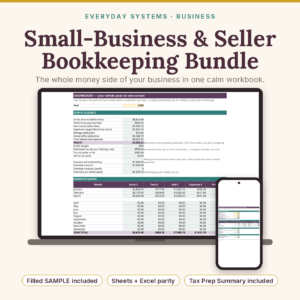
Small-Business & Seller Bookkeeping Bundle (the money side of the same shop) · Email Marketing Templates for Sellers (the launch, restock and sale emails this planner schedules)
Reviews
There are no reviews yet.