
Description
Savings Goals & Sinking Funds Tracker Spreadsheet for Google Sheets & Excel — Goal Progress Bars, Savings Planner, Printable Savings Charts
What’s Included (your download)
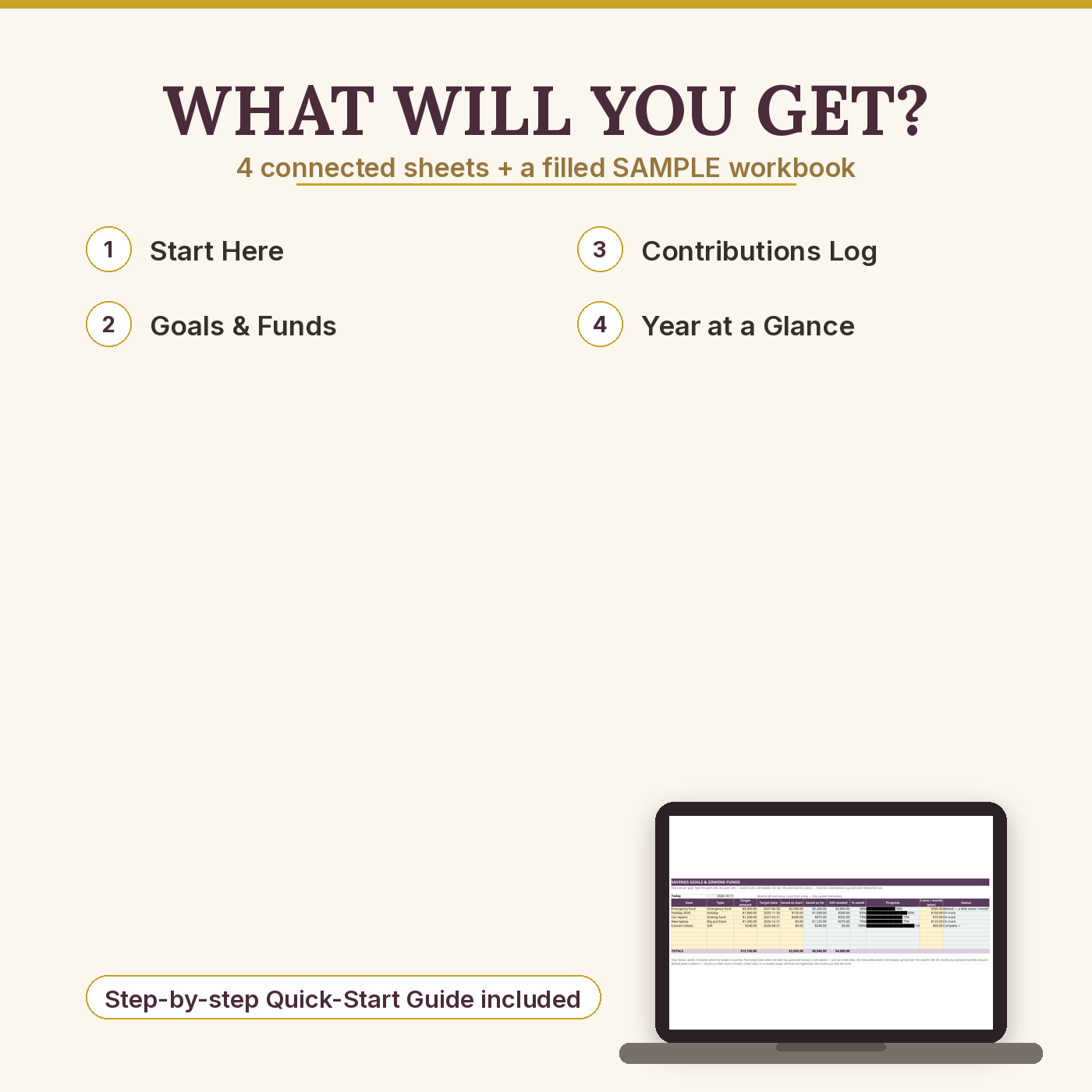
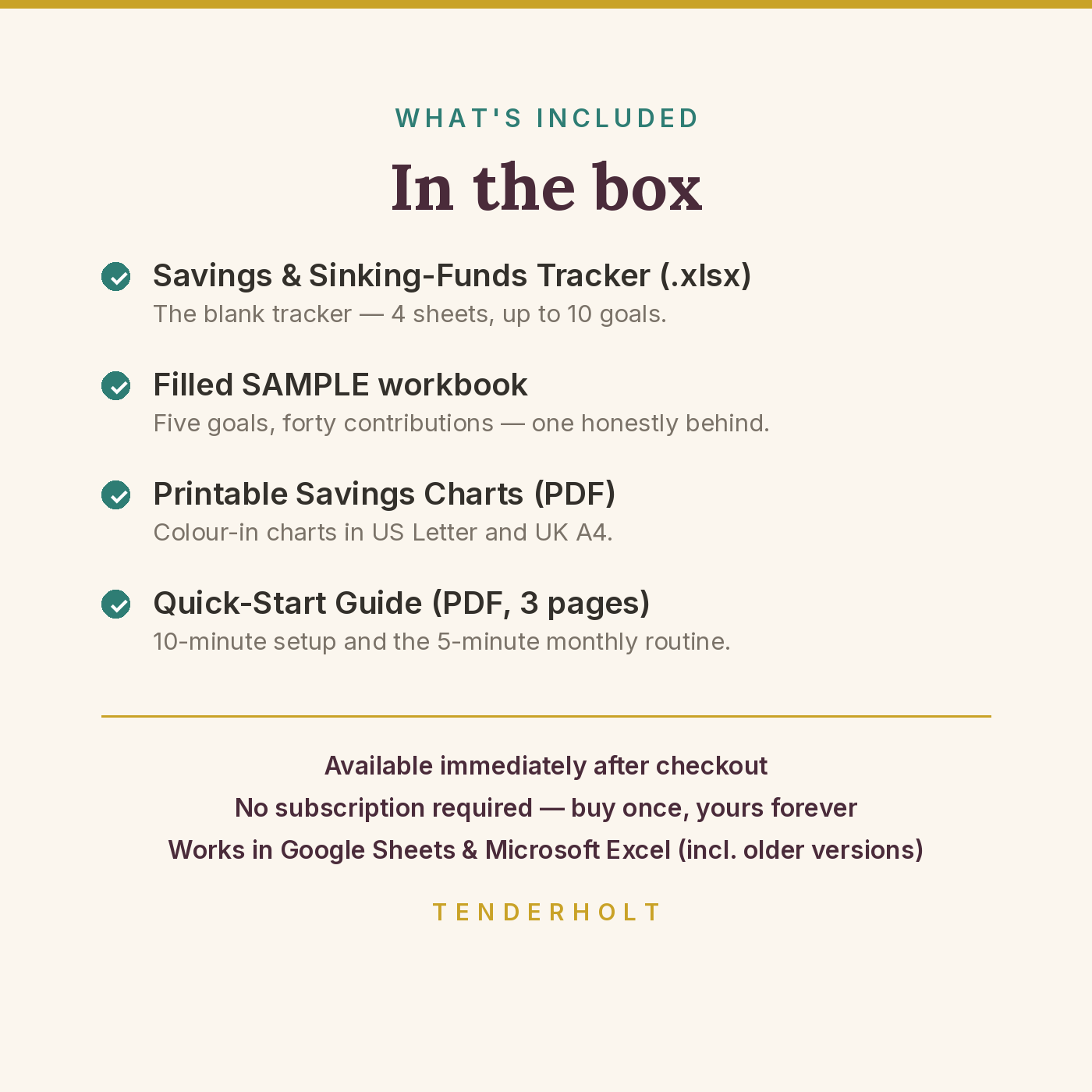
- Savings-Sinking-Funds-Tracker.xlsx — the blank tracker (4 sheets) for up to 10 goals and 150 logged contributions
- Savings-Sinking-Funds-Tracker-SAMPLE.xlsx — the same tracker filled with a working saver’s five goals, so you can see exactly what “working” looks like before you start
- Printable-Savings-Charts-US-Letter.pdf + Printable-Savings-Charts-UK-A4.pdf — four paper charts: a one-goal colour-in chart, a five-goal fridge-door overview, an annual sinking-funds grid, and a paper contributions log
- Quick-Start-Guide.pdf — 3-page guide: 10-minute setup, the 5-minute monthly routine, reading the status honestly, troubleshooting
- Free updates: if we improve these files, the improved versions are yours
Product Details
Overview
Saving works when you can see it working. This tracker holds every savings goal and sinking fund in one place — the emergency fund, the holiday, the car repairs you know are coming — and shows each one filling up: how much you’ve saved, how much is left, a progress bar, and an honest status that tells you whether your current pace reaches your target date. Log a line when money moves; everything else calculates itself. Predictable costs stop being emergencies, and goals stop being wishes.
What’s Included
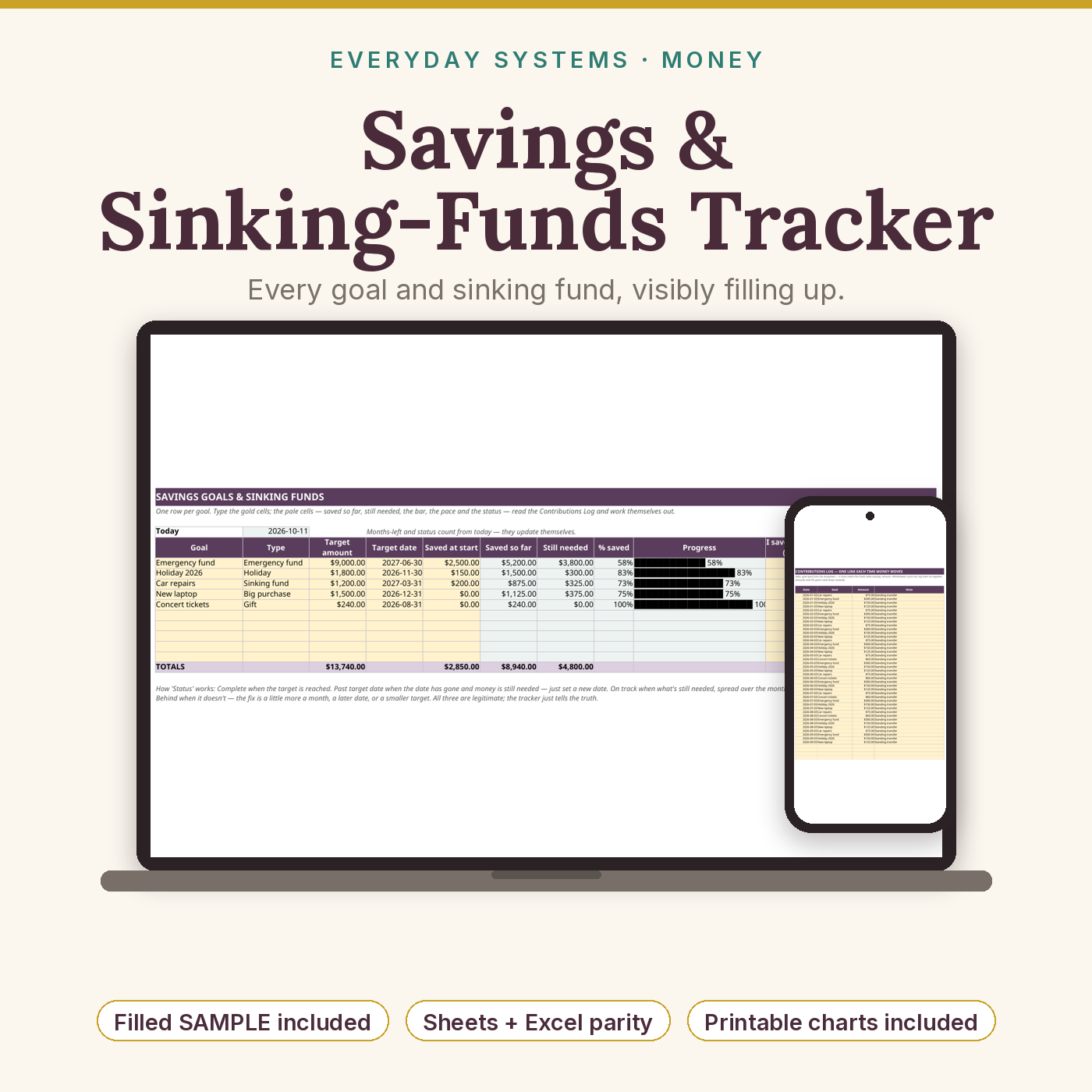
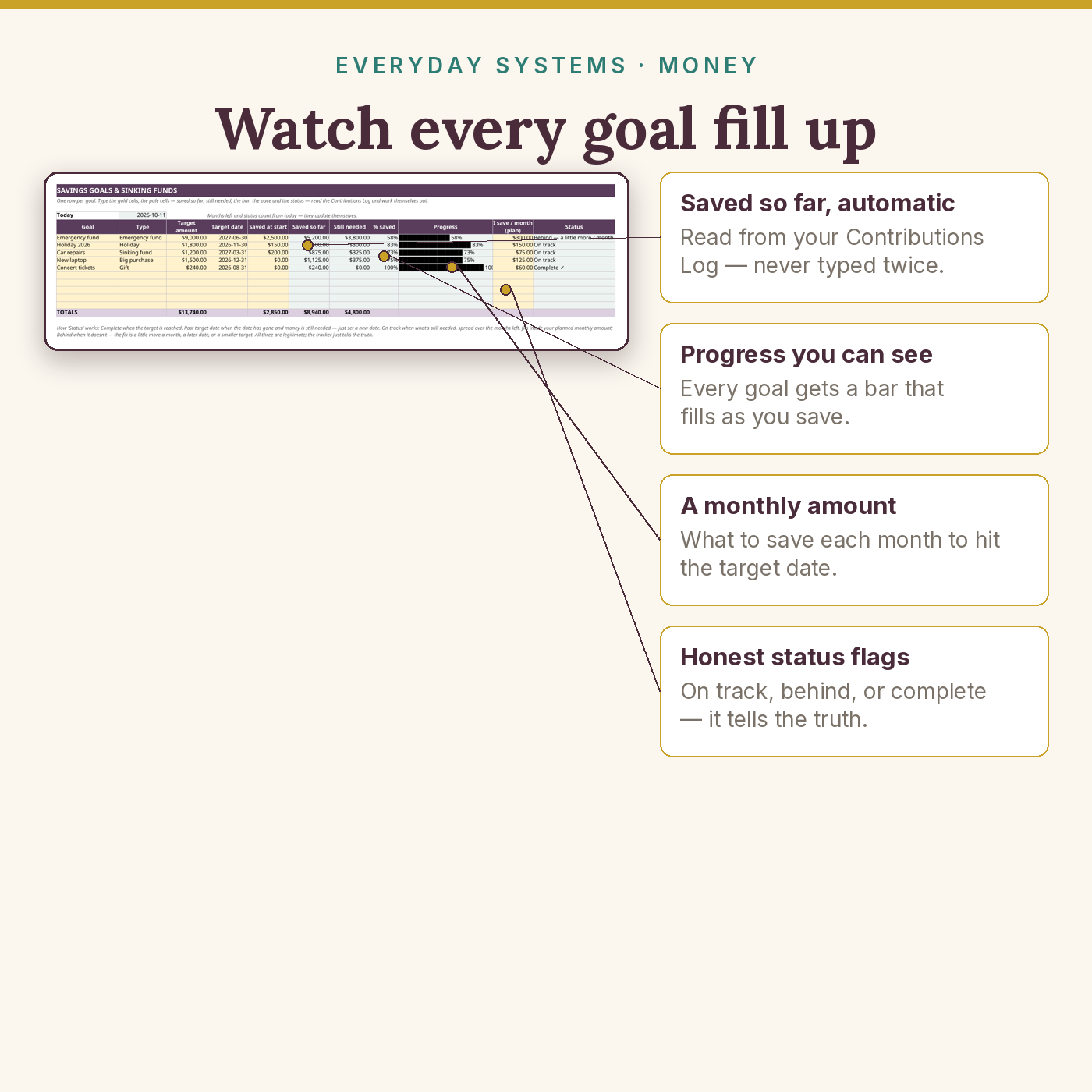
- Goals & Funds sheet — up to 10 goals or sinking funds, each with type, target amount, target date, saved so far, still needed, % saved, a cell-based progress bar, your planned monthly amount, and a live status (On track / Behind / Complete / Past target date)
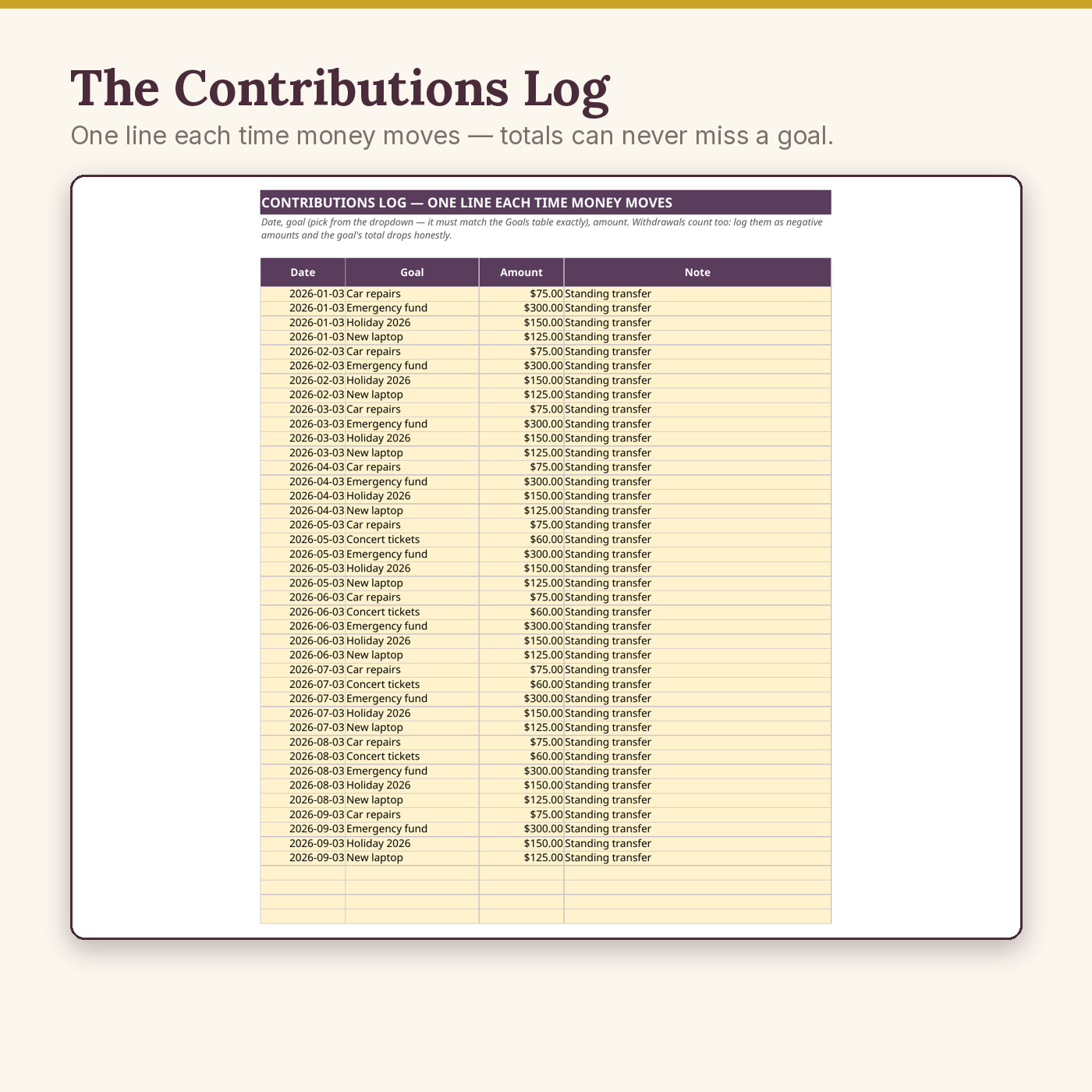
- Contributions Log — one line per movement of money (150 lines), with a goal dropdown fed by your own goal names so totals can never miss; withdrawals log as negatives and drop a goal honestly
- Year at a Glance sheet — pick a year: contributions month by month and the running total saved across all goals
- Printable savings charts (US Letter + UK A4) — a 20-box colour-in chart per goal (one box = 5%), a five-goal overview, an annual sinking-funds grid, and a paper log — the fridge-door layer spreadsheets can’t be
- Filled SAMPLE file — five goals, forty contributions: one goal complete, most on track, one honestly behind, flagged in time to fix
- Quick-Start Guide (PDF) — setup, the monthly routine, and troubleshooting in large, readable type
Key Benefits
- Progress you can see. Every goal carries a bar that fills as you save — in the spreadsheet, and on paper on the fridge
- An honest pace check. The status doesn’t just cheerlead: if your current monthly amount won’t reach the date, it says Behind while the fix is still small
- Sinking funds end fake emergencies. Car repairs, insurance, Christmas — costs with a fund behind them are expenses, not crises
- Five minutes a month. Standing transfers plus twenty-second log lines; the tracker does all arithmetic
- Private and yours. No app, no subscription, no bank logins — your numbers never leave your file
Who Is This For?
- Anyone with more than one thing to save for who keeps losing track of which money is promised to what
- Beginners building a first emergency fund who want to watch it grow
- Families smoothing the year’s predictable spikes — holidays, birthdays, school costs, annual bills
- Paper-and-fridge people: the printable charts carry the same system off-screen
How It Works
- Download and make your own copy (Google Sheets: File → Make a copy; Excel: Save As).
- On Goals & Funds, name each goal with its target, date, what’s already saved, and your planned monthly amount — about 10 minutes.
- Each time money moves into a goal, add one line to the Contributions Log (pick the goal from the dropdown).
- Read the bars and the Status column monthly; print a chart for the fridge if paper motivates your house better.
Why It’s Different
Most savings trackers are a single page inside someone’s giant budget workbook — pay for the whole machine, get one useful tab. This is that module extracted and finished properly as a standalone: a real contributions log instead of totals you retype, progress bars built from compatible formulas that work identically in Sheets and Excel, a status line with the courage to say “Behind”, and something the spreadsheet-only sellers never offer — printable charts in both US Letter and UK A4, so the system lives on the fridge as well as in the file. The included SAMPLE is a working tracker, not a tidy demo: one goal complete, one behind, exactly like real saving.
Delivery & Compatibility
Instant download after checkout: two .xlsx files and three PDFs. Works in Google Sheets (free) and Microsoft Excel 2019 / 365, and calculates correctly in Excel 2016 — only standard formulas (SUMIF, REPT, TODAY and friends), no macros, no dynamic arrays, nothing to install. The charts print cleanly at 100% on US Letter and UK A4 (separate files, properly sized — not one file stretched to fit both). Amounts are currency-neutral: switch the number format to £ or € in one step. Download limit 5, links valid 365 days, and your files also wait in your account’s Downloads library — lose them and we’ll re-send, no questions.
Disclaimer
This tracker is an educational organising tool, not financial advice, and it makes no promise about your results. The sample saver is fictional; the numbers illustrate the file. A tracker can’t create money — it helps the money you already move work on purpose. If your situation involves significant debt or distress, a nonprofit credit counsellor or a fee-only financial adviser can give advice for your exact circumstances.
Reviews
There are no reviews yet.