

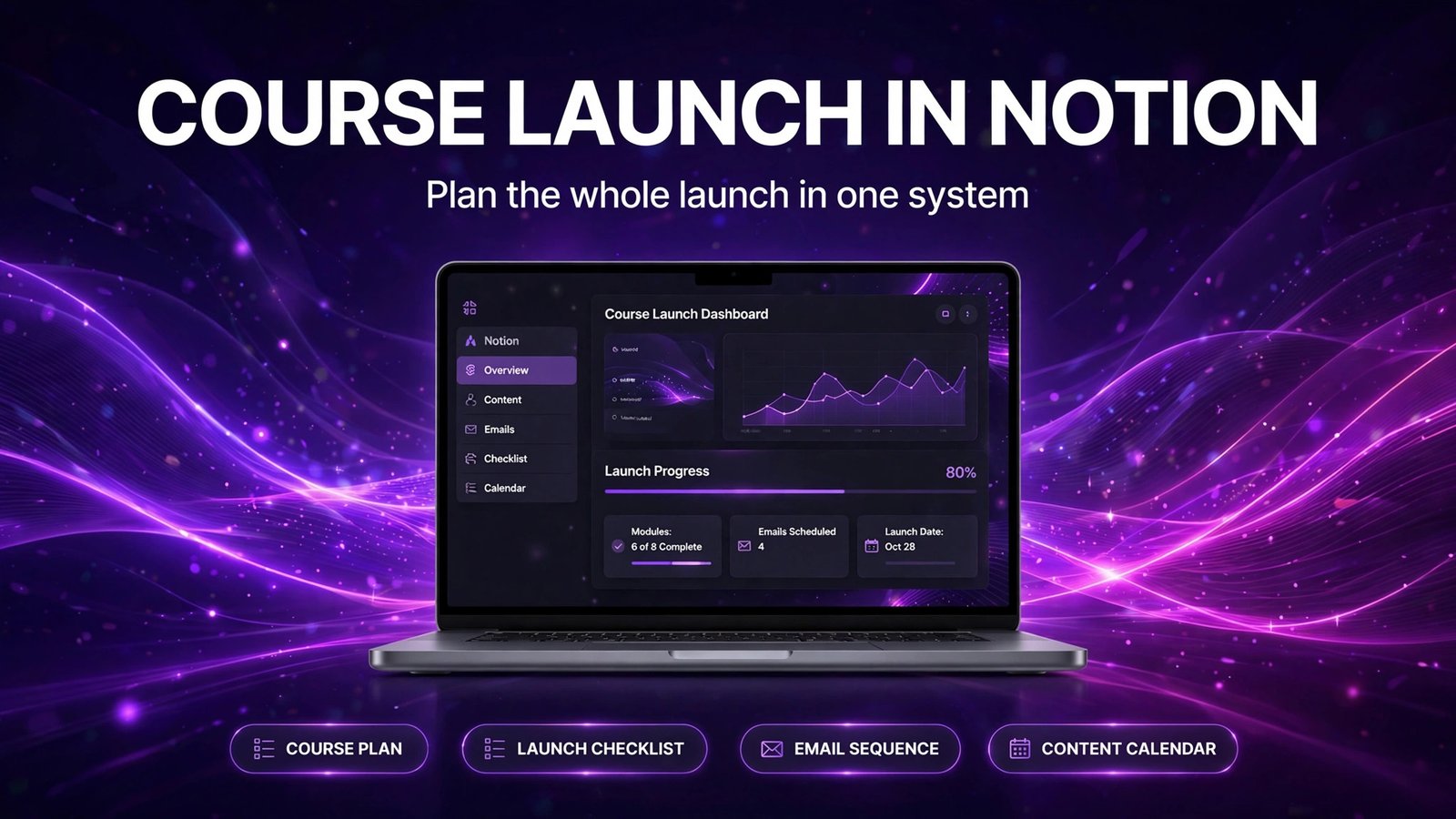
You have a course in you. You’ve had it for eight months. The outline lives in a Google Doc from February, three lessons are recorded in a folder called “final_FINAL,” the sales page is a blank page, and the launch plan is… vibes. Every few weeks you feel guilty about it, open the folder, and close it again.
Courses don’t die because the knowledge wasn’t good. They die in the gap between “I know this” and “people can buy this” — the long, unglamorous stretch of scripting, recording, editing, emails, assets and launch-day logistics. That’s not a talent problem. It’s a systems problem. Here’s how to run the whole thing — creation, writing, email and launch — from one calm Notion workspace.
Why Courses Die Before Launch
Most course launches fail for one of three reasons, and none of them is “the content was bad”:
- Creation chaos. The outline is in your head, lessons are half-recorded across folders, the worksheets live somewhere else. Without lesson-by-lesson tracking, you never know what’s actually done — so everything feels unfinished and nothing ships.
- Audience silence. You build in a quiet room, then try to launch to nobody. The writing — the newsletter, the posts, the story of why this course matters — needs a system that runs alongside the build, not after it.
- Launch-day scramble. Assets aren’t ready, outreach never happened, nobody knows what goes live when. A good product with a bad launch looks like a bad product.
The fix isn’t working harder. It’s one workspace where the course, the content and the launch all live, so nothing slips through the gaps.
The System, in Four Parts
| Template | Job it does | Price |
|---|---|---|
| Course Creator OS | Build the course: outline modules, script and track every lesson, file every asset, run launch tasks | $49 |
| Writer & Newsletter OS | Write the audience: capture ideas, run drafts through a pipeline, ship the weekly newsletter | $39 |
| Email Marketing OS | Sell by email: campaigns, sequences, swipe file, templates and frameworks | $49 |
| Product Launch OS | Run the launch campaign: assets, outreach, launch-day runbook, retro | $29 |
All four are Notion templates: after checkout you get a link, one click duplicates it into your own Notion, and a free Notion account is all you need. Every one carries a 30-day money-back guarantee. Now what each one actually holds.
Course Creator OS — build the course like a project
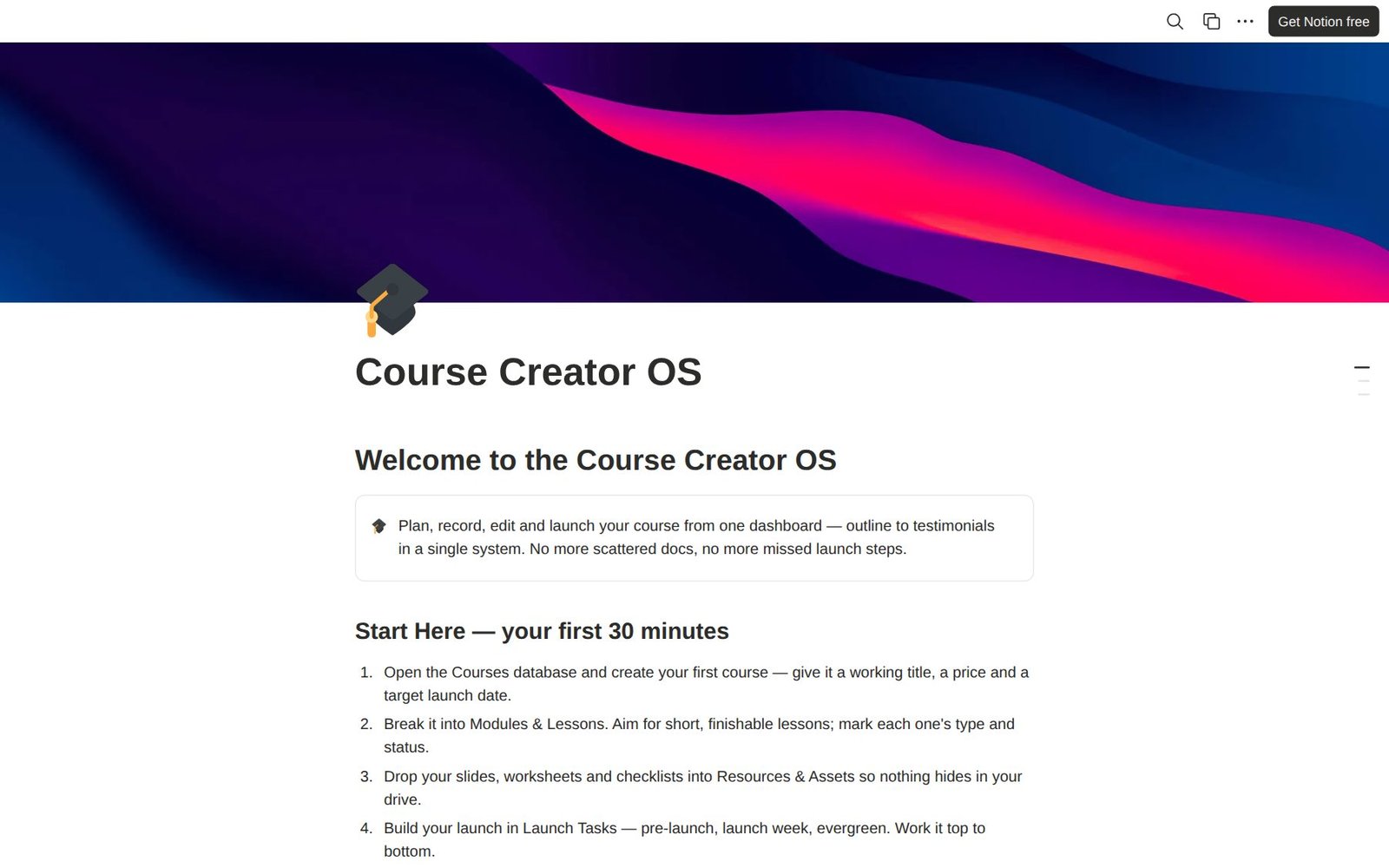
Course Creator OS ($49) turns “someday I’ll launch” into a tracked project. Five databases, 18 example rows, and the structure course builders actually need:
- Courses — every course you’re working on: status from Idea to Launched, price, launch date. The big picture.
- Modules & Lessons — every lesson with its type (Video, Text, Quiz, Assignment), status from Planned to Published, and duration. Lessons move through Scripted → Recorded → Edited → Published, so you always know exactly what’s done and what’s next.
- Resources & Assets — slide decks, worksheets, checklists, audio and links, filed per course. No more “where is that worksheet” panic.
- Launch Tasks — the phased task list: Pre-launch, Launch Week and Evergreen tasks with due dates and Done ticks.
- Testimonials & Reviews — student quotes with star ratings and a permission tick, so your sales-page proof is ready to use.
- AI Assistant Prompts — five prompts built for course work: a course outline from a topic, a lesson script from bullet points, quiz questions for a lesson, a 4-email sales-page sequence, and a testimonial request message.
- Course Build Checklist — the five things to finish before you record lesson one.
Writer & Newsletter OS — write the audience while you build
A course launched to silence is a launch that fails. Writer & Newsletter OS ($39) is the writing system that runs alongside your build: capture every idea, score the best ones, move drafts through a pipeline, and ship a newsletter issue every week. Four databases, 15 example rows:
- Ideas Bank — every idea filed with its content pillar, hook, and a score so the best ideas rise instead of the newest ones.
- Writing Pipeline — every piece across formats (Newsletter, Post, Thread, Article, Script), tracked from Idea to Published with a publish date.
- Newsletter Issues — every issue with send date, subject line, open rate and status. This is your list, and the list is the asset.
- Swipe File — hooks, headlines, stories, CTAs and structures worth stealing.
- AI Assistant Prompts — five: 10 hooks from one idea, a newsletter outline, a rewrite in your voice, an article-to-thread conversion, and 10 subject lines.
- Weekly Writing Session — a 5-item checklist for one focused writing block a week.
Start the newsletter while you build the course. By launch week, you’re emailing people who already trust you.
Email Marketing OS — the selling machine
Email is the only channel you truly own, and launches are won in the inbox. Email Marketing OS ($49) is the whole email operation in Notion: batch-write your emails, schedule them on a calendar, and keep your ideas, templates and frameworks in one place. Write once a week, send all week. Five databases, 19 example rows:
- Campaigns — every campaign tracked from Idea to Sent, with send date, subject line, and open and click rates.
- Email Library — every email filed by type: Welcome, Newsletter, Sales, Launch, Re-engagement.
- Sequences — multi-email sequences with purpose, email count and status.
- Ideas & Swipe File — subject lines, hooks, stories, offers and CTAs you collect.
- Templates & Frameworks — PAS, AIDA, Story, Offer and Direct templates, each with when to use it.
- AI Assistant Prompts — five: 20 subject lines for one email, a 5-email welcome sequence outline, a launch email written from your product notes, a newsletter from a week of notes, and a win-back email.
Product Launch OS — make launch week a campaign
Product Launch OS ($29) is the launch-day-and-after system: plan the launch, build the assets, line up the outreach, run launch day from a checklist, and keep the retro so the next launch is bigger. Five databases, 17 example rows:
- Launches — every launch: product, launch date, platform (Product Hunt, Gumroad, AppSumo, Social Media), status.
- Launch Tasks — phased tasks: Weeks Before, Launch Week, Launch Day, After Launch, each with Done ticks.
- Assets & Copy — taglines, screenshots, demo video, first comment, social posts, emails — every asset tracked from Not Started to Ready.
- Outreach — hunters, bloggers, communities, newsletters, press: tracked from To Contact to Posted.
- Results & Retro — your launch metrics, plus what worked and what to do differently next time.
- AI Assistant Prompts — five: 10 tagline options, a first comment for a launch post, an outreach DM, launch-day social posts, and a post-launch retro summary.
- Launch Day Runbook — a 6-item checklist for the big day itself, so nothing depends on your memory at 8am.

The AI Layer: Why These Aren’t Just Databases
Every one of the four systems ships with wired-in AI prompts — copy-paste prompts built for the exact job, not generic ChatGPT tricks. That’s twenty prompts across the set:
- Course Creator OS: course outline from a topic, lesson script from bullet points, quiz questions, a 4-email sales-page sequence, testimonial request message.
- Writer & Newsletter OS: 10 hooks from one idea, newsletter outline, rewrite in your voice, article-to-thread conversion, 10 subject lines.
- Email Marketing OS: 20 subject lines, 5-email welcome sequence outline, launch email from product notes, newsletter from a week of notes, win-back email.
- Product Launch OS: 10 taglines, first comment for a launch post, outreach DM, launch-day social posts, retro summary.
The honest version: these don’t replace your expertise. They replace the blank page and the forty minutes of staring at it. In a launch, the boring writing — outreach DMs, testimonial requests, launch-day posts — is exactly what gets skipped under pressure, and skipped is what kills momentum. Prompts wired into the workflow mean the writing actually happens.
A Realistic 8-Week Launch Timeline
If you’re starting from scratch, here’s the shape of the work:
- Weeks 8–6: Build. Course Creator OS open daily. Outline every module, script the lessons, record in batches. Run the Course Build Checklist before lesson one. Target: all lessons at least scripted by week 6.
- Weeks 5–3: Write. Writer & Newsletter OS weekly — one writing session, one newsletter issue. Start talking about the course’s problem, not the course. Meanwhile, Email Marketing OS holds the launch sequence: draft the welcome emails and the launch-week emails now, while it’s calm.
- Weeks 2–1: Prep. Product Launch OS takes over. Assets & Copy to Ready: taglines, screenshots, demo video, first comment. Outreach pipeline filling: hunters, bloggers, communities, newsletters, press. This is the unglamorous fortnight that decides launch day.
- Launch week: run the 6-item Launch Day Runbook. Post, answer, track. Then the retro: what worked, what to change. The second launch is always bigger — if you kept notes.
If you’d rather have the whole 48-product library than buy one at a time, the All-Access Bundle ($149 launch, regular $199) includes all 48 products in the store — a $1,334 value — plus 1,140 AI prompts, in one purchase.
Launching a Course and Growing a Content Engine
Courses and content feed each other: the course gives you something to sell, the content gives you someone to sell it to. If you want the content engine behind the launch too, our guide on the Notion system for content creators walks through the weekly content workflow that turns one sitting into a week’s worth of posts — the same rhythm that fills a newsletter list before launch week.

Frequently Asked Questions
How long does it take to plan a course launch in Notion? Setting up any of these systems takes an evening: duplicate the template, skim the start-here guide, enter your real data. The launch itself is the work — plan on eight weeks from outline to launch day, with the systems above holding the whole thing.
Can I use these if I’ve never launched anything before? Yes — that’s who they’re for. The example rows in every database show you what “done” looks like, the checklists tell you what to do next, and the Launch Day Runbook walks you through the big day step by step.
Do these replace a course platform like Teachable or Gumroad? No, and they don’t try to. Notion is where you plan, build, write and launch; the platform is where the course lives and gets sold. These systems handle the 90% of a launch that happens before anyone clicks “buy.”
Do I need a paid Notion account to use these templates? No. A free Notion account works for all of them — open the template link, click Duplicate, and it copies into your workspace. You just need to be logged in to see the Duplicate button.
Ship the Course
The course in the folder stays in the folder until there’s a system around it. Outline the modules, track every lesson from Scripted to Published, write to your list while you build, and run launch week from a checklist instead of memory. Start with Course Creator OS if the course isn’t built yet, add Product Launch OS when the date is set — and every system carries a 30-day money-back guarantee, so the only risk is another eight months of “final_FINAL.”