
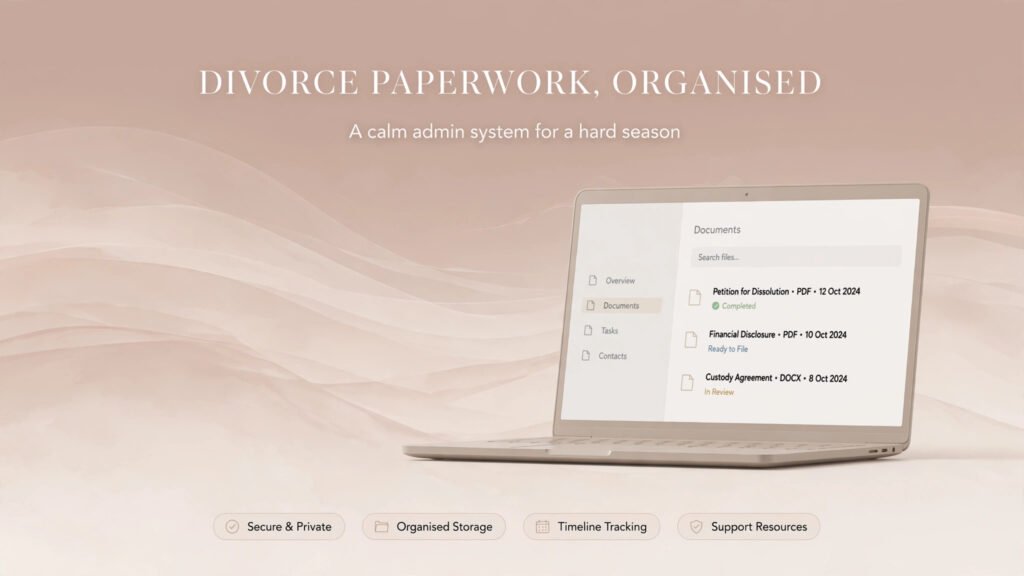
The solicitor’s email says “please find attached.” There are three more emails behind it with documents you haven’t opened yet. The bank accounts are half-split, the important dates are in your head, and every admin task feels like it weighs ten times what it should.
Here’s something worth saying plainly, right at the start: this guide is about paperwork, not law. Nothing here is legal advice, and no template replaces your solicitor. What a template can do — what this one is built to do — is hold the administrative side of a divorce so it stops living in your head: the documents, the money trail, the dates, the schedules. The legal part belongs to your lawyer. The organisational part can belong to a system.
What Actually Needs Organising
A divorce generates an astonishing amount of admin. Most of it falls into five buckets — and the stress comes from them all swirling together:
- Documents. Filings, agreements, correspondence, financial records. Each one arrives in a different format, through a different channel, and each one matters.
- Money. Joint accounts, split expenses, who paid what, what’s still shared. The financial untangling is usually the longest-running thread.
- Dates. Court dates, solicitor meetings, deadlines for paperwork, mediation sessions. Miss one and it costs real money.
- Schedules. If there are children, there’s a co-parenting schedule — pickups, holidays, school events. It needs to be unambiguous and visible to everyone involved.
- Your own notes. The thoughts, the questions for the solicitor, the things you need to remember to ask. A brain under stress is not a reliable filing cabinet.
The goal isn’t to make any of this pleasant. The goal is to make it findable — so that when the solicitor asks for a document, you know where it is; when a date approaches, you see it coming; when money moves, there’s a record.
Divorce Recovery Planner: The Paperwork Home
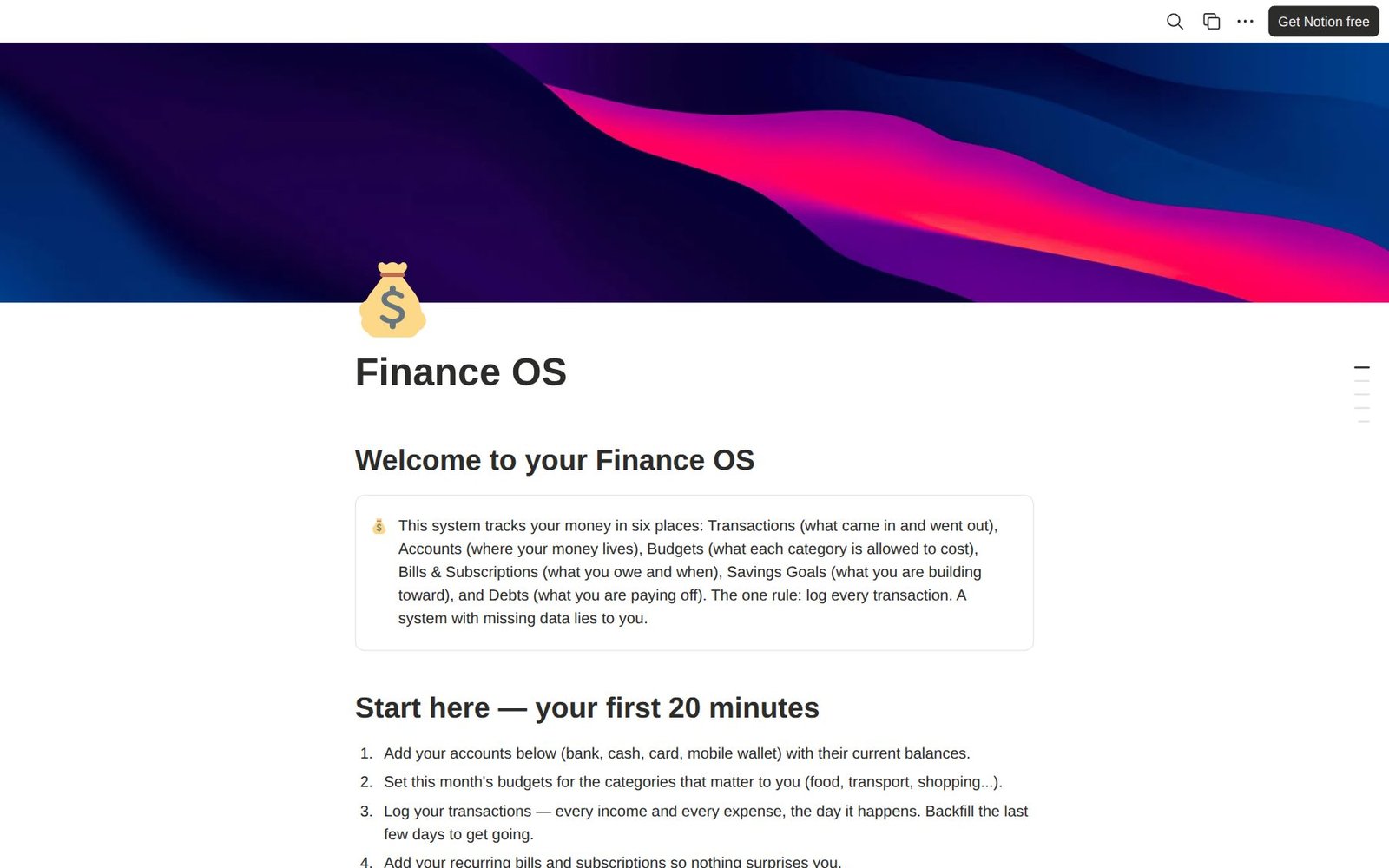
The Divorce Recovery Planner ($24) is built as exactly that home: a Notion system plus a printable PDF, designed as an organiser, not legal advice — that line is on every page of the printables, because the boundary matters.
Here’s what’s inside:
- Documents & Paperwork — a database for every document: what it is, where the original lives, when it arrived, what it’s for. The “where is that filing?” question gets an answer in seconds.
- Finances Split Worksheet — the money untangling, line by line: accounts, who’s paying what, what’s still joint. A working surface for the financial thread, not a replacement for professional advice.
- Co-Parenting Schedule — pickups, drop-offs, holidays and school events in one visible schedule. Unambiguous beats well-intentioned every time.
- Key Dates & Appointments — court dates, solicitor meetings, deadlines. Everything with a date lives here, so nothing relies on memory.
- Healing Journal — a private space for your own entries. The admin is only half the load; this is the other half, acknowledged.
- Support Resources — country-generic resources and guidance, deliberately without invented hotline numbers. What’s there is real and general.
- AI prompts — four carefully written prompts for the hard writing tasks: the difficult email, the clear summary, the organised list of questions for your solicitor.
Delivery is two formats: the Notion system for the living, updating work, and an 8-page printable PDF for the parts you want on paper — the PDF carries the “organiser, not legal advice” footer on every page. It’s $24, and like everything in the store it carries the 30-day money-back guarantee.
The Money Layer: Finance OS
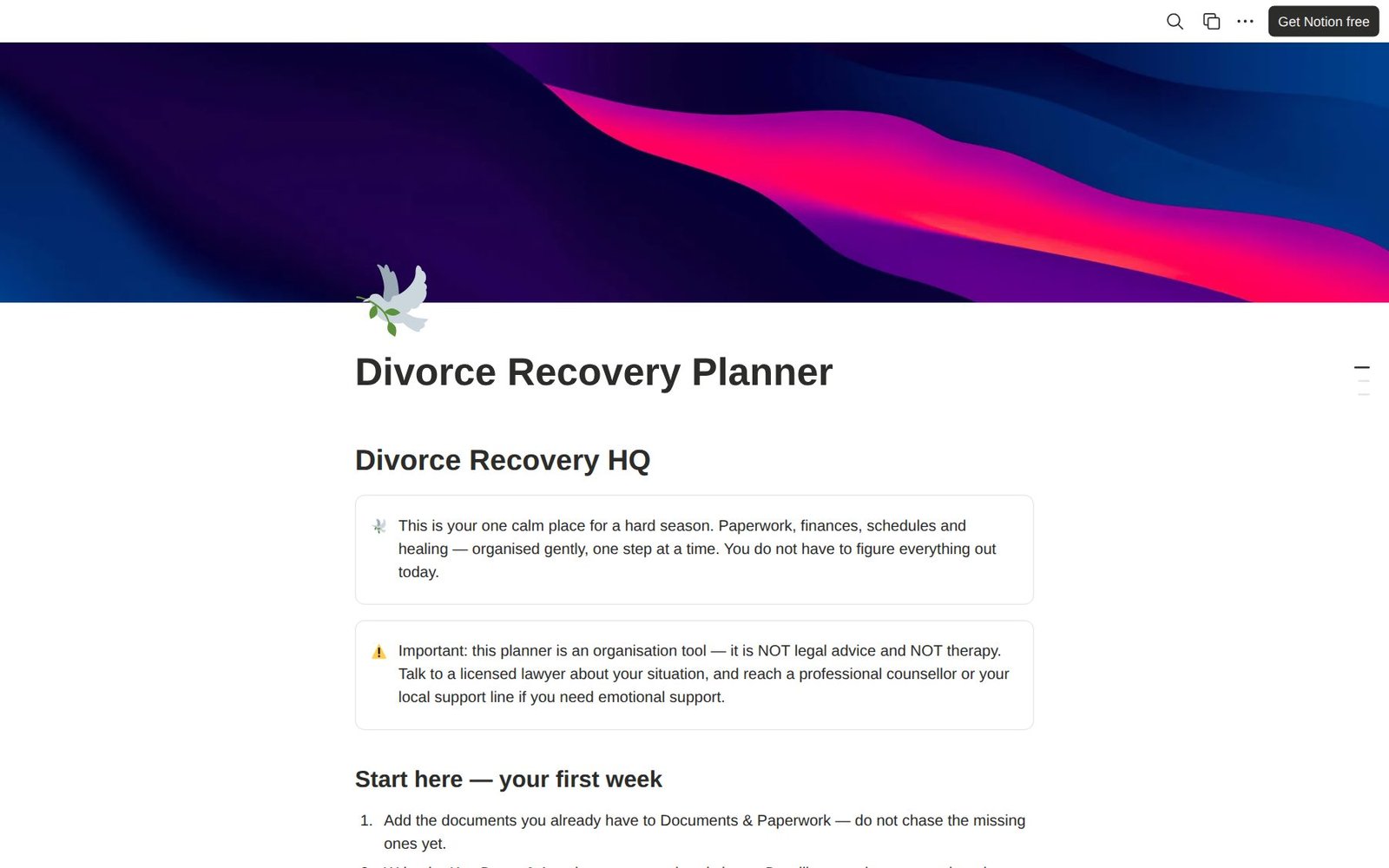
The financial untangling usually outlives everything else. Joint accounts close slowly, shared bills linger, and “who paid for what” becomes a question with a long tail. The streaming subscriptions nobody cancelled. The insurance that auto-renews in both names. The mortgage payment that left one account three months after you thought it was sorted. Each one is small; together they’re a second job.
For that layer, the Finance OS ($39) is the dedicated money system: accounts, transactions, budgets and a clear view of where money stands — useful both during the split and for the single-household budget that comes after. When the split is done and the dust settles, you still need to know where your own money goes. Finance OS is the system that stays.
Finance OS is also one of the 48 products in the All-Access Bundle ($149 launch, regular $199 — a $1,334 value), plus 1,140 AI prompts, if you’d rather buy the whole Notion library in one purchase.
The practical setup: use the Divorce Recovery Planner’s Finances Split Worksheet for the split-specific tracking — what’s joint, what’s moving, who owes what — and Finance OS for the ongoing household money underneath it. Two layers, each doing its own job.
The Home Layer: Home Dashboard (Free)
Divorce rearranges the physical facts of a household. New place, or the same place with half the stuff. Routines break. The boring maintenance of a home — the tasks that used to be split, or just happened — suddenly all belongs to you.
The Home Dashboard is a free Notion organiser for exactly that: household tasks organised room by room — Kitchen, Bathroom, Bedroom, Living Room, Whole Home — each with a done checkbox, pre-filled with example tasks. It’s a small thing, and small things matter when everything else is large. A home that runs is one fewer thing weighing on you.
What the Planner Deliberately Doesn’t Do
Boundaries are a feature. Here’s what this system is not, and why that matters:
- It’s not legal advice. Strategy, rights, what to sign — that’s your solicitor’s job. The planner keeps you organised enough to use their time well, which is the most valuable thing an organiser can do for the legal side.
- It’s not therapy. The Healing Journal is a private space for your own entries, not a treatment. If you’re struggling, a professional is the right call — the planner just makes sure the admin doesn’t make the struggling worse.
- It’s not a communication tool. Co-parenting messages belong in whatever channel you and the other parent have agreed on. The schedule database records what was agreed; it doesn’t replace the conversation.
- It’s not financial advice. The split worksheet tracks the money; it doesn’t tell you what the money should do. Pensions, property, investments — those need professional eyes.
A tool that knows what it isn’t earns trust. This one knows exactly what it is: the calm, findable home for the paperwork.
The Three Tools, Compared
| Tool | What It Holds | Price |
|---|---|---|
| Divorce Recovery Planner | Divorce admin: documents, finances split, co-parenting schedule, key dates, journal + printable PDF | $24 |
| Finance OS | Ongoing money system: accounts, transactions, budgets | $39 |
| Home Dashboard | Free starter: room-by-room household tasks with checkboxes | Free |
Setting Up Your Paperwork Home: The First Hour
Don’t try to organise everything at once. One focused hour, and the system is alive:
- Duplicate the template (5 min). Open the link, click Duplicate, it’s in your Notion. Free account is all you need.
- Create the document inbox (15 min). Make one list — just titles — of every divorce-related document you can think of, wherever it currently lives: email, paper pile, solicitor portal. Don’t file them yet. The list itself is the win; filing comes later, one item at a time.
- Enter your five most important dates (10 min). Next solicitor meeting, next deadline, next court date — whatever’s real. Put them in Key Dates & Appointments. Future dates you don’t enter are dates you’ll worry about.
- Start the money worksheet (20 min). List the accounts: joint, yours, theirs. Note the current state of each in one line. It doesn’t have to be precise yet — “roughly” is fine. Precision comes with the weekly hour.
- Write your solicitor questions (10 min). Every question in your head right now, in one list. Unfiltered. You’ll refine it before the meeting; for now, get it out of your head and onto the page.
One hour. The paperwork has a home now — and the next time an email says “please find attached,” you’ll know exactly where “attached” goes.
The Weekly Admin Hour
The system that works is the one with a rhythm. Once a week — same time, same place — one hour:
- Documents (15 min). File anything new. Anything unfiled gets filed now, not “later.”
- Money (15 min). Update the split worksheet. Note what moved, what changed.
- Dates (10 min). Check the coming two weeks. Anything approaching gets prepared for now.
- Solicitor questions (10 min). Write down every question as it occurs to you during the week, in one list. Bring the list, not your memory, to the meeting.
- Close it (10 min). Journal entry if you want one. Then close the system until next week.
The point of the hour isn’t to dwell. It’s the opposite: to contain the admin to one bounded hour so it stops leaking into every other hour. You’ll know it’s working when Tuesday afternoon feels ordinary again — no background hum, no sudden “oh no, the thing” moments. The system holds it. You get to live the rest of the week.

Frequently Asked Questions
Is the Divorce Recovery Planner legal advice? No — clearly and deliberately not. It’s a paperwork and admin organiser: documents, finances, dates, schedules. For anything legal, work with your solicitor. The planner even includes a list-builder for your solicitor questions, so you get more out of the legal advice you’re paying for.
What format is it? Two formats: a Notion system (duplicates into your free Notion account with one click) for the living documents, and an 8-page printable PDF for the parts you want on paper. Every PDF page carries the “organiser, not legal advice” footer.
Who is this for? Anyone working through the administrative side of a divorce or separation — the documents, the money trail, the dates, the co-parenting logistics. If what you need most right now is one calm place for all of it, this is built for that.
What if it isn’t right for me? The 30-day money-back guarantee applies — email within 30 days of purchase for a full refund. No forms, no hard feelings.
The Quiet Part
Nobody chooses this paperwork. But the paperwork doesn’t care whether you chose it — it just accumulates. A system won’t make it meaningful, but it can make it manageable: findable documents, visible dates, a money trail you can follow, and one hour a week instead of a constant background hum.
Start with the Divorce Recovery Planner ($24) for the divorce-specific admin, add the free Home Dashboard for the household, and bring the Finance OS ($39) when the money layer needs its own home. One calm place. That’s the whole offer.