

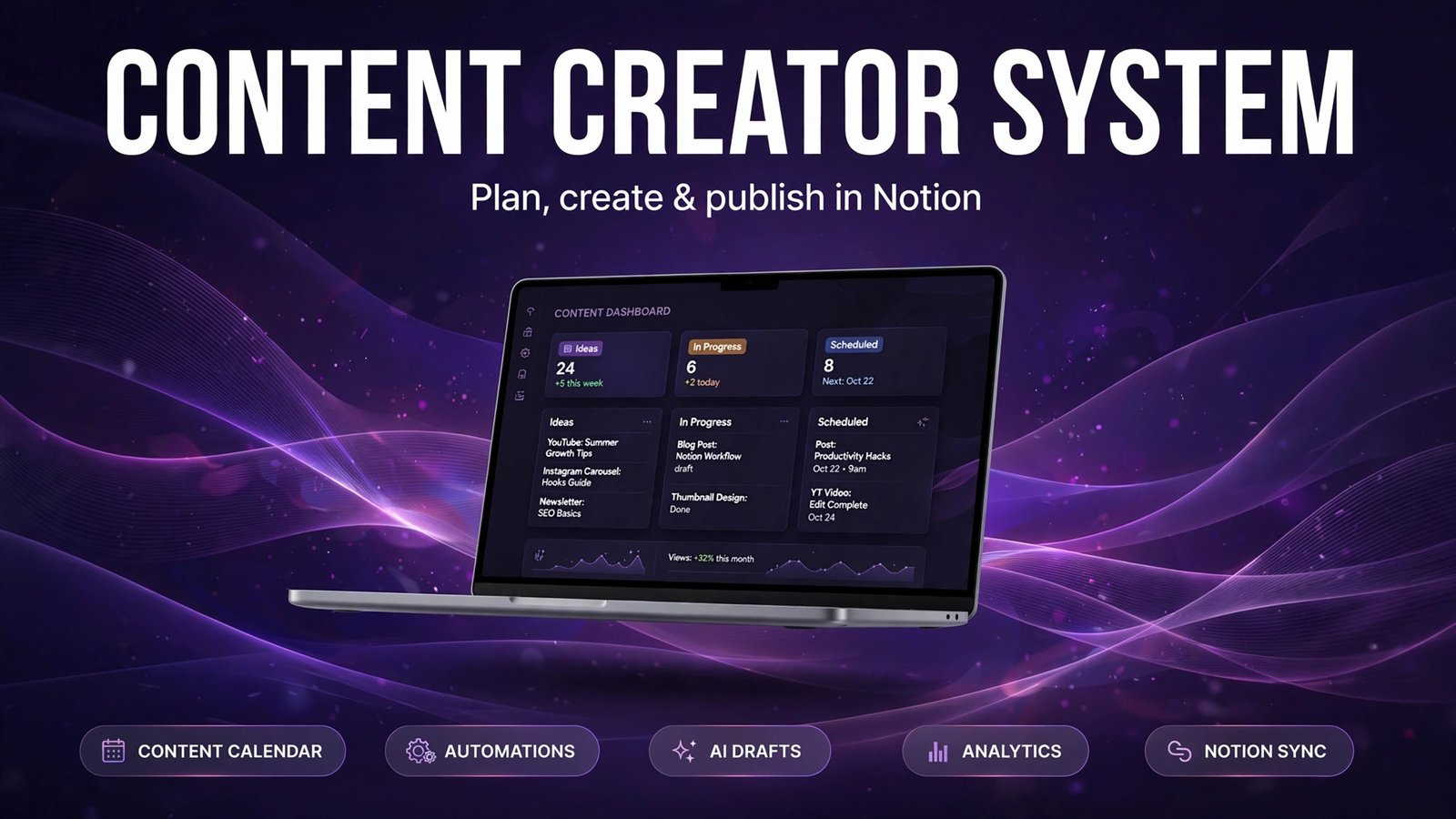
It’s Sunday night. The week ahead is empty — a grid of blank boxes, each one waiting for a post you haven’t planned, an idea you haven’t had yet, and a video you haven’t filmed. You’ve downloaded a “content calendar” template before. It looked beautiful. The boxes were colour-coded. And every Monday morning you still stared at a blank box and wondered what to make.
The problem was never the calendar. Calendars show when. A creator’s real problem is everything before when: the ideas that evaporate in the shower, the half-written scripts in five different apps, the good post that died because repurposing it felt like starting over, the sponsors you meant to follow up with. A calendar organises the output. A system organises the work.
This is what “Notion for content creators” should mean — not a prettier grid, but a full system: ideas in, content out, every week, without the Sunday-night dread. Here’s what that system actually needs, and the templates we built for each layer of it.
Why a Calendar Isn’t a System
A calendar answers one question: what goes out, and when. That’s one step of about twenty. Consider everything a single post passes through before it earns its box on the calendar:
- The idea had to be captured somewhere before you forgot it.
- Somebody — you — had to decide it was worth making, ahead of the forty other ideas competing for the same week.
- It had to become a script, an outline, or at least a talking-point list.
- It had to be filmed, recorded or designed.
- It had to be edited into something watchable.
- It had to be scheduled, with a caption, hashtags and a thumbnail.
- After publishing, its numbers had to be noticed — so next week’s decisions get smarter.
- Then the same idea had to become three more posts on other platforms, or the effort behind it was underused.
Eight steps. The calendar covers one of them. The other seven are where creators actually drown — and they’re exactly the seven that a real system handles. If your current setup is a calendar plus hope, the fix isn’t a better calendar.
The Five Jobs a Creator System Has to Do
Strip away the aesthetics and every working creator system does five jobs. Check any template against this list before you trust it:
1. Capture ideas before they vanish. Ideas arrive in the shower, on walks, mid-conversation. A system has a capture inbox — one place where every idea lands in seconds, without filing, judging or finishing it. Capture and organise are separate jobs, done at separate times.
2. Decide what’s worth making. Forty ideas, seven slots. The system needs a way to score ideas — by how painful the problem is, how strong the hook is, how much effort it takes — so the week fills with the best ideas, not the most recent ones.
3. Move work through production. Idea → Script → Film → Edit → Scheduled → Published. Every post has a visible stage. You can see, at a glance, where the week stands: three ideas, two in edit, one scheduled, one already out.
4. Publish on schedule. This is the calendar’s job, and it matters — but only as the last mile of the pipeline, not the whole system.
5. Learn from what happened. A weekly review: which posts worked, which flopped, what the numbers say, what’s changing next week. Without this, you’re producing content. With it, you’re building an audience.
Now — the templates. Each one below covers part of this stack, honestly described.
The System Itself: What the AI Creator OS Covers
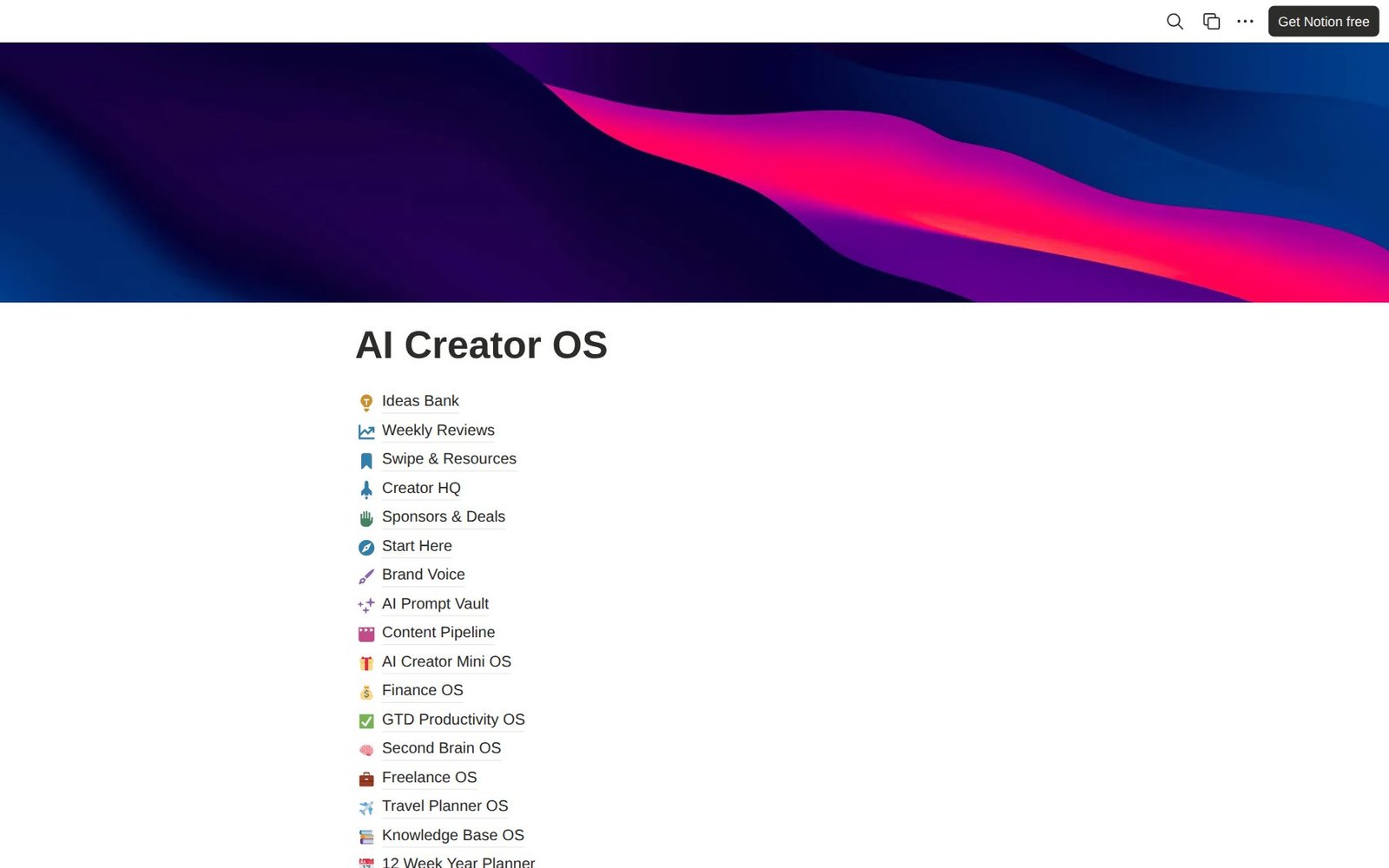
The AI Creator OS ($59 launch, regular $99) is the full stack — all five jobs in one workspace, built around a simple promise: plan, create and publish a week’s content in one sitting, with no team.
It starts with Creator HQ, a dashboard that shows the whole week at a glance: what’s in the pipeline, what’s due, what’s already published. Under it, the databases do the real work:
- Ideas Bank — every idea filed with three scores from 1 to 5: Pain (how much the problem hurts the audience), Hook (how strong the opening is), Effort (how hard it is to make). Sort by total, and the week’s content picks itself. No more “what should I post?” — the scores decide.
- Content Pipeline — the six-stage board: Idea → Script → Film → Edit → Scheduled → Published. Every post moves visibly through production. Bottlenecks are obvious: if five posts are stuck in Edit, you know exactly where the week broke.
- AI Mega-Prompt Vault — 40 full prompts, wired into each pipeline step. Not a random list: there’s a prompt for turning an idea into ten hooks, one for scripting, one for repurposing, one for the weekly review. You use them inside the workflow, at the moment you need them, instead of tab-hopping to a prompt list.
- Repurpose Engine — one video becomes a week’s worth of posts across platforms, with the workflow written out step by step.
- Brand Voice page — your tone, vocabulary and rules, written once, so every AI prompt and every script sounds like you.
- Sponsors & Deals tracker — pitches, rates, deliverables, payment status. The business side of creating, in the same workspace as the content.
- Weekly Reviews — a guided ritual that closes the loop: numbers, lessons, next week’s priorities.
Everything duplicates into your own Notion with one click; a free Notion account is all you need, and every template carries a 30-day money-back guarantee. If you want the fuller story of the philosophy behind it, our guide to notion for content creators walks through the thinking — this post is the practical “what to actually use” companion.
When You Need a Specialist
The flagship covers the whole creator workflow. But some creators have a sharper need — one platform, one job, done deeply. That’s what the specialist systems are for:
| Template | What it does | Price |
|---|---|---|
| SMM OS | Client social media management: brand hubs, content calendar with approval pipeline, onboarding, assets, monthly reports, billing | $29 |
| LinkedIn Creator OS | LinkedIn growth: ideas bank, content pipeline, outreach CRM, engagement log, weekly analytics, profile checklist | $49 |
| Email Marketing OS | Email as a channel: campaigns, email library, sequences, swipe file, copy frameworks, AI prompts | $49 |
| Content Calendar Mini | Free 2-week calendar: 5 platforms, idea to published, with approval status | Free |
A few honest notes on each.
SMM OS is for creators who manage content for clients — freelancers and small agencies. Each client gets a brand hub (business, platforms, brand colours), posts move through a six-stage pipeline with an approval step (Idea → Draft → In Review → Approved → Scheduled → Published), and the system holds onboarding checklists, assets, monthly reports and billing. If your bottleneck is “the client hasn’t approved anything in two weeks,” this is the system that fixes it.
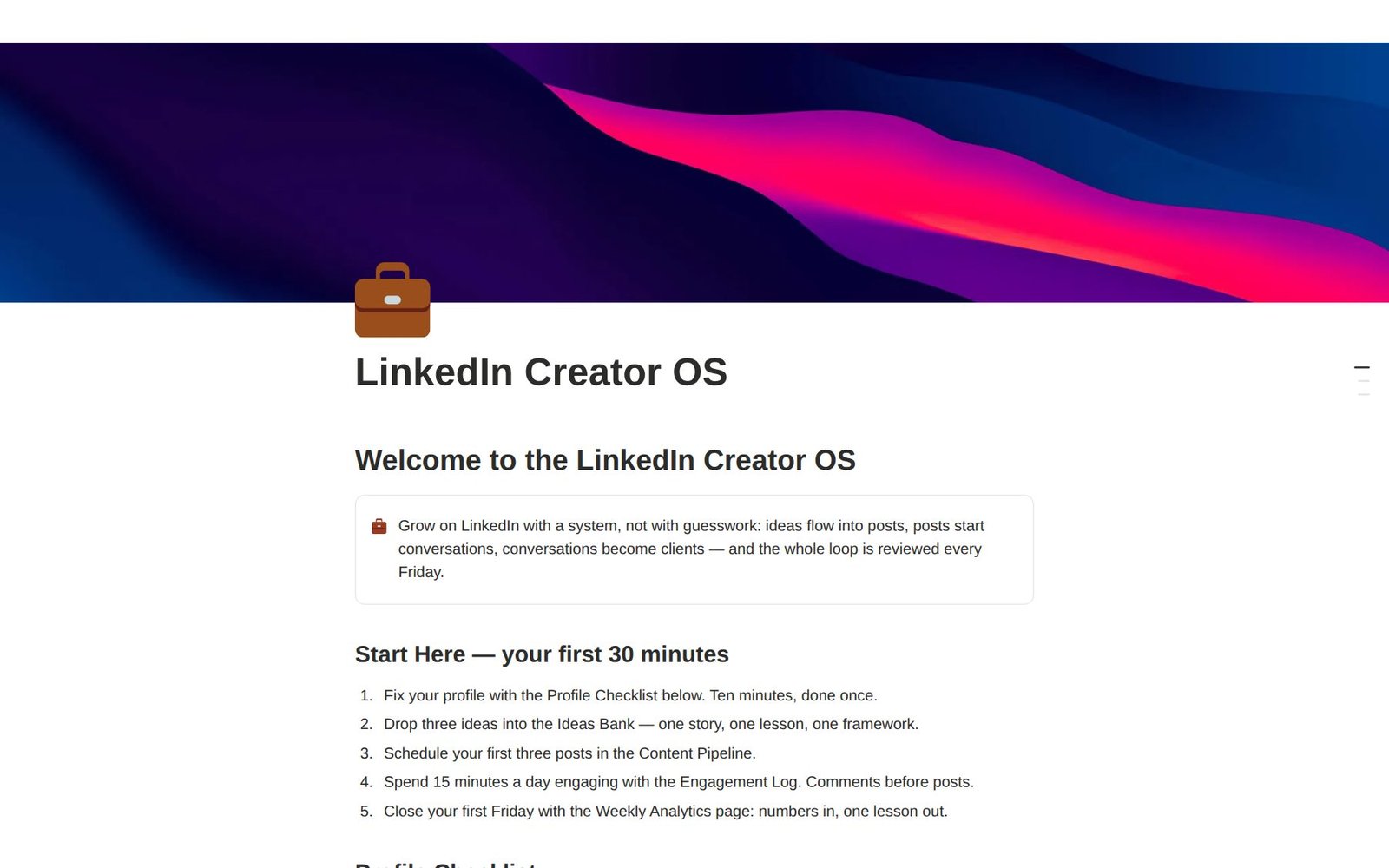
LinkedIn Creator OS treats LinkedIn as its own discipline: an ideas bank with hooks and pillars, a content pipeline, an outreach CRM tracking every person and conversation stage, a daily engagement log, and a weekly analytics review (posts published, impressions, new followers, best post, one lesson). The profile checklist covers the six things a profile needs — banner, headline, about, featured, photo, creator mode. Five AI prompts are wired in: hooks from an idea, story-to-post, carousel outlines, warm DM openers, headline rewrites.
Email Marketing OS is the newsletter-and-sequences system: campaigns tracked from idea to sent with open and click rates, an email library filed by type (welcome, newsletter, sales, launch, re-engagement), multi-email sequences, a swipe file for subject lines and hooks, and copy frameworks (PAS, AIDA, story, offer) with guidance on when each fits. Five AI prompts: subject lines, welcome sequences, launch emails from product notes, newsletters from a week’s notes, win-back emails.
Content Calendar Mini is the free starting point: two weeks of posts across Instagram, TikTok, YouTube, X and LinkedIn, tracked from idea to published with an approval step, example posts pre-filled so it feels real on day one. It’s a genuine working slice — not a teaser — and the honest way to test whether a calendar-shaped system fits you before spending anything.

How a Week Actually Flows
Systems are abstract until you see the week. Here’s the one-sitting rhythm the flagship is built around — Monday morning, roughly two hours:
- Empty the inbox (15 min). Every idea captured during the week is sitting in the Ideas Bank. Score the new ones: Pain, Hook, Effort, 1–5 each. Sort. The top seven are this week’s content. The rest wait — nothing is deleted, nothing is lost.
- Draft the week (45 min). Run the AI prompts against the seven ideas: ten hooks each, pick the strongest, expand into scripts or outlines. The Brand Voice page keeps everything sounding like you. By the end, seven posts exist in at least draft form.
- Produce (45 min). Film the videos, design the carousels, write the LinkedIn posts. The pipeline board shows each post moving from Script to Film to Edit in real time.
- Schedule and repurpose (15 min). Everything goes into Scheduled with captions and publish dates. The Repurpose Engine turns the week’s best video into the secondary posts — the LinkedIn version, the newsletter section, the short clips.
The rest of the week is engagement and the occasional post — the heavy lifting is done. We wrote a full walkthrough of this rhythm in how to plan a week of content in one sitting if you want the hour-by-hour version.
The part people underestimate is the Friday review. Fifteen minutes: which posts beat their average, which died, what changed. The review is what turns a content routine into a growth system — without it, you’re just publishing.
Start Free, Upgrade When It Pays
Here’s the honest path. Start with the Content Calendar Mini (free) and run it for two weeks. If the bottleneck it reveals is “I need the whole pipeline, not just the calendar” — ideas scoring, AI prompts wired into production, repurposing, sponsors — that’s what the AI Creator OS ($59) is for. If the bottleneck is one channel — LinkedIn outreach, client approvals, email sequences — pick the specialist.
And if you want the whole library without choosing: the All-Access Bundle ($149 launch, regular $199) includes all 48 products in the store — a $1,334 value — plus 1,140 AI prompts, in one purchase.
Frequently Asked Questions
Do I need Notion’s paid plan for any of this? No. Every template here works on a free Notion account. After checkout you get a template link; one click duplicates it into your own workspace.
I’m a beginner — is the full AI Creator OS too much? Start with the free Content Calendar Mini. It’s a real working system for two weeks of content. When you outgrow it — when the ideas, the scoring and the repurposing are what you actually need — the full system is waiting.
What’s the difference between the AI Creator OS and the LinkedIn Creator OS? Scope. The AI Creator OS is the whole creator workflow across platforms: ideas, pipeline, AI prompts, repurposing, sponsors, reviews. The LinkedIn Creator OS goes deep on one platform: outreach CRM, engagement logging, weekly LinkedIn analytics. Many creators use both — the flagship for production, the specialist for the channel.
How is this different from just using a spreadsheet or a notes app? Linked databases. In a spreadsheet, your idea list, your pipeline and your analytics are three separate files that drift apart. In Notion, the idea in the bank is the row in the pipeline is the line in the weekly review. One source of truth, three views of it. That’s the whole advantage.
The Calendar Was Never the Job
Nobody’s audience grew because their calendar was colour-coded. Audiences grow from consistency — and consistency comes from a system that handles the unglamorous middle: the captured idea, the scored shortlist, the visible pipeline, the honest Friday review. A calendar is the last mile. Build the road first.
Start free with the Content Calendar Mini, and when the road needs building, the AI Creator OS is the finished version — the whole week, planned and produced in one sitting.