
Description
Meeting Notes System for Goodnotes, OneNote & reMarkable — Hyperlinked Digital Meeting Planner with 52 Structured Meeting Pages, Tappable Index, Decisions Log & Action Item Tracker with Owners and Due Dates | Undated, One Purchase for All Apps
What’s Included (your download)
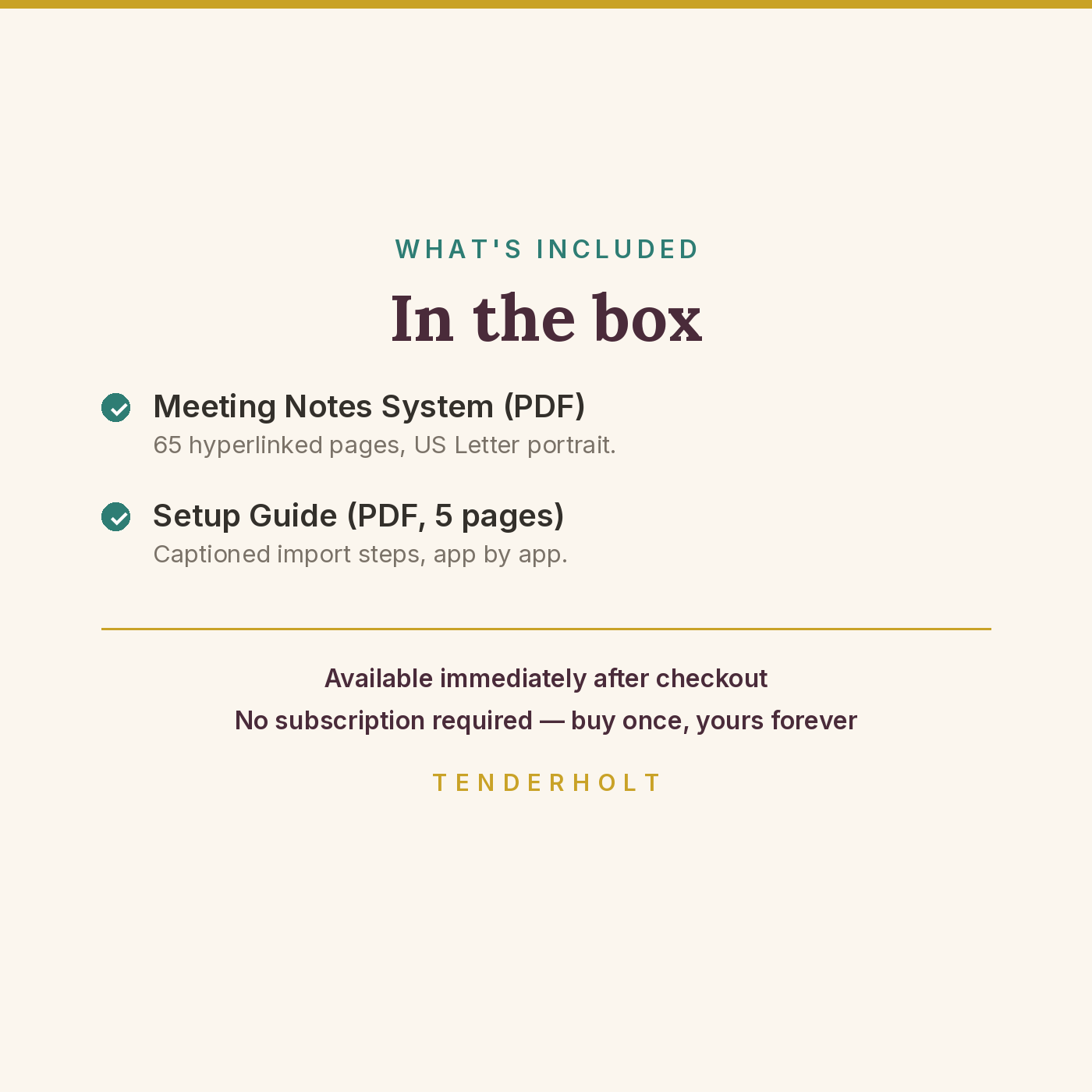
- Cross-Platform-Meeting-Notes-System.pdf (65 pp)
- Meeting-Notes-Setup-Guide.pdf (5 pp)
Product Details
Overview
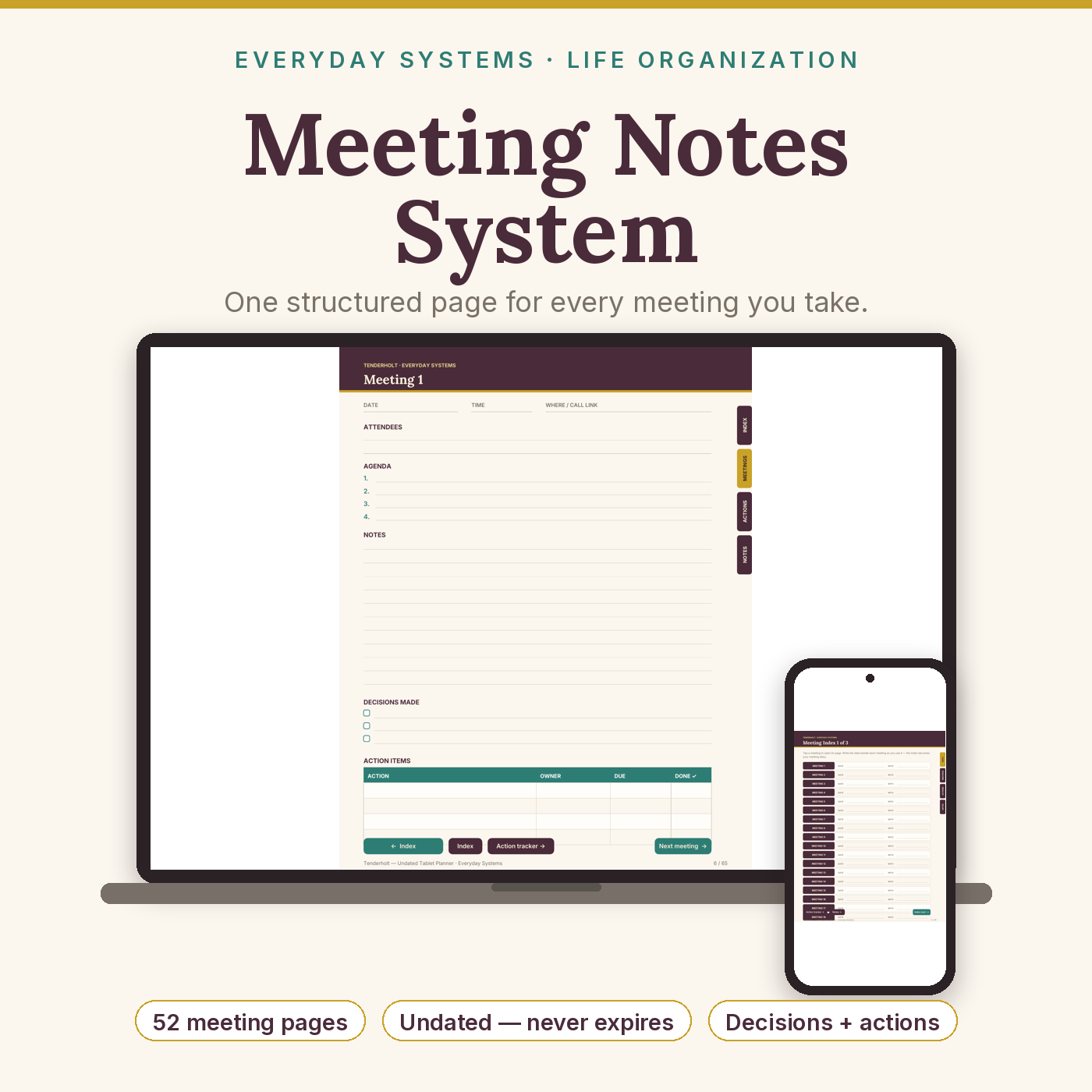
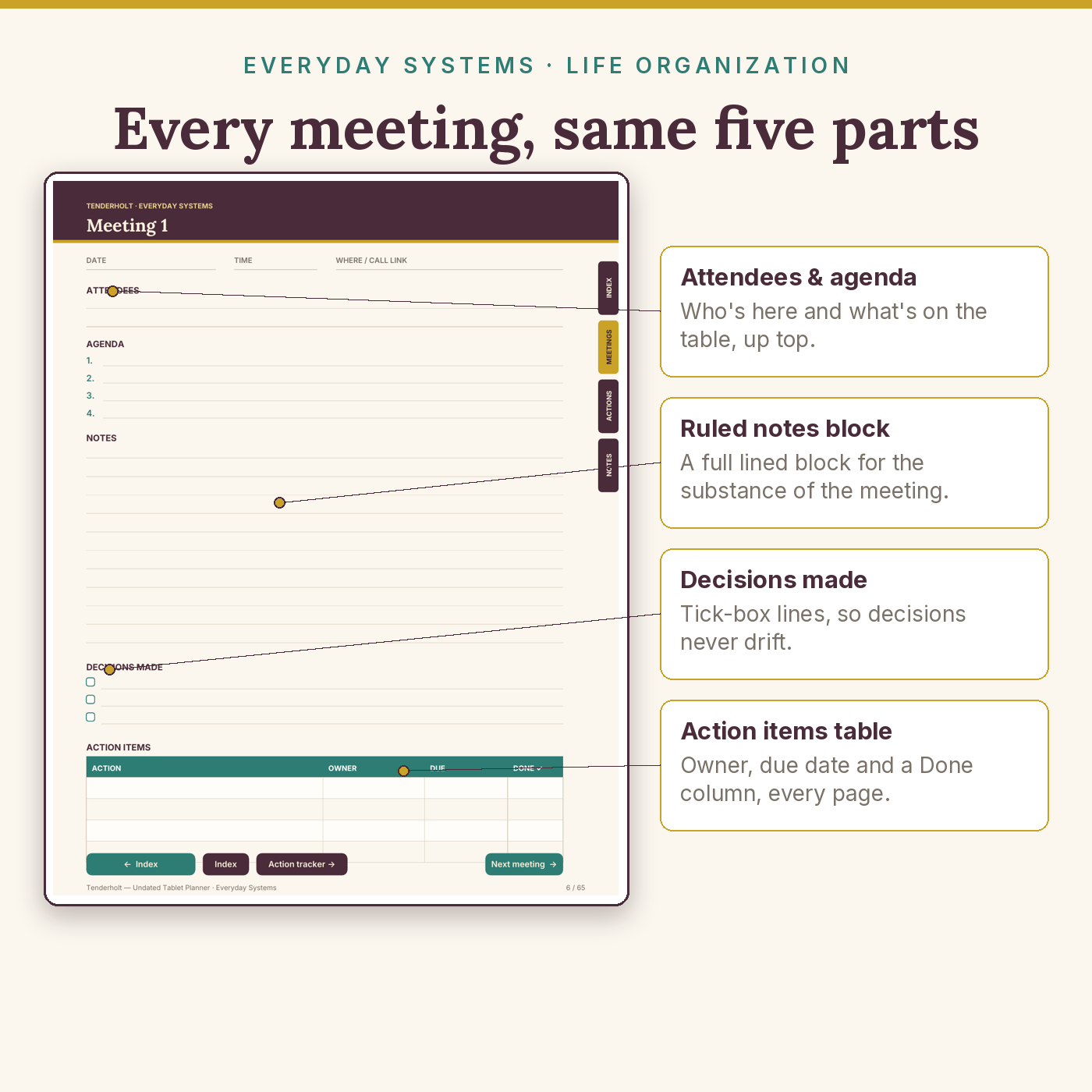
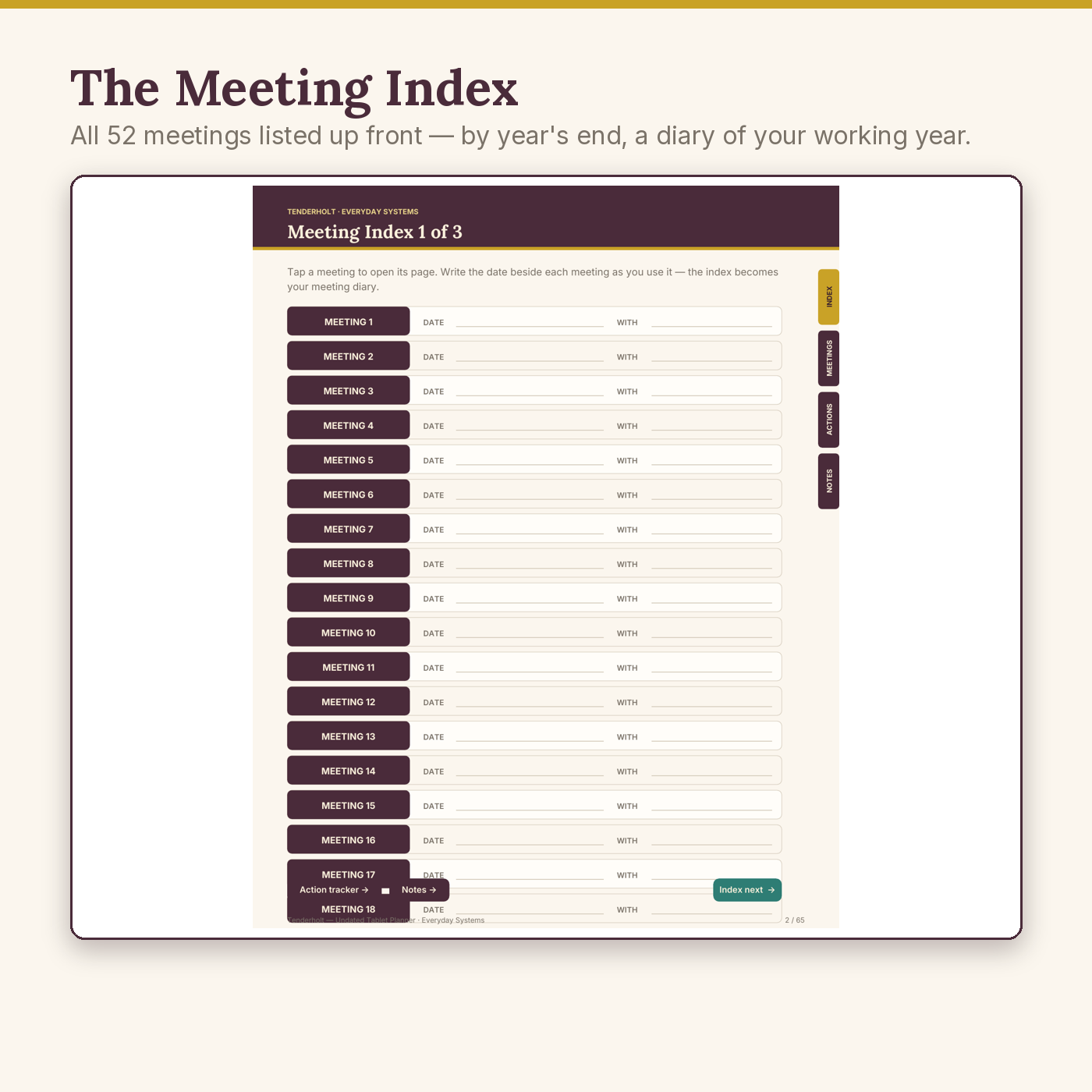
One structured system for every meeting you take — sold once, for all three major tablet apps. Each of the 52 meeting pages (a full year of weekly meetings) carries the same five parts: date/time/attendees, agenda, notes, decisions made, and an action-item table with owner and due-date columns. A 3-page tappable index sits in front — write the date and who you met as you go, and by year’s end the index is a diary of your working year, every line still tapping straight to its meeting.
What’s Included
- Cross-Platform-Meeting-Notes-System.pdf — 65 hyperlinked pages, US Letter portrait
- Meeting-Notes-Setup-Guide.pdf — 5-page captioned setup guide: import for Goodnotes, OneNote (Windows and the Mac path) and reMarkable, duplication, troubleshooting
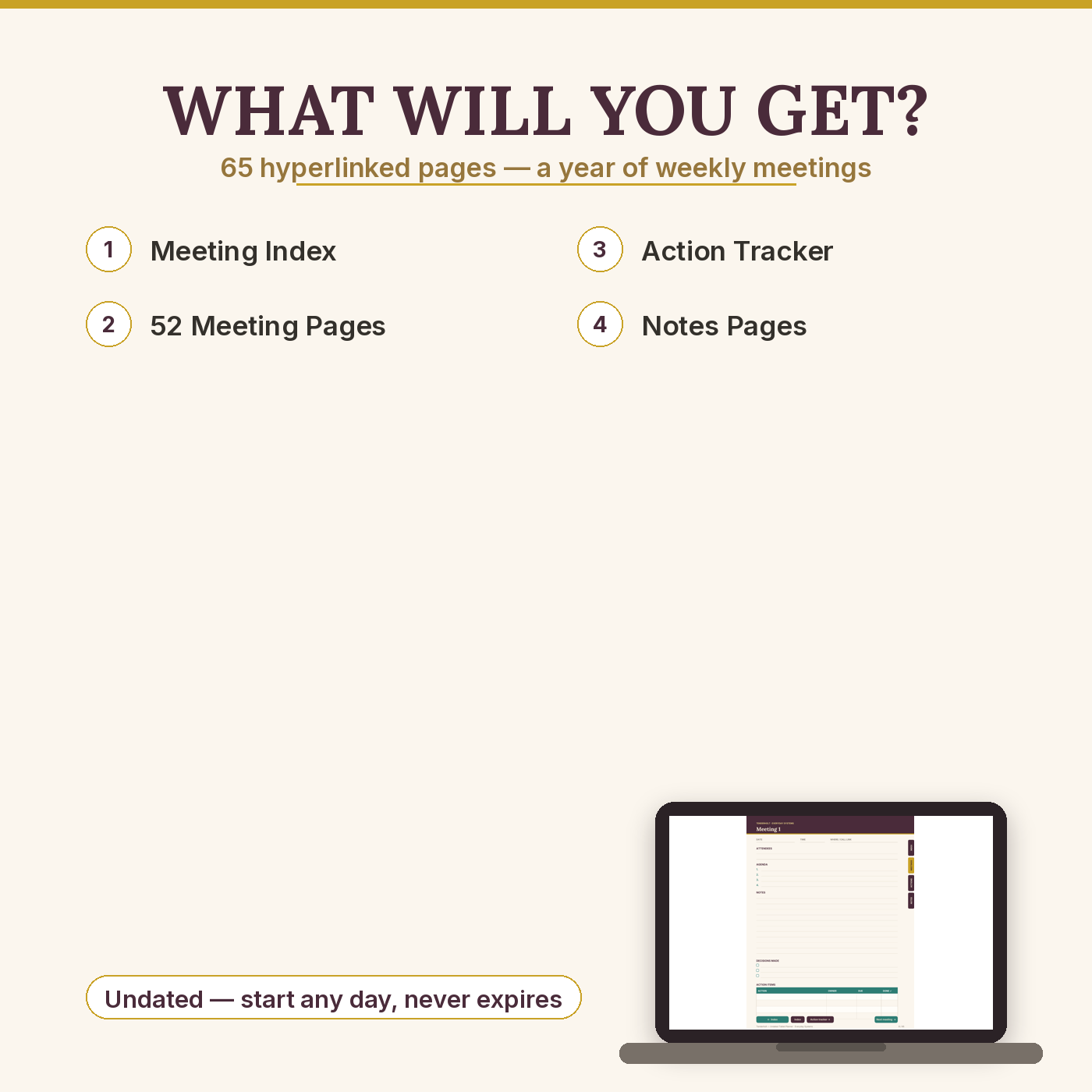
- Page map: cover · 3-page tappable Meeting Index (52 entries with date/with write-ins) · section divider · 52 structured meeting pages (date, time, where, attendees, 4-line agenda, ruled notes, decisions checklist, action items table: Action / Owner / Due / Done) · section divider · 2-page Action Tracker (42 rows — every meeting’s promises in one Monday-morning view) · section divider · 4 notes pages
- 531 working tap links — index entries, meeting prev/next chains, tracker jumps, edge tabs — every link machine-tested before release
Key Benefits
- The same five-part page, every meeting — decisions and action items stop evaporating into notebook margins
- Action items with owners and due dates — plus a master Action Tracker that gathers them across all 52 meetings
- A year of meetings, one tap apart — the index turns into your meeting diary as you fill it
- Undated and cross-platform — one purchase covers Goodnotes, OneNote and reMarkable; nothing expires
Who Is This For?
- Managers, team leads and consultants who run or attend weekly meetings
- Freelancers and small-business owners who need decisions and promises written down, findable later
- Anyone whose current system is a notebook they can’t search and a memory they’d rather not trust
How It Works
- Download the two PDFs; import with the setup guide (2 minutes per app).
- Before each meeting, tap its index line (or the next blank meeting page), fill the agenda.
- During the meeting, notes go in the middle; decisions and action items get their own boxes at the bottom. Copy the actions into the Action Tracker when the meeting ends.
Why It’s Different
Most meeting-notebook files are a stack of identical lined pages with a nice cover. This one is a system: an index that becomes a diary, a decisions log on every page, action items that name an owner and a date, and a cross-meeting tracker where those promises collect. Rivals also sell the same content per app — a OneNote edition here, a reMarkable edition there; ours is one purchase for all three, with an honest setup guide that includes the OneNote-on-Mac path other sellers leave their buyers to discover. And all 531 links were machine-verified to land on the intended page before release.
Delivery & Compatibility
Instant download of 2 PDFs (system file approx. 0.3 MB). Goodnotes 5/6: full tap-link navigation. reMarkable: full tap-link navigation, designed to read clearly in greyscale e-ink. OneNote (Windows & Mac): OneNote converts inserted PDF pages into pictures — true of every PDF in OneNote, from any seller — so pages arrive in order to write on, and navigation is via OneNote’s page list (name pages “Meeting 1”, “Meeting 2”… using the printout setting in the guide — the closest thing to tabs OneNote allows). US Letter pages print cleanly for paper handouts.
Disclaimer
This is a note-taking and organisation tool. You are responsible for your own records and for any confidentiality or data-protection duties that apply to your meetings. App names (Goodnotes, OneNote, reMarkable) are trademarks of their owners; this product is not affiliated with or endorsed by them. Inside OneNote, tap-link navigation is unavailable because OneNote renders PDF pages as images — stated here and in the setup guide so you can choose with full information.
Reviews
There are no reviews yet.