
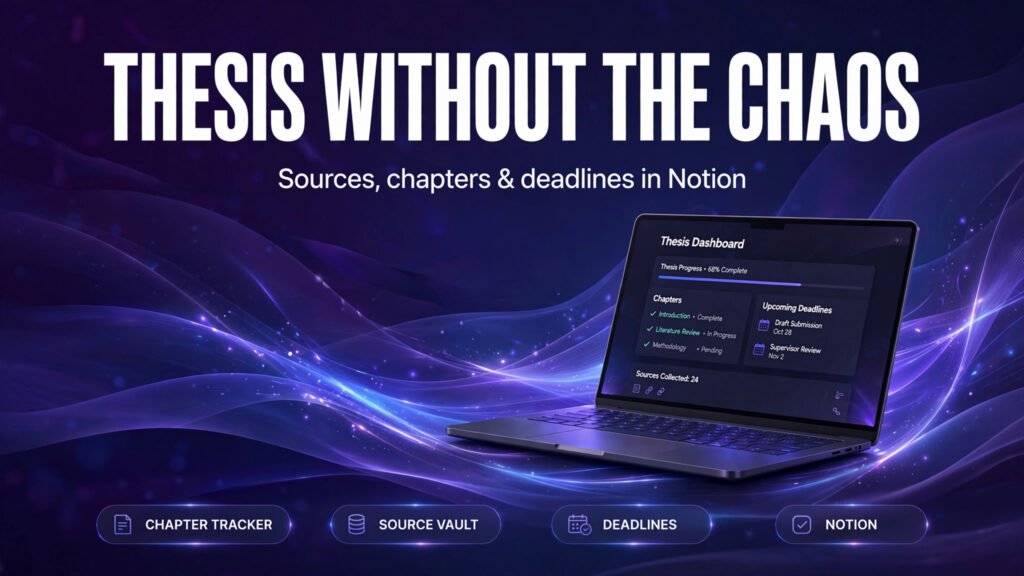

It’s month eleven of your thesis. You have four hundred browser tabs, a desktop folder called “final_final_USE_THIS_ONE,” and a supervisor email that says, politely, “where are we on the literature review?” You read a paper six months ago that said exactly what you need to say in chapter two — and you cannot find it. Not the PDF, not the author’s name, not even which folder it might be in.
Nobody tells you this before you start, so here’s the truth: the hard part of a thesis is almost never the thinking. The thinking is the part you’re good at — that’s why you’re here. The hard part is the management: hundreds of sources, five chapters moving at different speeds, meetings that happen once a month, and a defense that sits on the calendar like a cliff edge you keep not looking at.
A thesis is the longest single project most people will ever run. It deserves a system built for long projects — not a folder of PDFs and hope. Here’s how to build one in Notion, and exactly what goes where.
Why Theses Fall Apart (It’s Never the Writing)
Let’s name the failure modes, because the system below is designed against each one:
- Lost sources. The paper you read in month three, with the perfect quote, vanishes. You spend a week re-finding it. Multiply that by fifty papers and you’ve lost a month of your life.
- Invisible progress. “Working on chapter two” can mean anything from a blank page to a finished draft. When progress has no shape, motivation drains — and supervisors can’t help because they can’t see where you’re stuck.
- Everything lives in five apps. Sources in Zotero or a folder, notes in a notebook app, chapter drafts in a word processor, meeting notes in email. Nothing connects to anything, so nothing is findable.
- Meetings without memory. You meet your supervisor, agree on three actions, and both of you forget two of them by next month. A month of work steers slightly wrong — and nobody notices until the next meeting.
- Defense prep at the last minute. The defense feels far away until it’s suddenly eight weeks away, and then there’s a frantic scramble to re-read everything you wrote two years ago.
Notice: none of these is “I can’t write.” They’re all organisation. That’s good news — organisation is a system, and systems can be built.
The System, Stage by Stage
A thesis has natural stages. When the workspace mirrors them, every piece of work lands somewhere meaningful instead of floating. Here are the seven stages, and what “done” looks like for each:
| Stage | What’s happening | “Done” looks like |
|---|---|---|
| Question | Narrowing the research question | One clear question, written down |
| Lit Review | Reading, summarising, mapping the field | Every source captured with a takeaway |
| Method | Choosing and defending your approach | Method section drafted, approved by supervisor |
| Data | Running the study, collecting material | Data collected and organised |
| Drafting | Writing chapters, in order | Each chapter at first-draft stage |
| Revision | Editing, tightening, responding to feedback | Supervisor feedback addressed, chapters polished |
| Defense | Preparing the presentation and viva | Slides done, mock questions practised |
The magic is that a source isn’t just “a PDF in a folder” — it belongs to a stage. A meeting isn’t just “a chat” — it produces actions that attach to stages. When everything is filed by stage, the whole thesis has a shape, and the shape tells you what’s next.
One Workspace for All of It
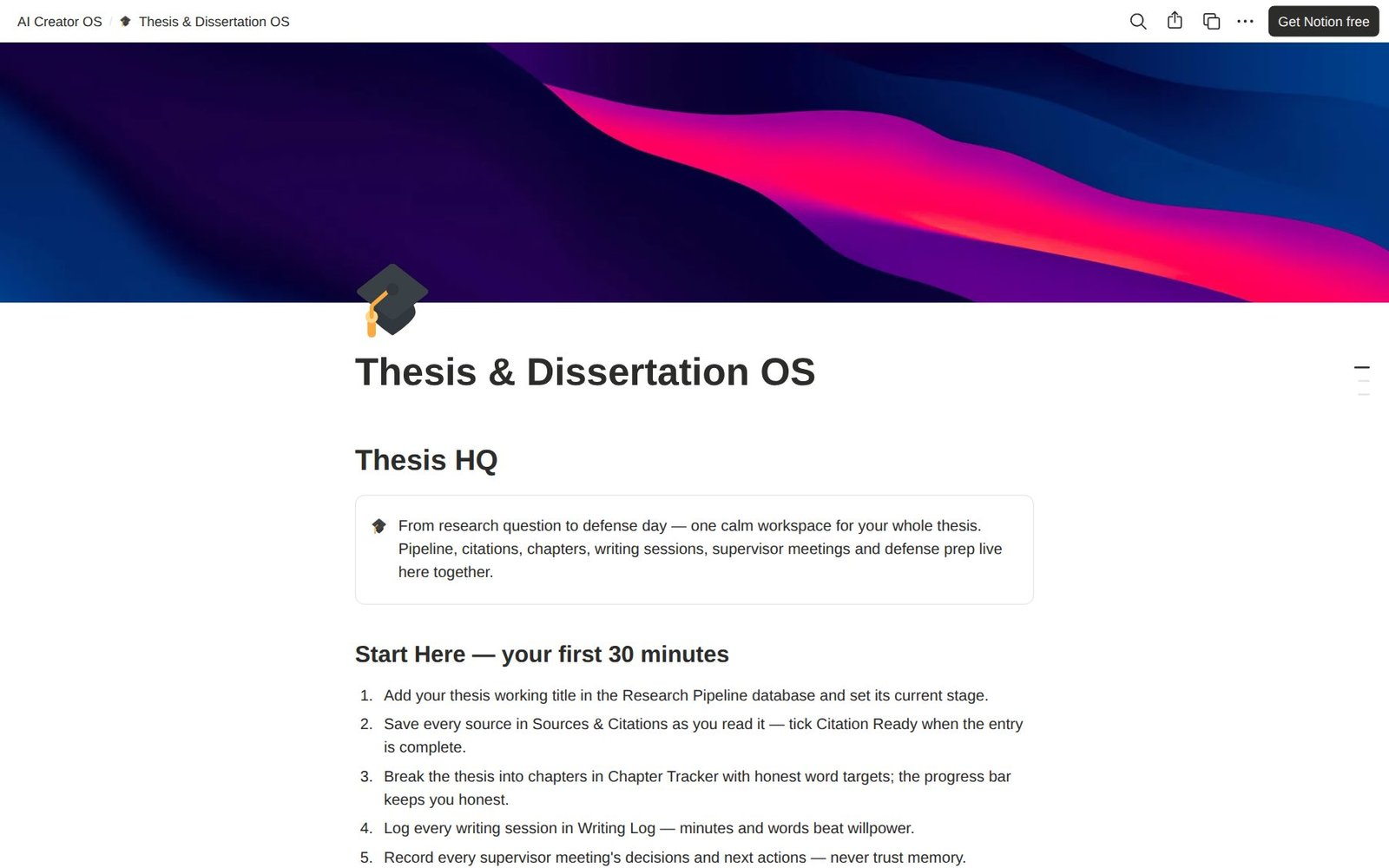
This is what Thesis & Dissertation OS ($29) is built to hold — one Notion workspace, the full arc from first research question to defense day:
- Research Pipeline — every work item tracked across those 7 stages, with a progress % and next step per item. This is the screen you open every morning: it answers “what do I work on today?” in one glance.
- Sources & Citations — every paper gets an entry: citation details, where the PDF lives, and — the part that saves months — your own summary of what it says and why it matters to your argument.
- Chapter Tracker — each chapter with its stage, a Progress % formula that fills as you write, and notes on what’s missing. “Chapter two is at 60%” is a fact you can see; “working on chapter two” is a feeling you can’t act on.
- Writing Log — a daily log of what you wrote. Not for anyone else — for you, so the slow days stop feeling like zero days.
- Supervisor Meetings — every meeting logged with agreed actions. Walk into each meeting with the last one’s actions visible; walk out with the new ones recorded.
- Defense Prep — a section for the final push: your presentation, likely questions, and your answers.
It also includes 4 AI Research Prompts — a literature-summary helper, a thesis outline builder, an academic-tone rewriter, and a mock viva examiner. And here’s the part that matters, stated plainly:
Academic integrity first. This is a planning and research organiser — it organises your research, your notes, your writing. The AI prompts support outlining and summarising your own notes; they do not write the thesis for you. Your university’s academic-integrity rules always apply, and nothing produced by a prompt should ever be submitted as your own work. The system exists to make your real thinking visible and manageable — not to replace it.
Thesis & Dissertation OS is sold separately as a focused graduate-student system ($29, 30-day money-back guarantee). It arrives with example data filled in, so you can see a living thesis workspace on day one and replace the examples with your own work in an evening.
Capture Like a Researcher
The single habit that separates calm thesis writers from frantic ones: every source gets a takeaway, in your own words, the day you read it. Not a highlight. A sentence. “This paper argues X, which supports my chapter-two claim, but its method has a limitation I should address.”
That one sentence is what turns a reading list into an argument. When it’s time to write chapter two, you don’t re-read fifty papers — you read fifty of your own sentences and the structure of the chapter writes itself.
Knowledge Base OS ($9) is built on exactly this principle — your personal library in Notion: save everything, but keep the takeaway. It’s the natural companion to a thesis: papers go into your library with their summaries, and the library stays yours long after the degree is done. (The same capture discipline powers a full second brain setup — worth reading once your thesis sources start teaching you how you think.)
Writing Daily, Not Heroically
Theses are not written in heroic weekend sessions. They’re written in ordinary weekday mornings, two or three pages at a time, until the pages add up to a dissertation. The writing log exists to protect that truth.
The habit is small: every day you write, log what you wrote — chapter, pages, time spent. That’s it. On a bad day you write one paragraph and log it. The log’s job is to make the bad days visible as days you still showed up, not as failures. Over months, the log becomes the most motivating page in the workspace — proof, in your own hand, that you’re moving.
Two hundred words a day, five days a week, is a full chapter every two months. Nobody believes that math until they watch it happen in their own log. Then they never go back.
Supervisor Meetings That Move Things
Monthly supervision is a strange rhythm — too rare to steer by instinct, too important to waste. The difference between useful supervision and a pleasant chat is preparation, and preparation is just reading the last meeting’s notes before the next one.
The meetings section keeps it simple: each meeting gets a date, the three actions you agreed last time (with their status), and the three you agree this time. The weekly cost is ten minutes of reading before the meeting. The payoff is that your supervisor’s guidance compounds instead of resetting every month — because you both remember what was decided.
Defense Prep, Starting Earlier Than You Think
The defense feels abstract in year one. It’s very concrete in the final months: a presentation, a panel of examiners, and questions about choices you made two years ago and have since half-forgotten.
The honest advice: start a “questions I might be asked” note early, and add to it whenever you make a significant choice — why this method, why this sample, what the main limitation is. By defense time, it’s not a cramming exercise; it’s a document you’ve been building for a year. The mock viva prompt in the workspace helps here too — run it against your own chapter summaries, not as a shortcut, but as a way to hear your arguments from the examiner’s side of the table.
If You’d Rather Start Free
Not ready to spend? Two free starters cover the edges of thesis life:
- Student Planner (free) — assignments with subject, due date and status; classes with day and time; plus a page of exam tips that actually help. Five example assignments and four example classes come pre-filled. If you’re still taking courses alongside the thesis, this keeps the taught half of your life from interfering with the research half.
- Vocabulary Builder (free) — a quiet little tracker for the academic words that keep appearing in the literature: meaning, an example sentence, a mastered checkbox. Eight real words come pre-filled. Useful when your field has a vocabulary and you intend to own it.
And if you run your whole life in Notion systems and want the complete library rather than choosing: the All-Access Bundle ($149 launch, regular $199) includes 48 products — a $1,334 value — plus 1,140 AI prompts, in one purchase. (Thesis & Dissertation OS is a separate graduate-student system and isn’t part of the bundle.)

Frequently Asked Questions
Do I need a paid Notion account to use a thesis planner in Notion? No. A free Notion account is all you need — open the template link, click Duplicate (you need to be logged in to see the button), and the whole workspace copies into yours.
Is it academically honest to use a Notion workspace and AI prompts for a thesis? The workspace itself is just organisation — no integrity question there. The AI prompts are for outlining and summarising your own notes, not for generating thesis text. Never submit AI output as your own work, and always follow your university’s academic-integrity rules.
I write my chapters in a word processor. Why do I need Notion? Keep writing where you write. Notion is the management layer around it — sources, stages, meetings, defense prep. The writing stays in your word processor; everything that supports the writing lives in the system.
Is Thesis & Dissertation OS part of the All-Access Bundle? No. It’s a separate, focused graduate-student system sold on its own — if you only need the thesis workspace, you don’t need anything else.
The Long Game
A thesis is won the way marathons are won: not with a sprint at the end, but with a steady pace that starts embarrassingly early. Capture every source with a takeaway. Write a little every day and log it. File every meeting’s actions. Start the defense questions now.
The system won’t do the thinking for you — nothing should. But it will make sure the thinking never gets lost, and that the longest project of your degree has a shape you can see every morning. Month eleven doesn’t have to feel like month eleven. Start with the pipeline, add your first ten sources, and watch the cliff edge turn into a path.
