
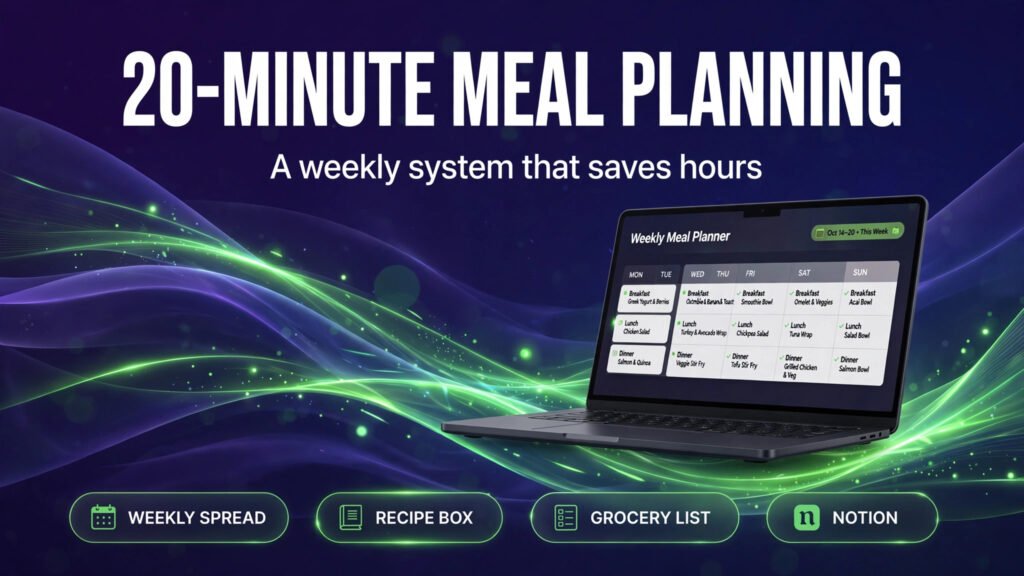

It’s Sunday at 4pm. The week ahead is a blank, the fridge is a mystery, and you can already feel the 5pm panic coming — that daily “what’s for dinner?” dread that turns into takeout three nights out of five. Meal planning sounds like the answer, but every system you’ve tried wanted an hour on Sunday and a spreadsheet personality you don’t have.
Here’s the truth: meal planning fails when it asks for more than twenty minutes. Twenty minutes is the budget a real week allows. So this is a meal planning system designed around that number — plan the week, shop once, and never think about dinner until you’re cooking it.
Why Meal Planning Fails
The usual systems break in predictable ways:
- It takes an hour. An hour-long Sunday ritual survives exactly two Sundays. Then life happens, the ritual dies, and you’re back to the 5pm panic.
- The recipes live everywhere. Some in a cookbook, some in screenshots, some in your head, some — the best ones — completely forgotten. Planning from a scattered library takes forever.
- The grocery list is separate from the plan. You plan meals on one app and write the shopping list on another, and the two drift apart by Wednesday. The list never quite matches the plan.
- No room for reality. The plan says salmon on Thursday; Thursday says you’re exhausted and the kids have practice. A rigid plan shatters on contact with a real week.
- Nobody tracks the money. Groceries quietly eat the budget because nobody connects the meal plan to the spending. Takeout feels cheap until the month-end total arrives.
The system below fixes all five. Twenty minutes, one place, plan and list together, built-in flexibility, and a money line.
The 20-Minute Weekly Routine
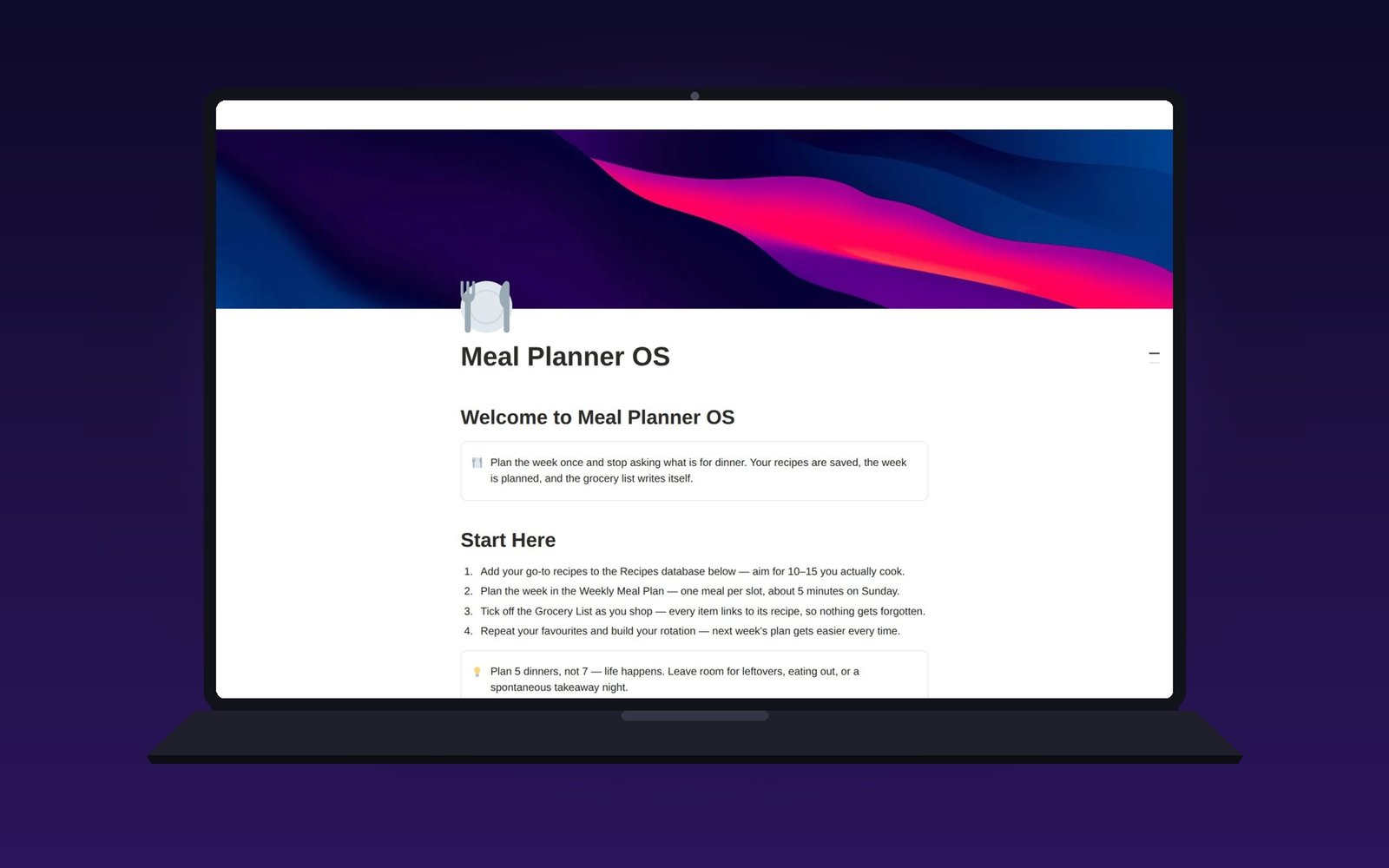
Meal Planner OS ($9) is the engine: a Notion workspace where the week’s meals and the grocery list live in the same place, so the list always matches the plan.
The weekly flow is deliberately simple:
- Pick 7 dinners (5 minutes). Open your recipe library, pick seven — with two easy backups for the nights that go sideways. Lunches and breakfasts can rotate on autopilot; dinners are the decisions that matter.
- Check what you have (5 minutes). Quick fridge and pantry scan. Cross off what you already own.
- Build the list (5 minutes). Everything the week’s meals need, in one list, grouped so the shop is one trip.
- Set the money line (5 minutes). Note the week’s grocery budget next to the plan. That’s it — the plan now has a price tag.
Twenty minutes, Sunday, done. The rest of the week, dinner is a decision you already made.
The honest part: the system doesn’t cook for you. What it does is move every dinner decision from 5pm — when you’re tired and hungry — to Sunday, when you’re calm and thinking. That single move is worth more than any recipe collection.
Your Recipe Library
A meal plan is only as good as the recipes it draws from. If choosing seven dinners means hunting through screenshots, the five-minute picking step becomes a forty-minute archaeology dig.
Recipe Keeper (free) is the home for all of it: every recipe saved with its type, the time it needs, and a star when it’s a favourite — then find dinner in seconds instead of thirty minutes. Six recipes come pre-filled; yours take their place in a few clicks.
The habit that makes it work: when you cook something good, save it that night — type, time, and whether it earned the star. A library built one good dinner at a time beats a downloaded collection of two hundred recipes you’ll never open. Your twenty best recipes, starred and findable, are worth more than the entire internet’s recipe section.
Start This Sunday, Free
Not sure yet? Start with the free slice and feel the routine before you spend anything:
Weekly Meal Plan Starter (free) — plan 7 days of meals (breakfast, lunch, dinner) and turn the plan into one grocery list. Plan once, shop once, eat well all week.
Run it for two Sundays. If the 5pm panic disappears, you have your answer — the full Meal Planner OS is the same routine with more room to grow. If the routine doesn’t stick, you’ve lost nothing but two twenty-minute sessions, and you’ll know meal planning isn’t your problem — something else is.
The Money Side
Here’s the part most meal systems skip: groceries are money, and the plan should know it.
Budget Tracker ($5) is the simplest budget that works — a monthly limit per category and a spending log, nothing else. Give groceries their own category with a monthly limit, log the weekly shop, and watch the number. The connection changes behaviour gently: when the grocery category turns red in week three, next week’s plan naturally gets a little thriftier — more pantry meals, fewer impulse buys.
Nobody in this system is scolding you about takeout. The numbers just sit there, calm and visible, and your planning brain does the rest. That’s the whole philosophy: visibility, not guilt.
The Pantry-First Rule
Here’s the habit that quietly halves most grocery bills: plan from the pantry outward, not from the recipe inward. Before you pick the week’s seven dinners, look at what needs using — the half bag of lentils, the chicken thighs in the freezer, the vegetables going soft on Friday. Those ingredients don’t get a vote in most meal plans; here, they get first pick.
The rule is simple: at least two of the week’s seven dinners must be built around food you already own. Not as a punishment — as a design constraint that forces creativity. “Chicken thighs + whatever’s in the crisper” has produced more good dinners than any recipe book, because constraints make cooks decisive. And the money math is obvious: food you already bought is the cheapest food you’ll ever eat.
Over a month, pantry-first planning does something else too — it teaches you what you actually buy too much of. If the “use it up” dinners keep featuring rice, you’re overbuying rice. The pantry is feedback; the plan just makes you read it.
Leftovers Are a Feature, Not a Failure
Somewhere along the way, leftovers got a bad reputation — as if a good cook never repeats a meal. Nonsense. Leftovers are the highest-ROI cooking you’ll ever do: one cooking session, two or three meals, zero extra effort.
The system treats them as first-class citizens. When you pick the week’s dinners, deliberately plan two “cook once, eat twice” meals — a big batch of curry, a tray of roasted vegetables, a pot of soup. Those become Wednesday’s lunch and Thursday’s easy dinner, and they cost you nothing extra. The 20-minute Sunday gets even shorter when two of the seven “decisions” are already made by last week’s cooking.
One honest boundary: the freezer is not a leftovers graveyard. If it goes in the freezer, it gets a date and a planned reappearance within two weeks — write it into next week’s grid the moment you freeze it. Frozen food with a plan is a future dinner; frozen food without one is archaeology.
A Real Sunday, Minute by Minute
For the skeptics — and the “but what do I actually do” crowd — here’s the twenty minutes, timed:
- 0:00–5:00 — Pick the dinners. Open the Recipe Keeper, star-filter on. Seven dinners, two backups. Write them into the week’s grid.
- 5:00–10:00 — Scan the kitchen. Fridge, freezer, pantry. Cross off ingredients you already have. Note anything that’s about to go off — it becomes Tuesday’s dinner.
- 10:00–15:00 — Build the list. Everything missing, grouped by store section. One list, one trip.
- 15:00–20:00 — Money and reality check. Note the grocery budget for the week. Swap one ambitious meal for an easy one if the week looks brutal. Done.
The first Sunday takes thirty minutes — you’re learning the shape. By the third, it’s fifteen. The routine shrinks because the library grows: more starred recipes, fewer decisions, faster picks.
One more habit that makes the routine stick: keep a tiny “week in review” note — three lines, every Sunday before you plan. What got eaten, what got wasted, what surprised you. Two minutes, and it quietly makes you a better planner than any app feature. Wasted food is the most honest feedback your kitchen gives you; write it down and next week’s plan gets smarter without extra effort. Over a couple of months, these notes reveal your household’s real patterns — the vegetables nobody touches, the meals that always get requested twice, the weeks where takeout is simply the right call and the plan should just admit it.
And if you’d rather have the whole Notion library than build it piece by piece: the All-Access Bundle ($149 launch, regular $199) includes 48 products — a $1,334 value — plus 1,140 AI prompts, in one purchase.

Frequently Asked Questions
Do I need a paid Notion account? No — a free Notion account handles all of this. Open the template link, log in, click Duplicate, and the workspace is yours.
What if my week never goes to plan? Then the two backup meals earn their keep. Swap freely — the plan is a starting lineup, not a contract. A plan you adjust is a plan you’re using correctly.
I live alone / cook for one. Does this still work? Yes — plan fewer distinct meals and let leftovers cover lunches. The routine is the same; the quantities change. Solo cooks actually benefit most, because the 5pm panic hits hardest with no one to share the decision.
Is the free starter enough on its own? For many people, yes — the Weekly Meal Plan Starter covers the core routine. The paid Meal Planner OS adds room to grow: bigger recipe integration, better list handling, and the money line built in.
Dinner, Decided
The 5pm panic isn’t a cooking problem. It’s a decision problem — and decisions made when you’re tired and hungry are the worst ones you’ll make all day. Move the decisions to Sunday, when you’re calm. Twenty minutes, one list, one shop.
Start free this Sunday with the Weekly Meal Plan Starter. Star your best recipes in the Recipe Keeper. And when the routine sticks, the full Meal Planner OS is waiting — same twenty minutes, more room to grow.
