

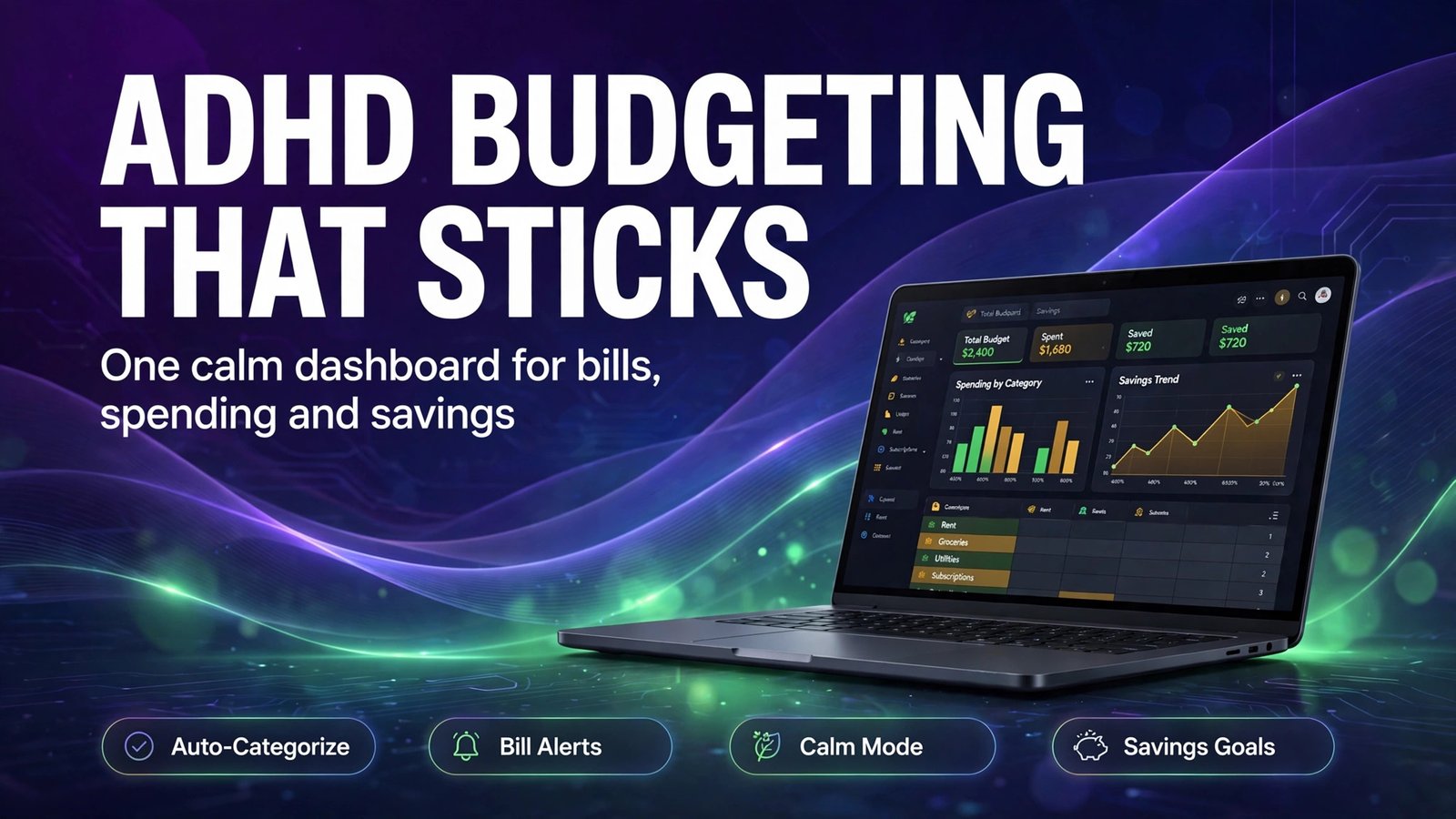
You set up a budget in January. By March, the spreadsheet was a fossil — fourteen tabs, a formula you broke in week two, and a quiet guilt every time you opened it. It’s not a discipline problem. Most budgets are designed for people who enjoy spreadsheets, and most people — especially people whose brains lose track of things — do not.
ADHD budgeting isn’t about a different spreadsheet. It’s about a different design: fewer numbers to look at, colour that answers before you read, and a routine short enough that you actually keep it. Here’s the system that sticks — and the tools built exactly for it.
Why Normal Budgets Break
Let’s name the failure modes honestly, because fixing them is the whole design:
- Too many numbers. A budget that shows thirty figures at once answers nothing. You need one number: what’s left to spend.
- No visual feedback. If overspending looks identical to underspending, you’ll never notice until it’s late.
- Logging is painful. A system that needs five minutes per entry dies in week three. Entries must take seconds.
- Daily tracking. Nobody keeps a daily habit they dread. The sustainable rhythm is weekly — one short session.
- Guilt-based design. Systems that punish you for looking away train you to look away. The right system makes the numbers feel calm, not accusatory.
Everything below is built around these five fixes. They’re not opinions — they’re the design rules behind every ADHD-friendly budget tool that actually gets used.
The Four Rules of an ADHD-Friendly Money System
Rule 1 — One number on the screen. The dashboard shows a single “left to spend” figure. Everything else — income, bills, categories — exists, but it lives one click away, not in your face.
Rule 2 — Colour answers first. Green means on track, red means over. You should be able to read your budget’s health in three seconds, without reading a single number. Colour is a shortcut your brain accepts; tables are work your brain postpones.
Rule 3 — Type, don’t calculate. You enter what you spent. Every total, warning, progress bar and “months to debt-free” figure updates itself. Zero formulas to touch, zero mental math, zero broken spreadsheets.
Rule 4 — Ten minutes a week. Pick one fixed time — Sunday morning with coffee is the classic — and one short checklist: log what’s new, glance at the colours, check the bills due. That’s the whole system. Anything requiring more dies; this survives.

The System, Sheet by Sheet
The ADHD Finance Command Center ($14) is a Google Sheets and Excel workbook built on exactly these rules — eight sheets, and you only ever look at one of them daily:
- Start Here — a plain-English setup guide and map of the workbook. Ten minutes, no jargon.
- Dashboard — the one screen: income, bills, spending, your left-to-spend number in green or red, a savings progress bar, and a debt snapshot. All auto-calculated.
- Paycheck Budget — every dollar gets a job the moment it lands: bills, pay-yourself-first savings, and fun money. (Yes, fun money is a real line — a budget with no joy in it is a budget you’ll abandon.)
- Bills & Subscriptions — every bill with due days and autopay flags, plus a forgotten-subscription audit that adds up what cancelling would actually free. This tab alone usually pays for the workbook.
- Debt Payoff — debts in snowball order, smallest first. Quick wins keep you going; the sheet shows total debt and a simplified months-to-debt-free estimate.
- Spending Log — date, item, amount, need-or-want. That’s it. Category totals and need/want splits calculate themselves.
- Savings Goals — targets with a progress bar per goal. Celebrate every 25% — visible progress is the fuel.
- Brain Dump & Wins — get money worries out of your head onto the page, plus a weekly wins tracker. A budget that records wins is a budget you’ll keep.
The language throughout is deliberately gentle — no guilt, no scolding. And everything comes pre-filled with example data, so you see the whole thing working before you type a single number of your own.
Delivery is instant: the XLSX file for Google Sheets (free) or Excel, plus a Notion guide page with the setup steps, a 10-minute first-session checklist, and the weekly money-date routine.
The 10-Minute First Session
Don’t plan a “budget overhaul day.” Do this instead — ten minutes, once:
- Open the Dashboard (2 minutes). Look at the example data. Notice there’s one number that matters.
- Start Here sheet (3 minutes). Type your income and your bills. That’s the whole setup.
- Replace the example data (5 minutes). Your rent, your subscriptions, your actual numbers. Watch the dashboard update itself.
- Pick your money date. Same time every week. Put it in your phone as a repeating reminder. Done.
The weekly money date is a 5-step, 10-minute routine: glance at the dashboard colours, log anything new in the spending log, check bills due this week, note one win. If a week goes badly, the system doesn’t scold — you just enter the numbers you have and move on. Restarting matters more than streaks.
Week two and beyond: the routine shrinks. Once your bills and categories are in, the weekly session is genuinely ten minutes — often less. The month-end takes a little longer (twenty minutes, once a month): compare the month’s totals, roll one lesson into next month, and adjust a single category. That’s the entire maintenance cost of the system. Anything that costs more per month than this gets abandoned; this doesn’t.
If You’d Rather Live in Notion
Spreadsheets aren’t everyone’s home. If you do your life in Notion, the same philosophy exists there:
- Finance OS ($39) is the full personal-finance system: transactions, accounts, budgets, bills and subscriptions, savings goals with automatic progress, debts with balances and minimum payments, and a 7-step monthly money review. Six databases, one rule — log every transaction.
- Prefer smaller pieces? Budget Tracker ($5) is the simplest budget that works: a monthly limit per category and a spending log, nothing else. Payday Budget 50/30/20 ($5) splits each payday automatically — 50% needs, 30% wants, 20% savings. Savings Tracker ($5) is one page per savings goal with a progress formula that fills as you deposit.
- Not sure yet? The Simple Budget Starter is free — a slice of the full system so you can feel the design before you spend anything.
And if you’d rather have every system in the store than choose one: the All-Access Bundle ($149 launch, regular $199) includes all 48 products — a $1,334 value — plus 1,140 AI prompts, in one purchase.

When You Overspend (Because You Will)
Every budget gets blown. The difference between a system that survives and one that dies is what happens in the forty-eight hours after. Here’s the recovery protocol — no guilt, just mechanics:
- Log it anyway. The spending log doesn’t judge; it records. Enter the amount, mark need or want honestly, and move on. A missed entry is worse than an overspent one, because now you’re flying blind.
- Find the category, not the villain. Open the Dashboard and look at which category turned red. Was it a one-off (car repair) or a pattern (eating out, three weeks running)? One-offs need a buffer; patterns need a smaller weekly limit.
- Adjust one thing. Not five. Move $30 from one category to the blown one, or trim next week’s fun money by the overspend amount. A budget is a living plan — adjusting it is using it correctly, not failing at it.
- Note the trigger in the Brain Dump sheet. “Ordered takeout three nights — was exhausted, not hungry.” Patterns you write down become patterns you can plan around. Next time exhaustion hits, the plan is a freezer meal, not willpower.
The ADHD Finance Command Center supports this directly: the Spending Log’s need/want split shows you where the money actually went, the Brain Dump sheet holds the triggers, and the Dashboard’s colours tell you the truth without a lecture. Recovery takes five minutes. That’s the point — a system you can restart in five minutes is a system you’ll restart.
Five Tips That Keep It Going (Whatever Tool You Use)
- Check bills by week, not by month. Group due dates by the week they fall in. A heavy week shouldn’t ambush you.
- Build in a buffer. A small line for surprise costs and impulse buys. The budget that has room for reality survives reality.
- Name your fun money. A labelled guilt-free amount lets you say yes without feeling like you broke something.
- Forgive a bad week fast. Missed two weeks? Enter what you have, look at the colours, move on. The system restarts in seconds.
- Automate one thing. One autopay, one automatic savings transfer. Every thing you automate is a thing your brain never has to remember.
Frequently Asked Questions
Is a spreadsheet better than a budgeting app for ADHD? Neither is automatically better — what matters is the design: one number to check, visual feedback, and low-effort logging. Many people find a calm one-page spreadsheet easier to keep because there’s nothing to log into, no notifications, and no bank connection to manage. The workbook above was built on exactly that reasoning.
How long does setup actually take? Ten minutes for the spreadsheet: income, bills, done. The Notion systems take a little longer — twenty minutes for Finance OS, five for the small trackers — because you’re entering your real data, not because the setup is complex.
I abandon every budget by month two. Why would this be different? Because the failure was never willpower — it was design. Fourteen tabs, daily tracking and guilt-based language will kill any system. One dashboard, colour feedback, and a ten-minute weekly session is a design built for the brain you have.
Do these work in the UK / with pounds / with my currency? The spreadsheet works in any currency — set it once and every header updates. The Notion systems are currency-agnostic; you type your own figures.
Start With the Calm Version
The goal was never a perfect budget. It’s a budget you still check in April — one number, colour-coded, ten minutes a week. The ADHD Finance Command Center is $14, built for exactly this, with a 30-day money-back guarantee: if money doesn’t feel calmer in a month, email for a refund. Or start free with the Simple Budget Starter and feel the design first.

One Response