


You’ve bought four planners. The first one died in February. The second never made it past the first week. The third was too pretty to write in — every page felt like it deserved better handwriting than yours. The fourth is still in its plastic.
It’s not a character flaw. Most planners are designed for people who enjoy planning: dense pages, rigid systems, and an unspoken rule that a blank page is a failure. If your brain loses track of things, skips steps, and does everything either today or never — a planner built for someone else was never going to survive contact with your January.
An ADHD-friendly planner isn’t a different personality. It’s a different design: fewer decisions per page, visual structure that does the remembering for you, and pages that forgive the weeks you miss. Here’s what that looks like for 2027.
Why Most Planners Fail ADHD Brains
The failure modes are consistent — and they’re design problems, not discipline problems:
- Too much on one page. A page with thirty boxes, six sections and a quote at the top asks your brain to triage before it can start. Triage is work. Work gets postponed.
- No forgiveness. Miss a week and the planner punishes you: dated pages stretching ahead, empty and accusatory. So you stop opening it rather than face the gap.
- Rigid systems. Colour-coded key systems with fourteen symbols, index pages, migration rituals. Every rule is a chance to fall behind, and falling behind once means abandoning the whole thing.
- Writing without structure. Blank “notes” pages and open-ended daily logs assume you’ll know what to write. On a low-energy day, you won’t — and the blank page wins.
- No visual reward. Checking things off should feel good. Most planners make completion invisible — the same grey page whether you did three things or nothing.
Everything below is designed against these five failures. Not as medical advice — this is design talk, about paper and pixels — but as honest observation of what actually gets used.
The Design Rules That Actually Work
Rule 1 — One day, one view. The page shows today. Not the week, not the month — today. Everything else exists, but it’s a tap away, not in your face.
Rule 2 — Checkboxes over paragraphs. A checkbox is a decision already made: did it happen or not. Paragraphs require composing. On tired days, checkboxes win.
Rule 3 — Weekly spreads, not daily pressure. A week on one spread means a bad Tuesday doesn’t eat the page. The week absorbs the wobble. And when the whole week goes sideways — it will, some weeks — the next spread is a clean start, not a continuation of the failure.
Rule 4 — Tap, don’t hunt. Hyperlinked tabs that jump straight to the week or month you want. If finding the page takes more than two taps, the planner loses to the phone’s home screen.
Rule 5 — Forgiving pages. Undated-feeling layouts, space that doesn’t scold, room to restart mid-year without the ghost of January staring at you.
The 2027 Planner: Built on Those Rules
The 2027 ADHD Digital Planner ($12) is a 77-page hyperlinked PDF built for tablet annotation — GoodNotes, Notability, or any app that handles PDF links — on exactly these design rules.
What’s inside: 53 weekly spreads (the workhorse — one week per spread, checkboxes and space), 12 monthly pages with real 2027 grids, and 193 internal links that jump you between tabs, weeks and months with a tap. No hunting, no scrolling through 77 pages to find next Tuesday.
The design language is deliberate: clean pages, clear structure, room to write messily. It’s A4, it’s $12, and it’s built to be written on — the opposite of the too-pretty planner. Miss a week? The pages don’t care. Start in March? The structure still works. The planner is a tool, not a test.
Delivery is the PDF plus a Notion guide page with setup steps for your annotation app of choice. And it carries the 30-day money-back guarantee.

The Money Side
Planners handle days. Money needs its own system — and the same design rules apply: one number that matters, colour that answers before you read, and a routine short enough to survive.
The ADHD Finance Command Center ($14) is a spreadsheet system built on those rules: a dashboard with a single left-to-spend figure, colour-coded feedback, and a ten-minute weekly check-in. If money is the part of life that slips most, start there — there’s a full guide to the thinking behind it at ADHD Budgeting: A Simple Money System That Actually Sticks.
The weekly money date works the same way the planner’s weekly reset does: same time, same short checklist, no judgment for the weeks you skip. Glance at the colours, log what’s new, check the bills due. Ten minutes, and money stops being a background worry. The two systems rhyme on purpose — one rhythm for days, the same rhythm for money, so neither one needs its own separate discipline.
The planner and the finance system are separate tools for separate jobs: days in the planner, money in the spreadsheet. They share a design philosophy, not a page.
Two Free Companions
Two free Notion templates round out the system — small, single-purpose, and genuinely free:
The Daily Journal is a tiny daily habit: log your mood, write one gratitude line, add three short lines about your day. Five example entries come pre-filled. It’s small enough to do on the worst day — and the worst days are the ones worth recording.
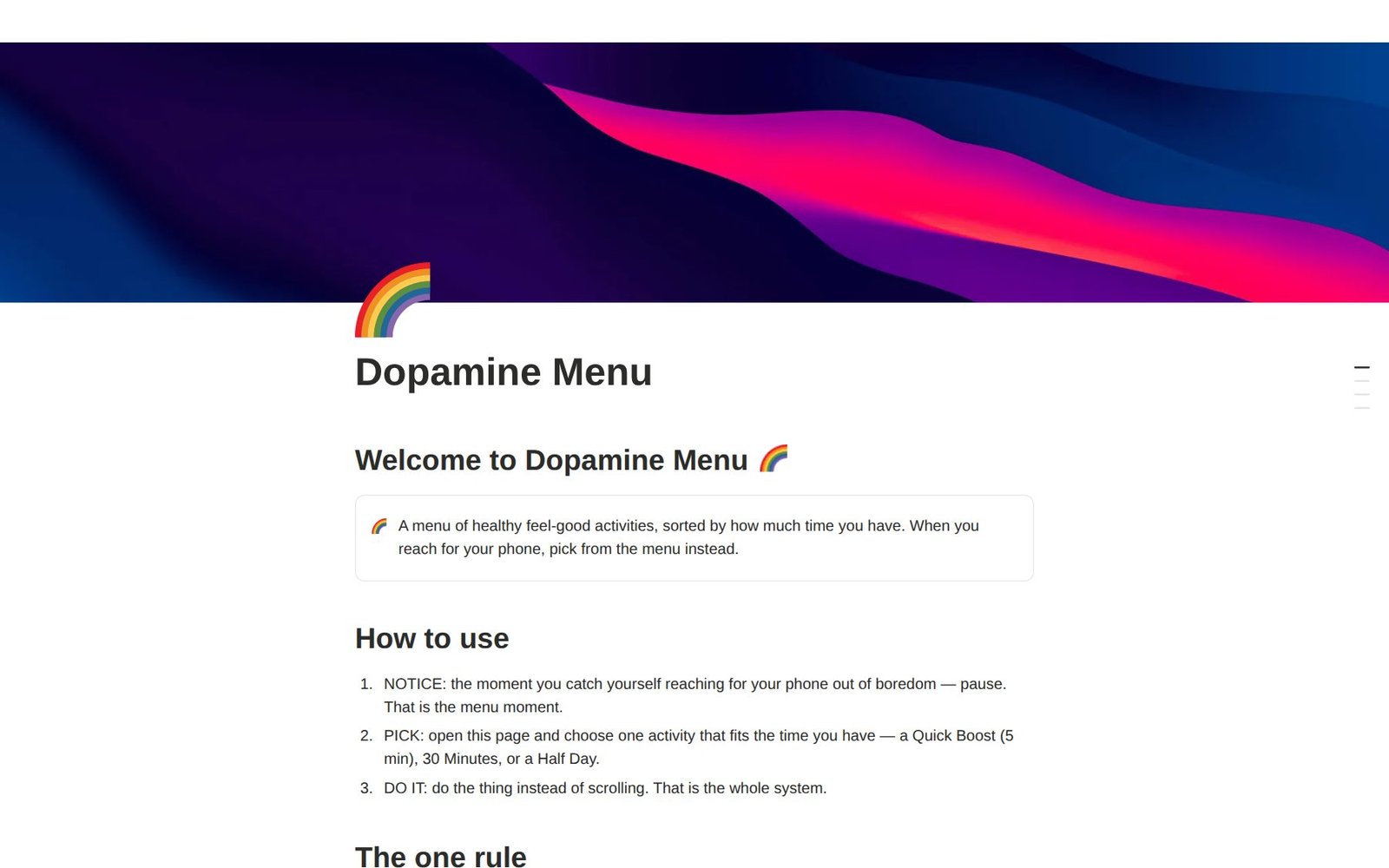
The Dopamine Menu is the answer to “I have twenty minutes and no idea what to do with myself”: a menu of healthy, phone-free mood boosts sorted by how much time you have. When the brain wants stimulation and the phone is the default, the menu is the alternative that’s already decided for you.
Neither one asks for much. That’s the point — they’re designed to be picked up, not committed to.

Paper vs Tablet: Why Digital Wins for This Brain
Paper planners have one advantage: they’re there. But for a brain that loses track, digital wins on every axis that matters:
- Search. “Where did I write the dentist appointment?” In a paper planner, that’s twenty minutes of flipping. In a hyperlinked PDF, it’s a tap.
- Undo. Wrote the wrong thing? Delete it. No crossed-out mess reminding you of the mistake every time you open the page. Clean pages stay inviting.
- Duplicate. A weekly spread that works can be duplicated forever. Found your layout? It’s now every week, with two taps.
- Always with you. The tablet is already in the bag. The paper planner is on the desk at home, which is where it does no good.
- Links beat flipping. 193 internal links mean the planner navigates like an app, not a book. For a brain that abandons anything requiring more than two steps, this is the whole game.
None of this is about loving technology. It’s about removing friction — every tap you don’t have to make is a week the planner survives.
There’s also the writing itself. Annotating a PDF with a stylus feels closer to paper than typing ever does — the hand moves, the page fills, the checkbox gets its satisfying scribble. For brains that think better with a pen in hand, the tablet keeps the tactile part and drops the parts that never worked: the lost pages, the unfindable appointments, the planner left at home. It’s the best of both, which is exactly what a brain that loses track needs.
The Tools, Compared
| Tool | What It Is | Price |
|---|---|---|
| 2027 ADHD Digital Planner | 77-page hyperlinked PDF for tablet annotation: 53 weekly spreads, 12 monthly views | $12 |
| ADHD Finance Command Center | Spreadsheet money system: dashboard, left-to-spend, weekly check-in | $14 |
| Daily Journal | Free Notion journal: mood, gratitude line, 3 short lines daily | Free |
| Dopamine Menu | Free Notion menu: phone-free mood boosts sorted by time available | Free |
One note on what’s where: the planner and the finance system are both inside the bundle too. The All-Access Bundle ($149 launch, regular $199) includes all 48 products in the store — a $1,334 value — plus 1,140 AI prompts, in one purchase.
The Weekly Reset
The planner works best with one ritual: the weekly reset, fifteen minutes, same time each week.
- Open this week (2 min). Tap straight to it — that’s what the links are for.
- Glance at last week (3 min). What got done, what didn’t. No judgment — just notice.
- Sketch this week (7 min). The three things that matter, the appointments that exist, the rest as it comes.
- Check the menu (3 min). If the week looks heavy, pre-pick two dopamine menu items. Future you will thank present you.
Fifteen minutes. Then the planner holds the week, and your brain gets to do something else. And if you skip a week — not if, when — the reset is still there next week, unchanged, unjudging. The ritual survives gaps. That’s the design working.
Frequently Asked Questions
Will the planner work in GoodNotes? Yes — it’s built for it. The PDF is hyperlinked throughout, so tabs and week links work with a tap in GoodNotes, Notability, or any annotation app that supports PDF links. The Notion guide page walks through setup.
Is it dated for 2027? Yes — the monthly pages use real 2027 grids, and the 53 weekly spreads cover the year. The layouts stay forgiving: if you start late or miss weeks, nothing in the design punishes you for it.
What if I abandon it by March like every other planner? Then it cost $12, not $60 — and the design is specifically built to survive restarts. But also: the weekly reset is the whole maintenance. Fifteen minutes a week is the entire commitment. Anything needing more was never going to stick.
What if it’s not for me? The 30-day money-back guarantee applies — email within 30 days for a full refund. No forms, no hard feelings.
The Quiet Part
The right planner doesn’t fix your brain. It stops fighting it. Fewer decisions per page, structure that remembers for you, pages that forgive the weeks you miss — that’s not a productivity system, it’s a kindness, designed.
Start with the 2027 ADHD Digital Planner ($12) for the days, add the ADHD Finance Command Center ($14) if money is the slippery part, and keep the free Daily Journal and Dopamine Menu for the small daily wins. One week at a time — and when a week goes missing, the next one is right there, links intact, pages unjudging.