

You open Notion for the first time and get… a blank page. A blank page with infinite possibility, which is another way of saying a blank page with no idea what to do next. So you watch a tutorial, build an elaborate dashboard with seventeen linked databases, use it for three days, and quietly go back to your notes app.
Almost everyone starts Notion wrong. They start with the most complex thing they can build, instead of the simplest thing that solves a real problem. The right way to move your life into Notion isn’t a grand migration — it’s a path: one small, free, working system at a time, each one teaching you a little more of how Notion thinks.
This is that path. Every step below is free. By the end, you’ll have a working Notion life — and you’ll understand the tool well enough to build anything.
The Starter Path Idea
The path has a logic. Each step solves one real problem and teaches one Notion skill:
- Hold your life — tasks and days (teaches: databases, statuses)
- Hold your money — a simple budget (teaches: numbers, formulas you never touch)
- Hold your knowledge — notes that connect (teaches: relations, backlinks)
- Hold it all together — the starter bundle (teaches: dashboards)
- Create things — if you’re a creator (teaches: pipelines)
You don’t need all five on day one. Take the first step today; the rest can wait until the first one feels natural. A path you walk beats a system you admire.
Step 1 — Hold Your Life: Tasks and Days
Everything starts with the humble to-do list — because “I forgot” is the most expensive sentence in a busy life.
Task Tracker (free) is the whole philosophy in one page: every task drops into an Inbox, today’s work gets pulled into Today, everything else waits in Upcoming, and finished work lands in Done — with priorities and due dates so nothing slips. Six realistic example tasks come pre-filled, and a short Start Here note explains the daily 5-minute triage.
The triage is the skill: every morning, five minutes, move tasks between the four columns. That’s it. That one habit — looking at your day before the day looks at you — is worth more than any elaborate productivity system.
For the bigger shape of the day, Life OS Starter (free) gives you one page: your life pillars, daily themes, a morning prep, and one big action. The “one big action” is the part that matters — days have room for exactly one thing that really counts, and this page makes you name it before the day names it for you.
Step 2 — Hold Your Money: One Calm Budget
Money is the second thing to move, because money anxiety is background noise that ruins everything else.
Simple Budget Starter (free) is a one-month budget in Notion: your money split into Needs, Wants and Savings, plus a bills tracker so nothing sneaks past you. One page, five minutes, total clarity.
The design lesson here is restraint. Most people’s first budget template has fourteen categories and dies in week two. Three buckets and a bills list survive — because you’ll actually open it. When the free starter feels too small, that’s the signal you’re ready for a real system, not a bigger template.
Step 3 — Hold Your Knowledge: Notes That Connect
By now you trust Notion with tasks and money. Time for the thing that makes Notion Notion: notes that link to each other.
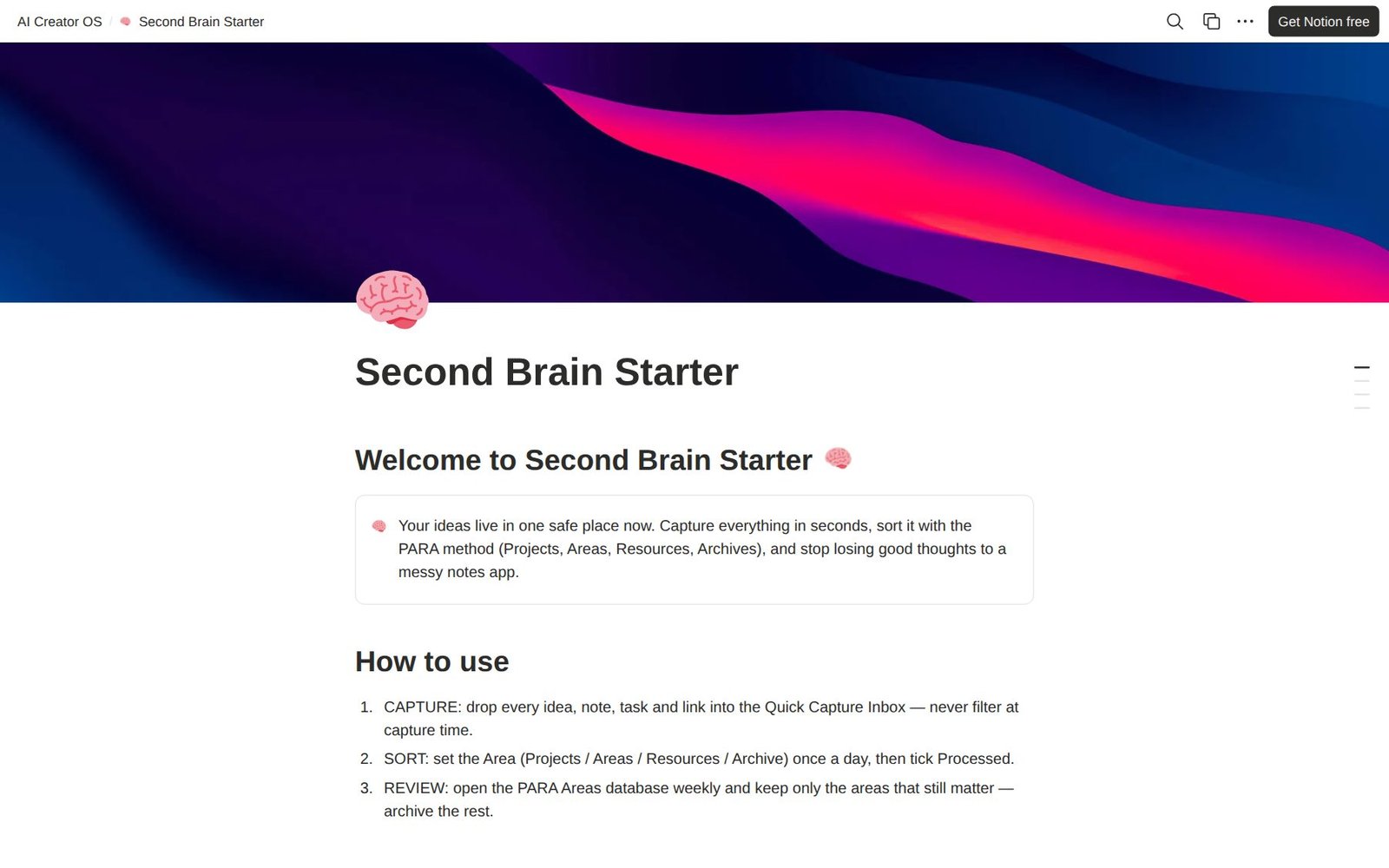
Second Brain Starter (free) is a slice of a full second-brain system — a place to capture ideas and notes, organised so you can actually find them again. It teaches the core skill: don’t just store information, connect it. A note about a book links to the project it inspired; a project links to the notes it needs.
This is the step that changes how you think, not just how you organise. If you want the full method behind it — the PARA structure, the capture habit, the weekly review — the step-by-step second brain guide walks through it properly.
Step 4 — Hold It All Together: The Starter Bundle
Once the pieces work separately, you want them in one place. That’s a dashboard — and dashboards are where beginners usually overbuild. The starter bundle does it for you, correctly.
Notion Starter Bundle (free) is a hub that links seven starter minis in one calm page — tasks, notes, habits, and the other small systems, each one simple, all of them reachable from a single home. It’s the “I’ve moved in” moment: open one page in the morning and your whole Notion life is there.
The bundle also teaches the most underrated Notion skill: less is more. Seven small systems that each do one job beat one giant system that does everything badly. Every template you’ll ever build should feel like these minis — small, clear, single-purpose.
Step 5 — If You Create Things
Not everyone needs this step. But if you make content — posts, videos, newsletters — your creative work deserves the same system treatment, and there’s a free starter for exactly that.
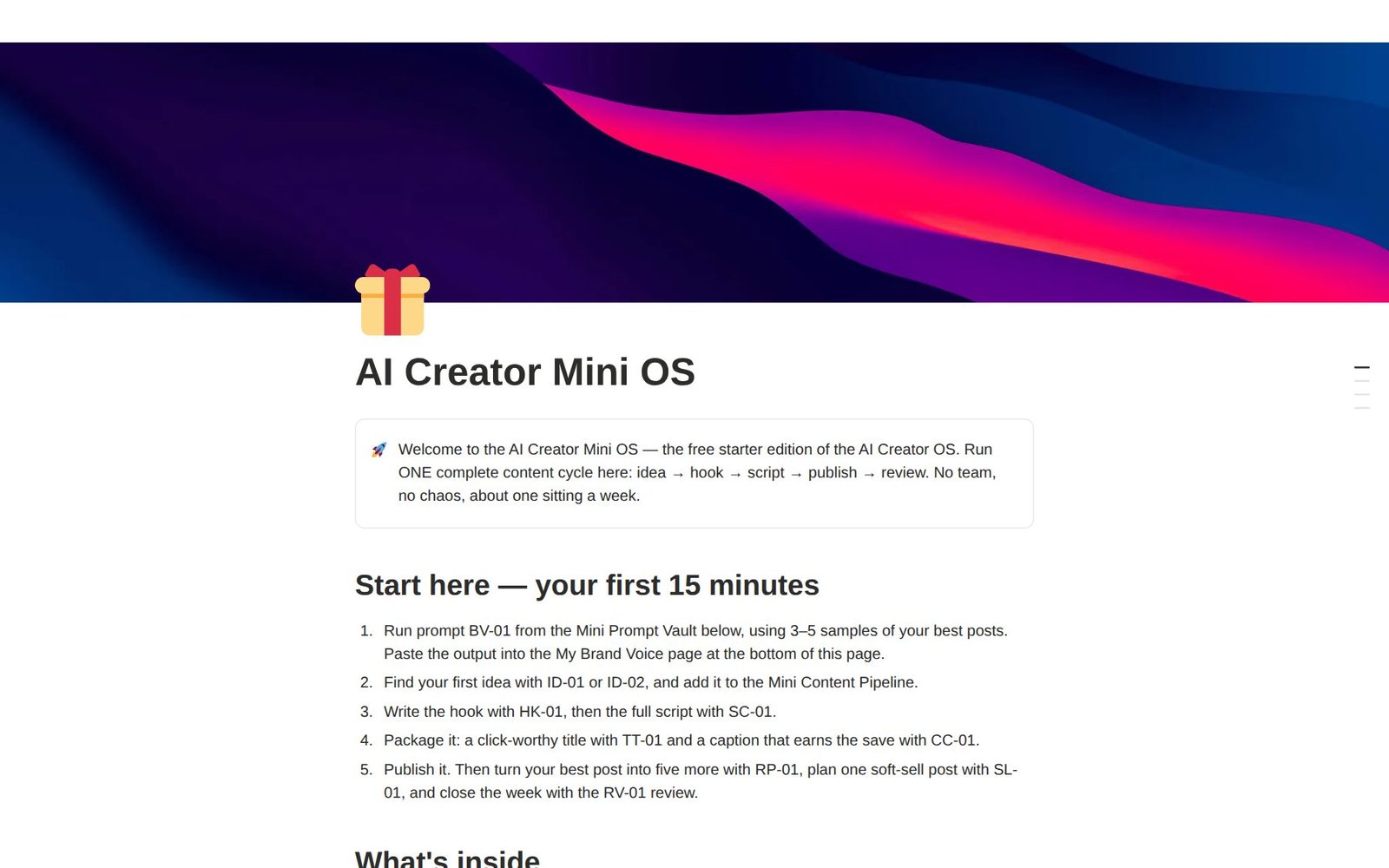
The AI Creator Mini OS (free) is a content system in miniature: an ideas bank, a mini content pipeline, ten AI prompts from the full forty-prompt vault, and a brand voice page. It’s the free sample of a much bigger philosophy — plan, create and publish a week’s content in one sitting. The free Notion template guide for content creators goes deeper on the content side if that’s your world.
The Starter Path, at a Glance
| Step | System | What it solves | Notion skill it teaches |
|---|---|---|---|
| 1 | Task Tracker + Life OS Starter | Forgetting things, shapeless days | Databases, statuses |
| 2 | Simple Budget Starter | Money anxiety, surprise bills | Simple numbers, calm design |
| 3 | Second Brain Starter | Lost ideas, unfindable notes | Relations, linking |
| 4 | Notion Starter Bundle | Scattered systems | Dashboards, restraint |
| 5 | AI Creator Mini OS | Creative chaos | Pipelines, AI prompts |
Walk it in order. Skip the steps you don’t need. Each one is free, each one works on day one, and each one leaves you a little more fluent in the tool.
The Mistakes That Kill Starter Paths
Most people don’t fail at Notion because the tool is hard. They fail in four predictable ways — and the path above is designed to dodge all of them:
- Building the dashboard first. The classic beginner move: a beautiful home page with seventeen linked views and no data in any of them. Dashboards are the last thing you build, not the first — they summarise systems that already work. Steps 1–3 give you working systems; step 4 gives you the dashboard that ties them together. In that order, and not before.
- Importing your whole life at once. Migrating ten years of notes, every task you’ve ever had, and the entire budget history in one weekend is how people burn out by Tuesday. Start with this week only — this week’s tasks, this month’s budget, the notes you’re using right now. History can migrate later, a little at a time, once the system has earned your trust.
- Customising before using. Every template on this path arrives with example data and sensible defaults. Use it as-is for a week before changing anything. The urge to redesign on day one is procrastination wearing a productivity costume — and the people who customise first usually customise a system they’ve never actually run.
- Treating “free” as “disposable.” Free templates get abandoned faster than paid ones, not because they’re worse but because there’s no sunk cost keeping you honest. The fix is the same one that makes any system work: a tiny ritual. Five-minute triage for tasks, ten minutes on Sunday for money, one capture habit for notes. Free plus ritual beats paid plus neglect, every time.
If you’ve already made one of these mistakes, good news — the path still works. Pick the step you skipped, do it properly this time, and let the rest follow.
When You’re Ready to Go Further
Here’s the natural next step, stated once and plainly: when the free starters start feeling small — when you want the full second brain instead of the slice, the complete finance system instead of the starter, the forty-prompt AI vault instead of ten — the All-Access Bundle ($149 launch, regular $199) includes 48 products — a $1,334 value — plus 1,140 AI prompts, in one purchase. No rush; the free path is a complete path on its own.
Frequently Asked Questions
Do I need a paid Notion account for any of these? No. Every template on this path is free and works with a free Notion account — open the link, log in, click Duplicate, and it copies into your workspace.
How long does the whole starter path take? About a week at a relaxed pace — one step every day or two. Each starter takes under thirty minutes to set up with your own data. Don’t rush it; the point is that each step feels natural before the next one arrives.
I’m already a Notion user. Is this path still useful? The individual starters probably aren’t — but the order is. Most experienced users have one overbuilt dashboard and three neglected databases. Walking the path in miniature shows you where your own setup got complicated, and the starter bundle is a good template for simplifying it.
What if I only need one of these? Take just that one. The path is a suggestion, not a curriculum. Each starter is complete on its own — the Task Tracker doesn’t need the budget starter to work.
Start With Today
Don’t build all five steps tonight. Open the Task Tracker, duplicate it, and run tomorrow’s triage. Five minutes in the morning. If that sticks for a week, add the budget. If that sticks, add the knowledge step.
The people who love Notion a year from now aren’t the ones who built the biggest dashboard in week one. They’re the ones who started with one small working system and let it grow. Your blank page is waiting — fill it with something small that works.
