
Description
Freelancer & Creator Finance Kit — Freelancer Finance Spreadsheet for Google Sheets & Excel | Invoice Tracker, Tax Set-Aside & Client Profitability Kit, Self Employed Bookkeeping, Pay-Yourself Dashboard
What’s Included (your download)
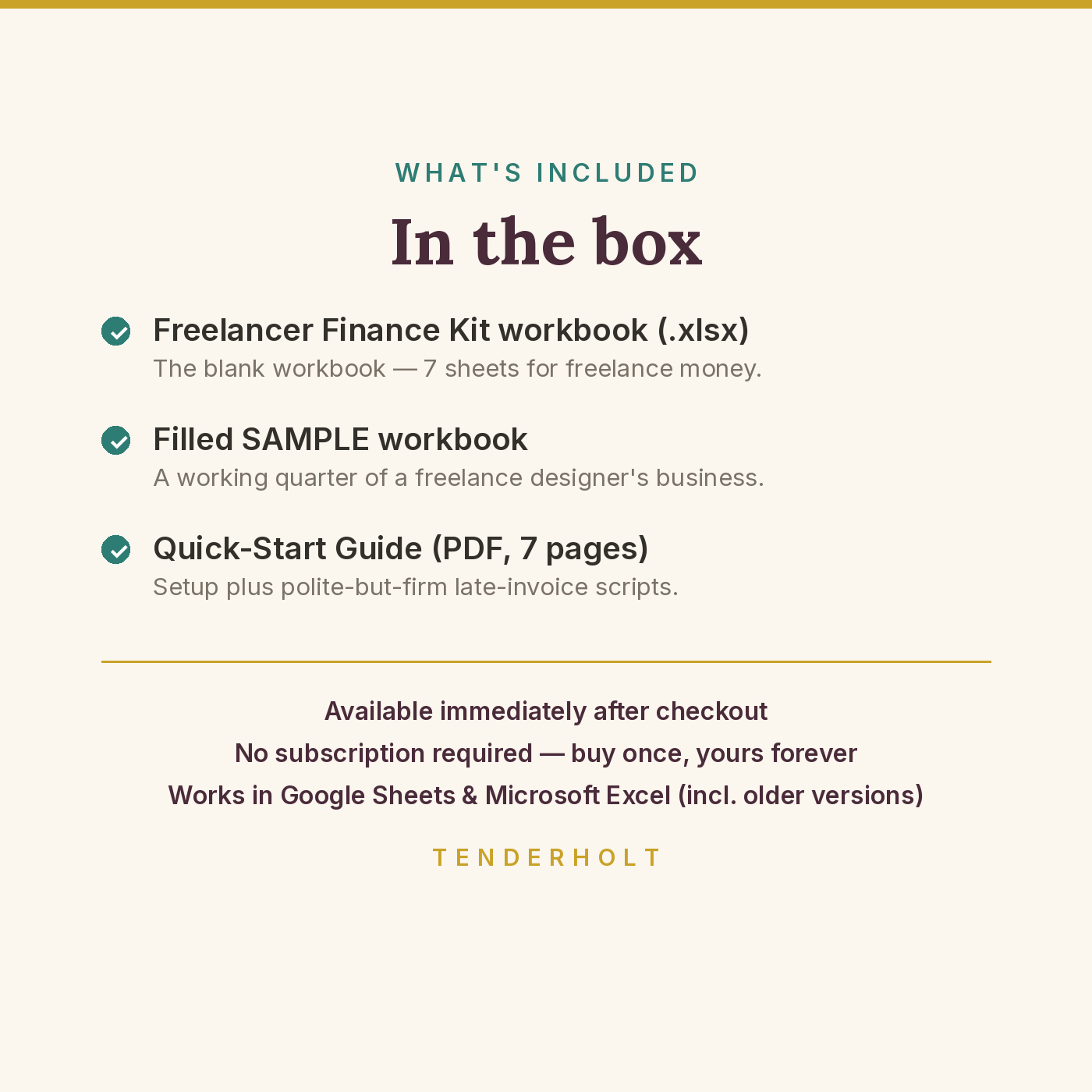
- Freelancer & Creator Finance Kit workbook (.xlsx — 7 sheets)
- Pre-filled SAMPLE workbook (.xlsx) — a working quarter of a freelance designer’s business
- Quick-Start Guide (PDF, 7 pages)
Product Details
Overview
Invoices you earned but never collected, because they lived in your memory and a crowded inbox. Tax money you spent during a good month and had to find again during a bad one. And hours poured into the client who — once you finally do the maths — pays you the least per hour of anyone on your roster. The Freelancer & Creator Finance Kit is the business-side system that plugs all three leaks: an invoice tracker with automatic overdue flags, a tax pot sliced from money as it arrives (never from unpaid invoices), and a profitability page that calculates your effective hourly rate per client from money received, not money promised.
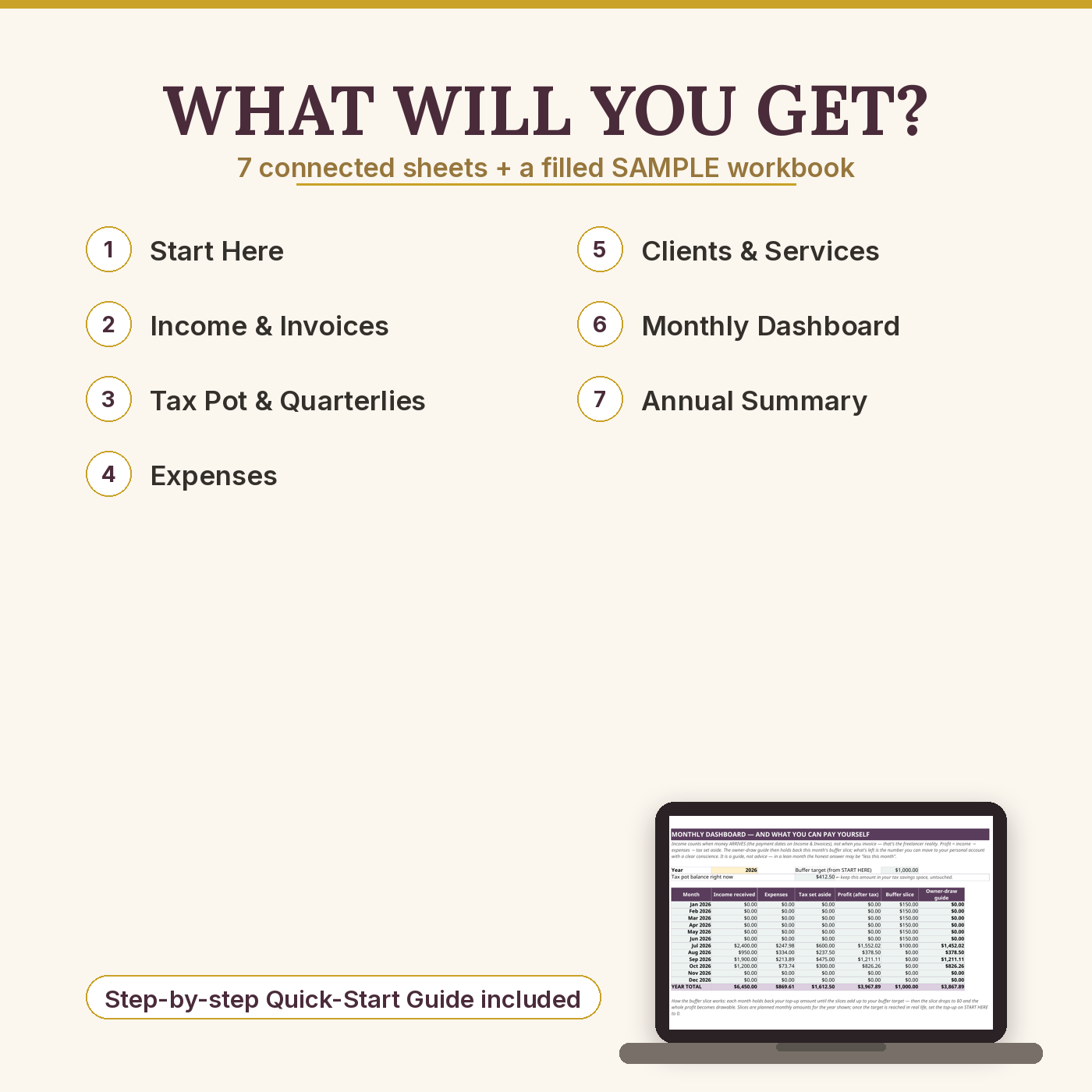
What’s Included
- START HERE — 3 setup numbers (tax set-aside %, buffer target, monthly top-up), colour legend, sheet directory
- Income & Invoices — 80 invoice rows: balances, partial payments, days-past-due, automatic flags (overdue, and 30+ days — chase today), a per-payment tax slice, chase notes, and a “right now” summary (outstanding + overdue totals)
- Tax Pot & Quarterlies — pot balance with a shortfall warning, quarterly table (US due dates pre-filled as editable formulas; a UK note is included)
- Expenses — 100 rows, 10 category dropdowns (software, equipment, home office, professional services…), per-category totals + a receipts-kept tally
- Clients & Services — per-client and per-service income rollups, an hours log (60 rows), and effective $/hr with a no-hours guard — calculated on money received, not money promised
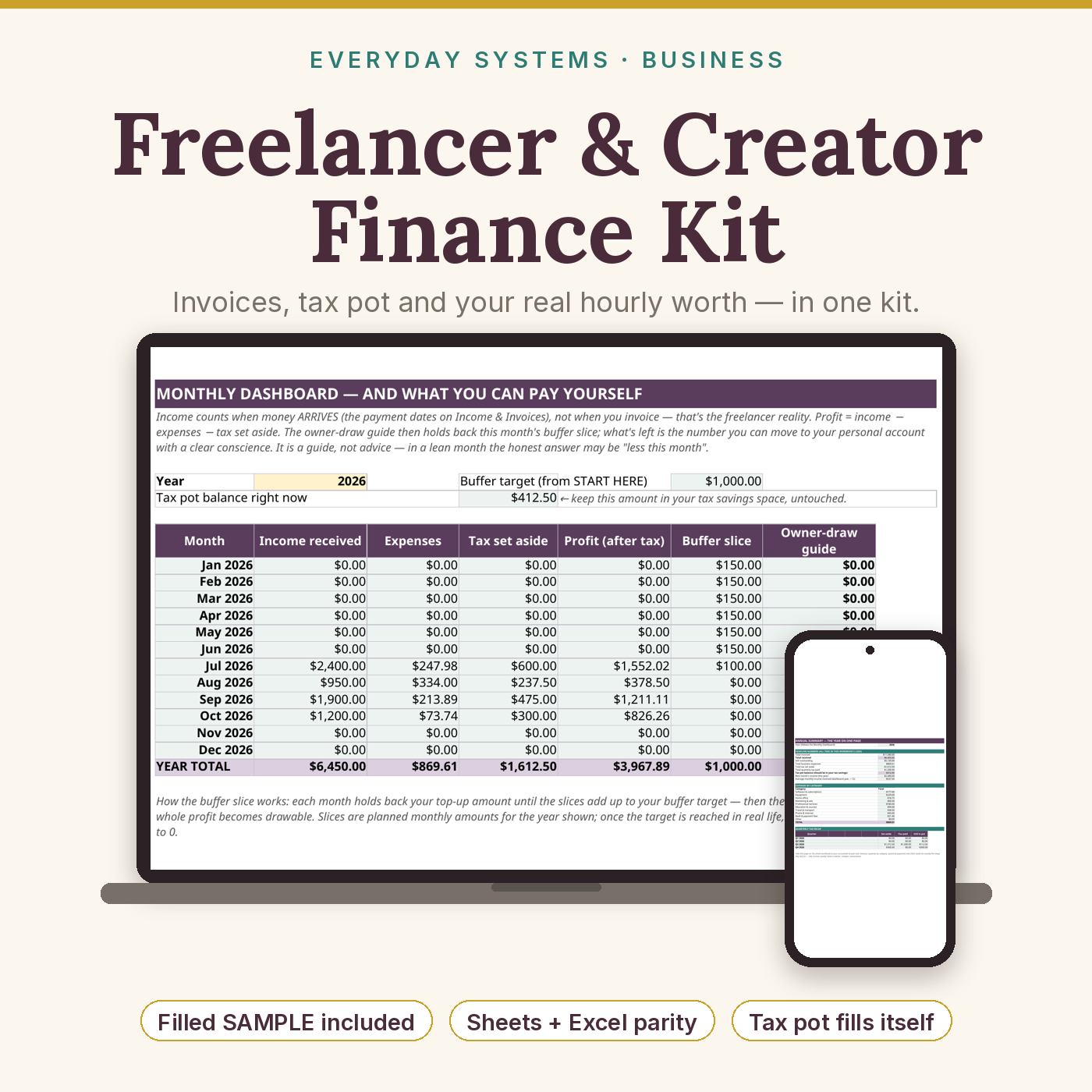
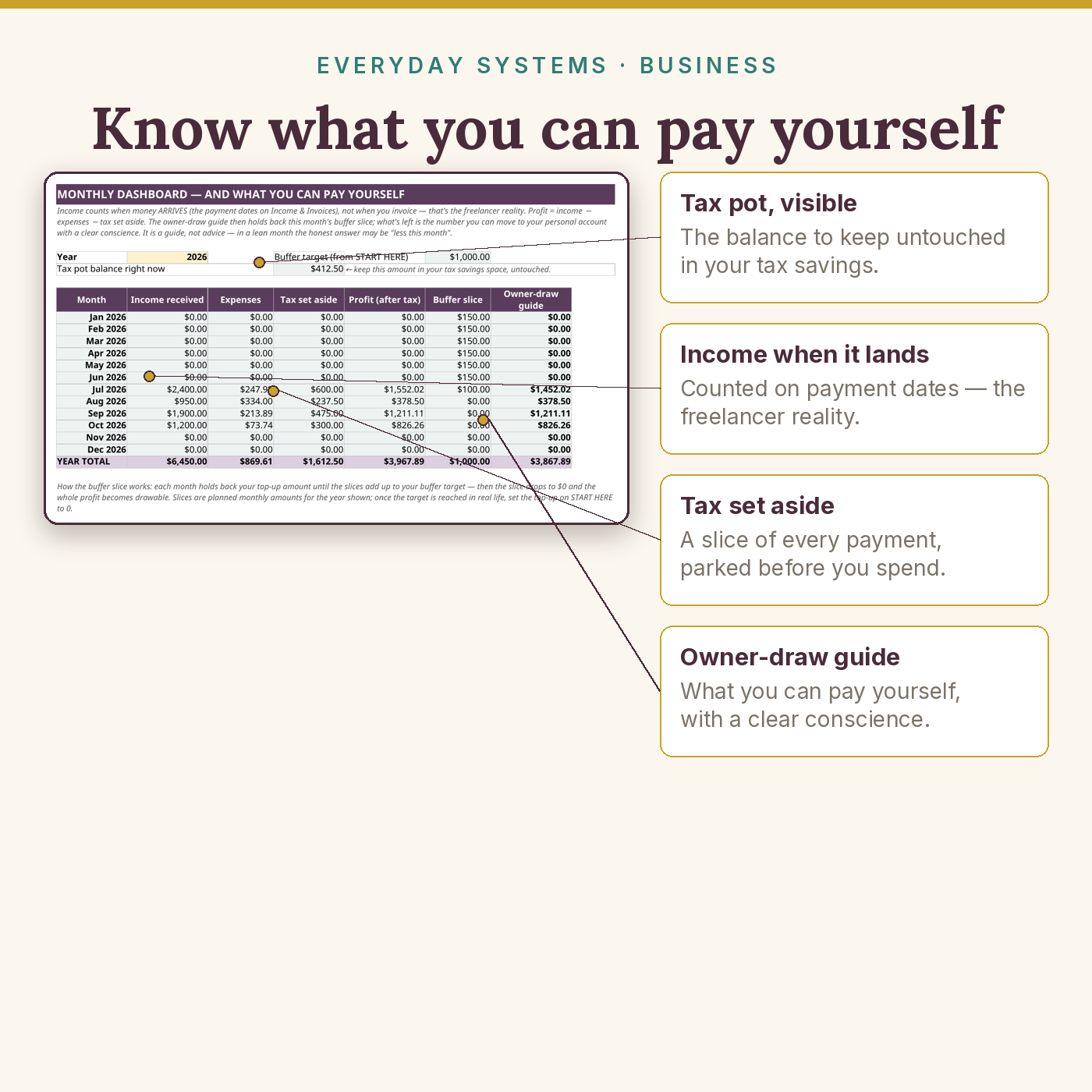
- Monthly Dashboard — month-by-month income/expenses/tax/profit, a buffer slice that stops at your target, and the owner-draw (pay-yourself) guide
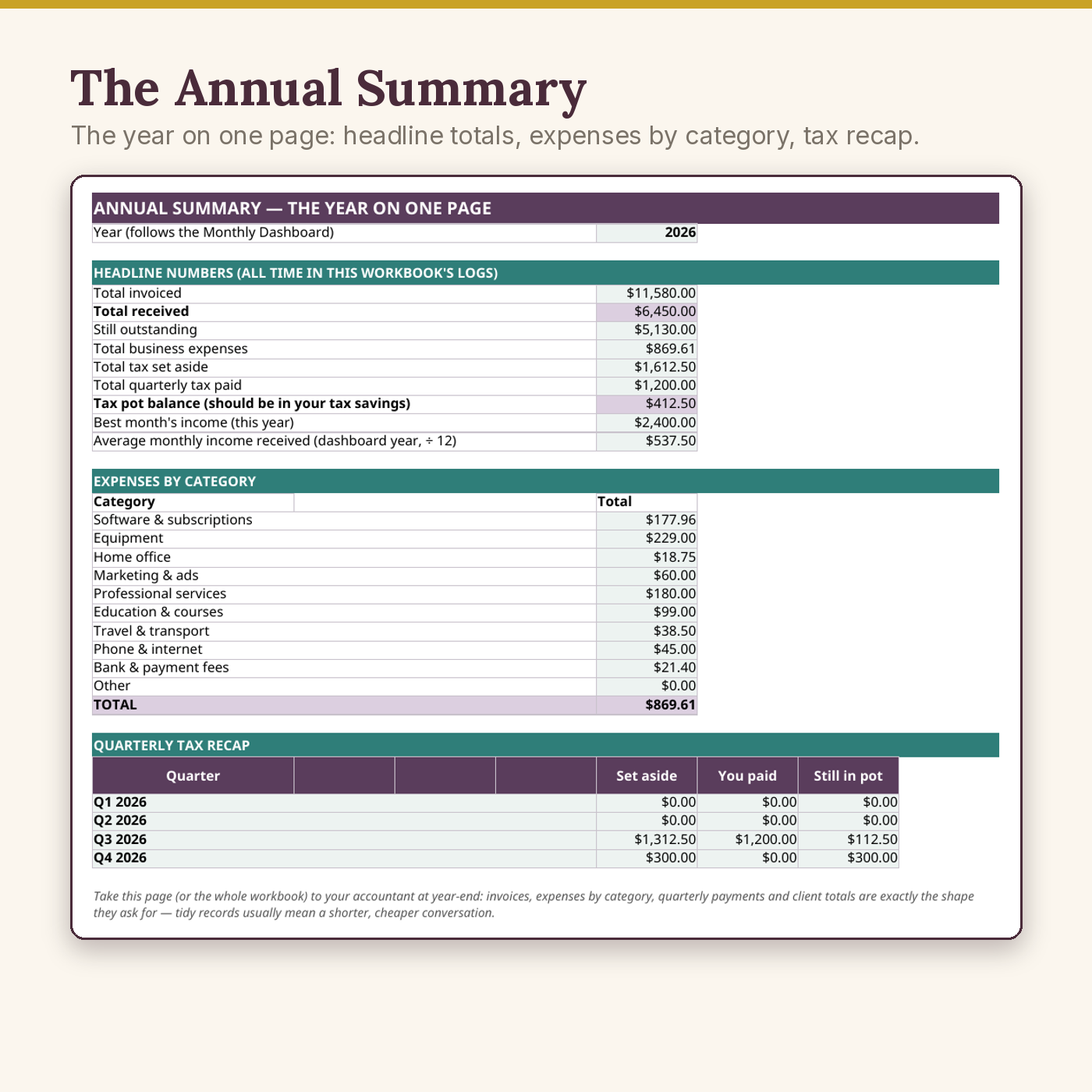
- Annual Summary — the year on one page: headline totals, expenses by category, quarterly tax recap
- Plus the 7-page Quick-Start Guide (PDF) — 25-minute setup, polite-but-firm late-invoice scripts (3 templates), the tax-pot habit with the sample’s real numbers, reading your hourly rate, the weekly 15-minute routine, the feast-or-famine protocol
Key Benefits
- Never lose an invoice again — overdue flags appear by themselves, part payments handled simply
- The tax pot habit, automated: set your % once, and every arrival slices it off the top
- Your real hourly rate, per client — the sample’s biggest client pays $0/hr until chased; this page is how you find yours
- A pay-yourself number every month: feast months and famine months both get an honest answer, early, while it’s still cheap to act on
- Light by design: about 35 KB — fixed-size trackers instead of thousand-row grids, across our whole catalogue
Who Is This For?
- Freelancers, coaches, consultants and content creators paid per project or per platform payout
- Anyone who has ever discovered an unpaid invoice weeks late — or a tax bill with nothing set aside
- Solo businesses that want bookkeeping clarity without accounting software subscriptions
- Not for: tax filing or tax advice (pair it with a qualified tax professional), or businesses with employees, inventory, or multi-currency books (see the Bookkeeping Bundle)
How It Works
- Download your files as soon as your payment is confirmed — they are also saved in your account’s Downloads library.
- Open the SAMPLE quarter — 9 invoices including 2 overdue and 1 part-paid, 6 clients, 3 service lines — to see every engine working.
- Set your 3 numbers on START HERE (tax %, buffer target, top-up) and start logging invoices as you issue them.
- Run the weekly 15-minute routine from the guide; read your hourly rate once a month.
Why It’s Different
Household budgets don’t run a freelance business, and generic bookkeeping doesn’t answer the freelancer’s three questions: who owes me, where’s the tax money, and which client is worth my hours. This kit is business-side only, built around exactly those three leaks — and it tells you its file weight and its QA count on the listing, because in this category compatibility claims are usually where the disappointment hides.
Delivery & Compatibility
Instant download, straight after your payment is confirmed. You receive the blank workbook (.xlsx), the pre-filled SAMPLE workbook (.xlsx), and the Quick-Start Guide (PDF). Google Sheets (free), Excel 365, Excel 2019+ and LibreOffice all calculate it identically; Excel 2016 also calculates everything in the file. Every formula is a standard, long-established function (SUMIFS, COUNTIFS, TODAY, DATE). The engines were formula-checked with 288 automated checks against an independent model. The workbook is about 35 KB. No macros, no add-ins, nothing to install, no bank login ever requested. Your files also live permanently in My Account → Downloads.
Disclaimer
This is an educational organiser with estimates, not tax filing, tax advice or accounting advice — categories are generic educational labels. Pair it with a qualified tax professional for your own situation. The sample business is fictional.
Pairs well with
The Irregular-Income Budget System — the household half of the same money. The Small-Business & Seller Bookkeeping Bundle — for freelancers who also hold stock or inventory.

Reviews
There are no reviews yet.