
Description
Social Media Content Planner — Content Calendar Spreadsheet for Google Sheets & Excel | Creator Planner, Hashtag Vault, Collab Tracker, 30-Day Content Challenge & Creator Finance Hub
What’s Included (your download)
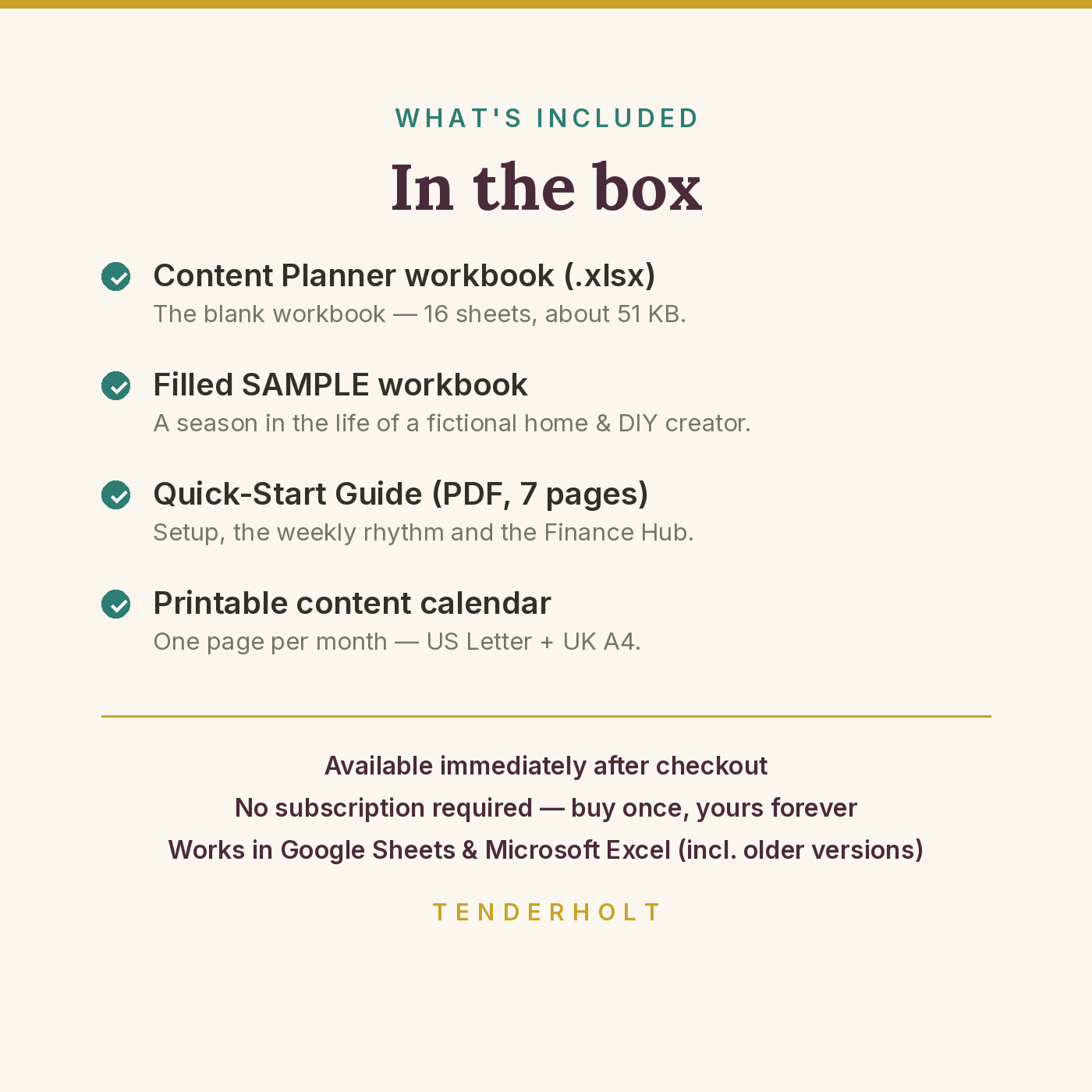
- Social Media Content Planner workbook (.xlsx — 16 sheets, 52,587 bytes / about 51 KB)
- Pre-filled SAMPLE workbook (.xlsx) — a season in the life of a fictional home & DIY creator
- Quick-Start Guide (PDF, 7 pages)
- Printable Monthly Content Calendar (PDF, 1 page each) — US Letter + UK A4 versions
Product Details
Overview
Content chaos has a shape: ideas living in a notes app, a camera roll and your memory; a posting rhythm that depends on inspiration; brand deals tracked in chat threads, with the paid/unpaid part left to luck; and no clear answer to the only question that matters at month-end — what actually worked? The Social Media Content Planner replaces all of that with one deliberately lightweight workbook: a brain dump that catches every idea, a master content plan the dashboards read automatically, a 30-day challenge for when consistency slips, a feed-preview sketch with a format-balance checker, a hashtag vault, a collab tracker that separates money agreed from money received, a small finance hub with a tax set-aside sliced off every payment, and two analytics sheets that tell you what your content did — without asking you to live inside them.
What’s Included
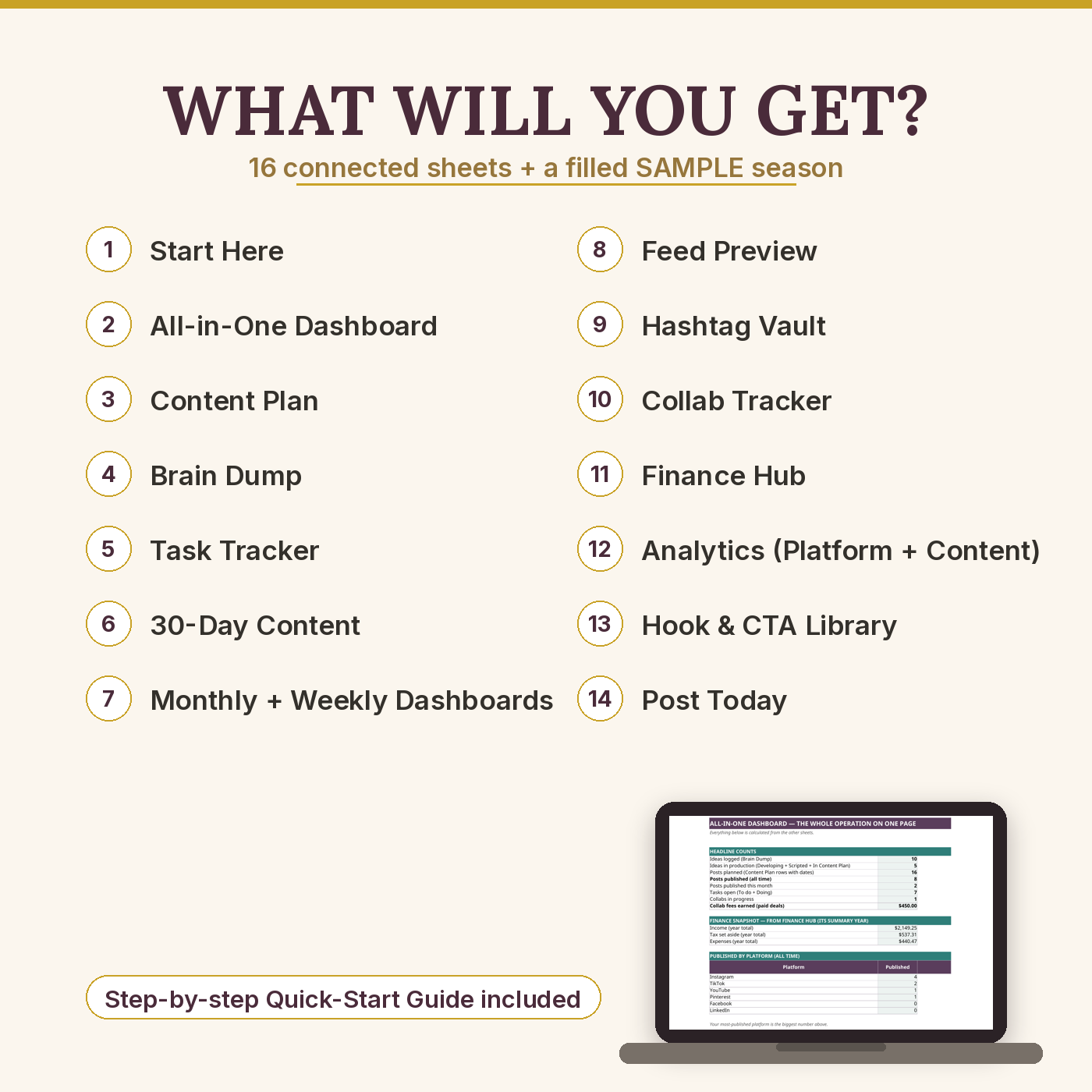
- START HERE (Setup) — brand profile (name, niche, platforms, cadence target), quarterly goals whose posts-published Actual counts itself from the Content Plan, colour legend, sheet directory, 15-minute setup
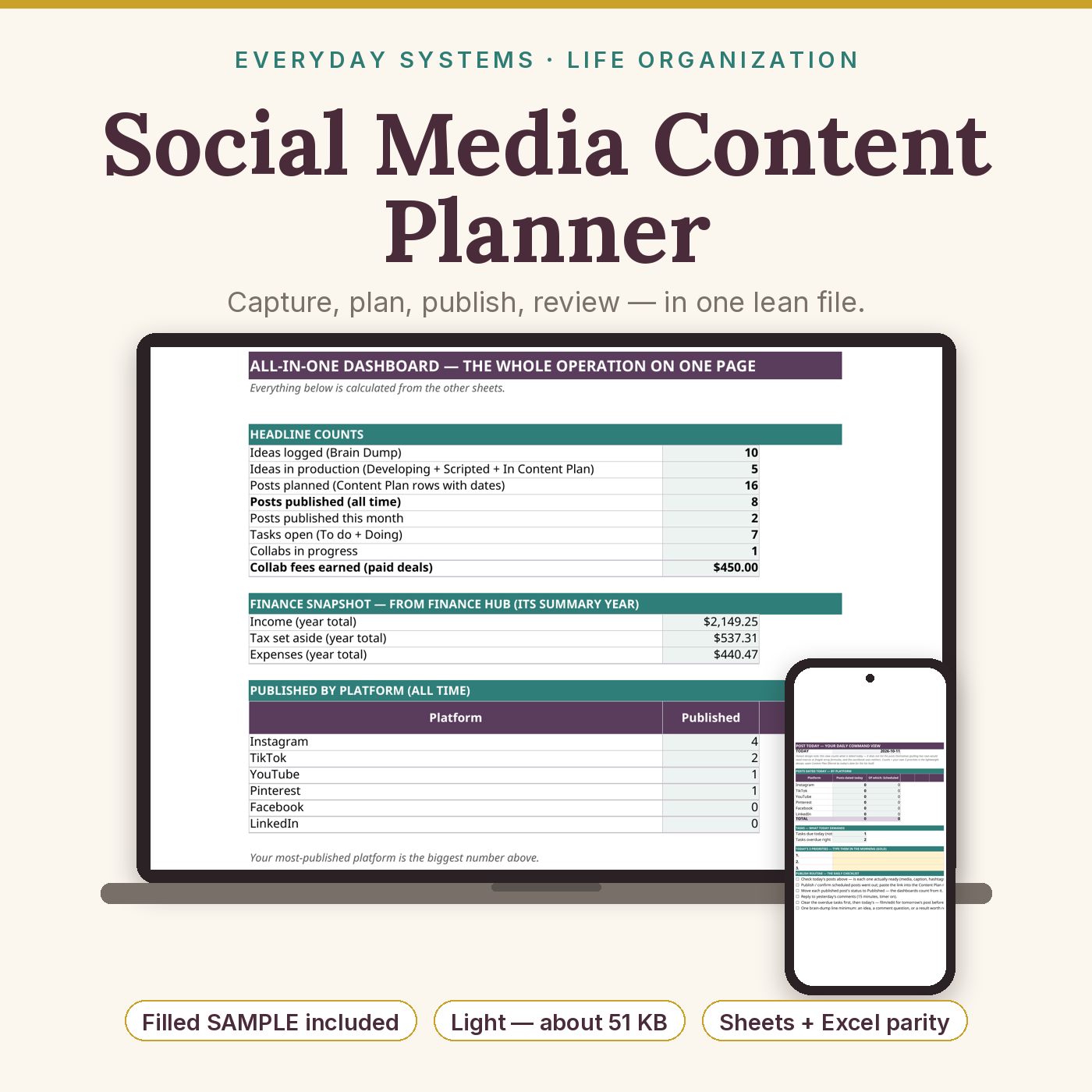
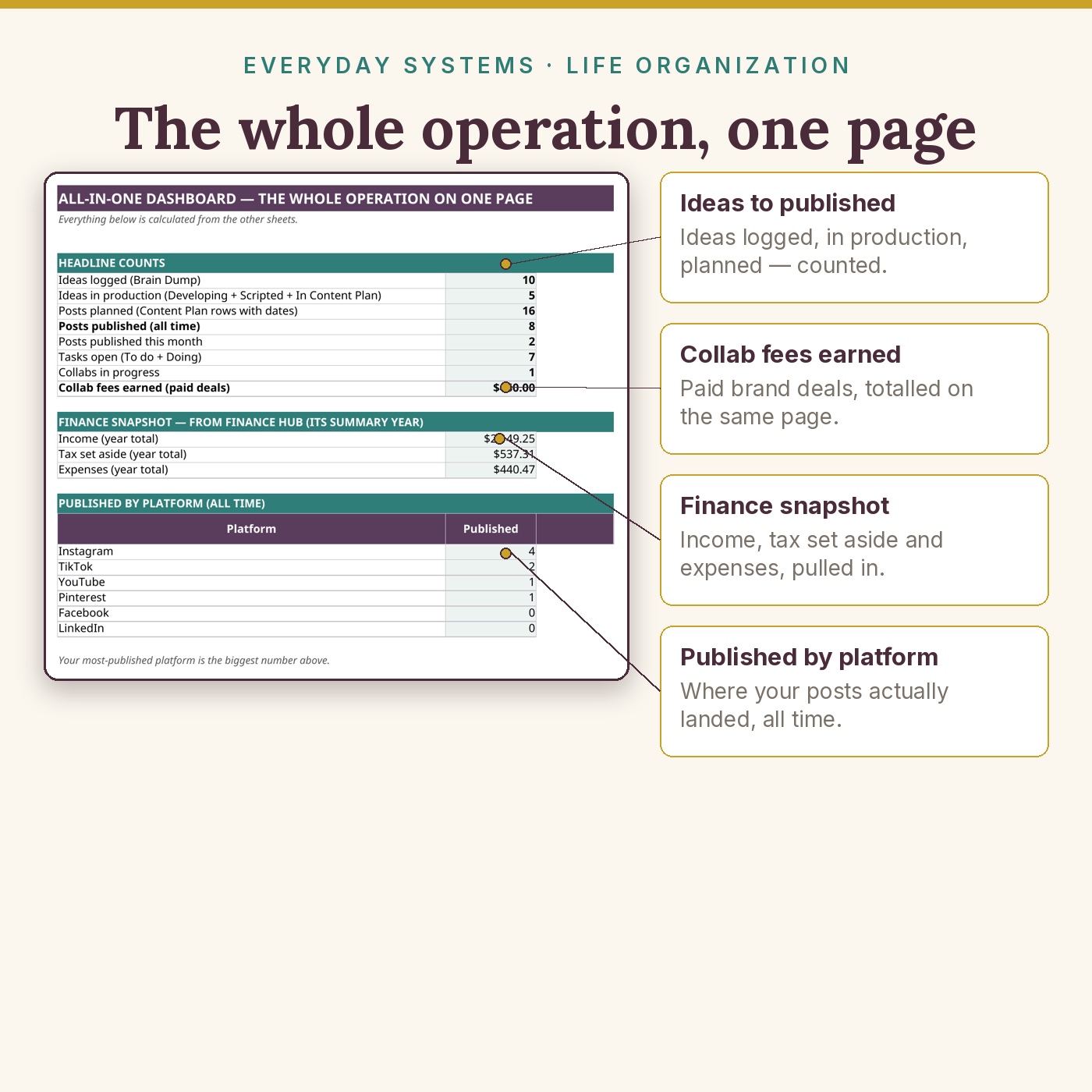
- All-in-One Dashboard — ideas logged and in production, posts planned/published (including this month), tasks open, collabs in progress, collab fees earned, finance snapshot, and published counts for all 6 platforms
- Content Plan — the master calendar, 120 rows: date, platform and format dropdowns (Instagram, TikTok, YouTube, Pinterest, Facebook, LinkedIn), title/hook, content pillar, status (Idea → Drafted → Filmed → Edited → Scheduled → Published), with published/scheduled totals
- Brain Dump — 80 rows for raw ideas with platform, pillar, status and priority, plus an automatic count per status
- Task Tracker — 60 rows of production work with due dates, a days-left column and flags (Overdue / Due today / Due this week) that update themselves; Done tasks stop flagging
- 30-Day Content — type one start date and get 30 dated days with day names and 30 varied, editable prompts, platform/format suggestions and a Done? tick
- Monthly Dashboard — per-platform planned vs published, engagement from Content Analytics, and the month’s Finance Hub income (shown per row, counted once in the total)
- Weekly Dashboard — planned/published this week, tasks due and overdue, plus a Mon–Sun × 6-platform planning grid
- Feed Preview — an Instagram-style 3-wide × 6-deep grid (18 posts) with format dropdowns and a balance checker counting Reels / Photos / Carousels / Videos; plainly labelled a planning sketch, not an Instagram import
- Hashtag Vault — 24 sets (name, pillar, paste-ready hashtags, notes) with a saved-set counter
- Collab Tracker — 40 deals from Pitched to Paid: type and status dropdowns, fee, Paid? tick, and a summary of fees agreed / received / outstanding plus active collabs
- Finance Hub — 60 income rows with an automatic tax set-aside per payment at your % (25% default), 60 expense rows with category dropdowns, and a 12-month summary (income / set aside / expenses / kept) with year totals
- Platform Analytics — followers for 6 platforms × 12 months with change-vs-last-month calculated, year-end followers and December-minus-January total change, honestly guarded when a month is blank
- Content Analytics — 80 posts: views, likes, comments, shares, saves, with engagement and engagement rate calculated, totals, best post, and per-format post counts + average views
- Hook & CTA Library — ships FILLED: 30 original hooks + 20 calls-to-action (generic creator niches, ready to adapt), with type/platform/pillar/notes columns, room for 60 entries, and an automatic Hook/CTA counter
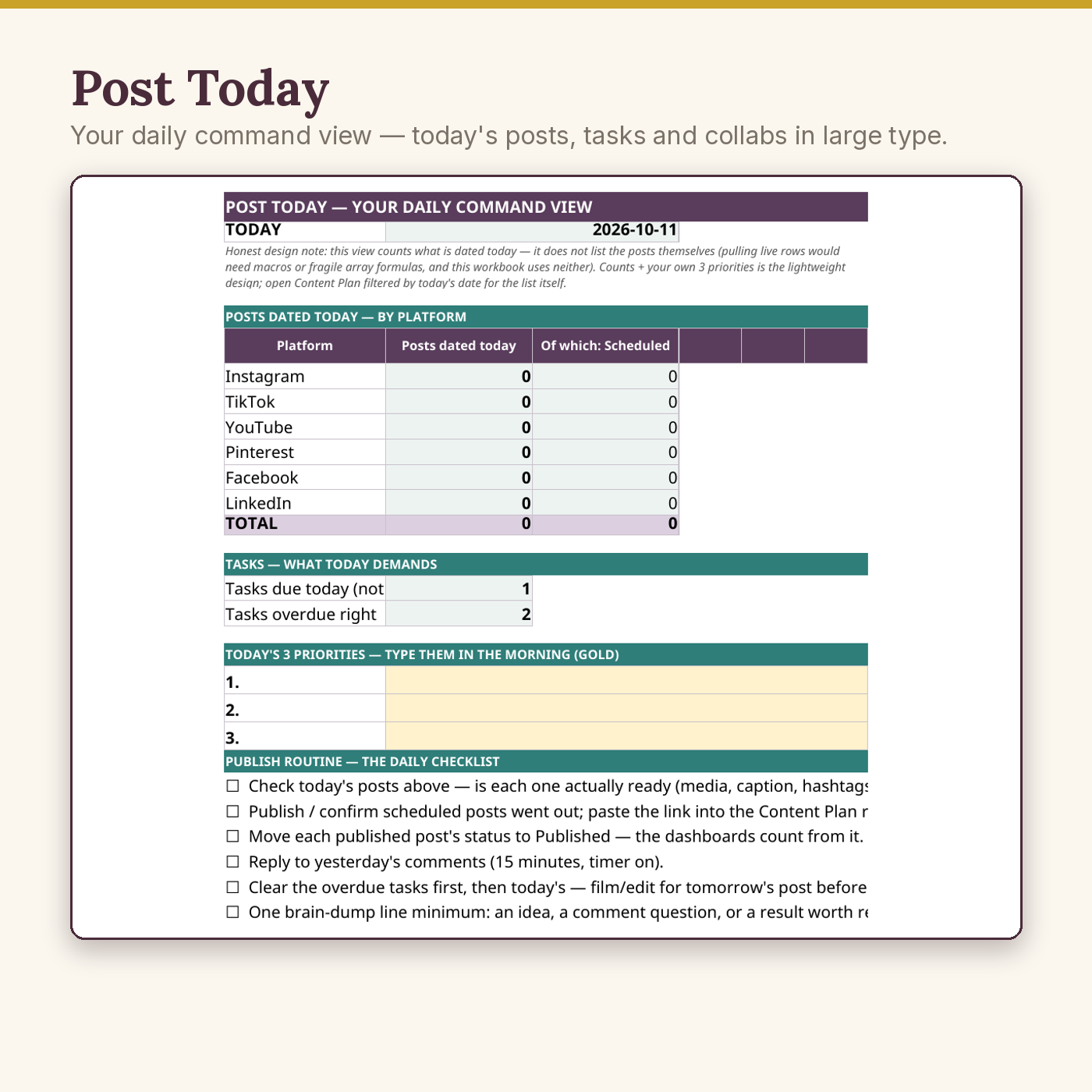
- Post Today — a large-type daily command view: today’s date, posts dated today per platform (with the Scheduled subset), tasks due today and overdue, a publish-routine checklist, and a gold “today’s 3 priorities” block
- Plus two printable Monthly Content Calendar PDFs (US Letter + UK A4, 1 page each): brand header, a “this month’s goals” strip, a generous 6-week grid for print-and-pin planning
- Plus the 7-page Quick-Start Guide (PDF) — 15-minute setup, the weekly dump → plan → schedule routine, the 30-day challenge, feed balance and hashtag habits, chasing collab money politely, the finance-hub habit, reading analytics without obsessing, and the 30-minute monthly review
Key Benefits
- Never lose an idea or a post again — capture, plan and production live in one loop with statuses that drive every dashboard
- Consistency without willpower: a dated 30-day challenge with prompts, and a weekly routine that takes 20 minutes
- Brand money made visible: fees agreed vs received vs outstanding, so “delivered but unpaid” gets chased this week, not remembered next quarter
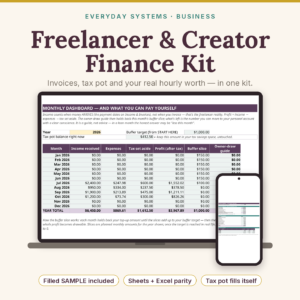
- The tax pot habit, built in: every creator payment slices your set-aside % off the top, the same system as the Freelancer & Creator Finance Kit
- Light by design: 52,587 bytes (about 51 KB) — fixed, modest grids instead of thousand-row ranges, across our whole catalogue
Who Is This For?
- Creators posting on one or more of Instagram, TikTok, YouTube, Pinterest, Facebook or LinkedIn who plan in notebooks, notes apps or their head
- Creators taking their first brand deals who need pitch-to-paid tracking before the money gets messy
- Anyone whose posting stops when life gets busy, and who wants a system that restarts them (hello, 30-day challenge)
- Not for: scheduling or auto-posting (this is a planner — your platform apps still publish), account analytics imports, or financial/tax advice (the Finance Hub is an organiser; pair it with a qualified professional)
How It Works
- Download your files as soon as your payment is confirmed — they are also saved in your account’s Downloads library.
- Open the SAMPLE — Maya Makes, a fictional home & DIY creator: 16 planned posts (8 published), 10 ideas, 8 tasks, 4 collabs ($2,300 agreed, $450 received), $2,149.25 of logged income — to see every engine working.
- Set up the blank workbook in about 15 minutes: brand profile, quarterly targets, brain dump, first five planned posts, set-aside %.
- Run the weekly 20-minute routine (dump → plan → schedule) and the 30-minute monthly review from the guide.
Why It’s Different
Most creator planners compete on tab count — the best-known rival ships a heavy 16-tab workbook that groans open and buries the three numbers you actually need. This planner covers the same 16 areas and is deliberately lightweight about it: a 52,587-byte (about 51 KB) file that opens instantly and emails happily, with dashboards that put ideas, posts, tasks, collabs and money on one page. It is also the only planner in its class with a Finance Hub that builds in the tax set-aside habit — because content that earns money you then lose track of is only half a system. A filled SAMPLE is included so you can see every formula working before you trust it with your own numbers, and the engines were tested for older-Excel and Google Sheets parity (only long-established functions: SUMIFS, COUNTIFS, WEEKDAY, CHOOSE, TODAY) — 433 automated checks against an independent model, stated here because in this category compatibility claims are usually where the disappointment hides.
Delivery & Compatibility
Instant download, straight after your payment is confirmed — direct files, no links or middlemen. You receive the blank workbook (.xlsx), the pre-filled SAMPLE workbook (.xlsx), the Quick-Start Guide (PDF), and the printable Monthly Content Calendar in US Letter and UK A4 (PDF). Google Sheets (free), Excel 365, Excel 2019+ and LibreOffice all calculate it identically; Excel 2016 also calculates everything in the file. Every formula is a standard, long-established function. The workbook is 52,587 bytes (about 51 KB). No macros, no add-ins, nothing to install, no account connection or platform login ever requested. Your files also live permanently in My Account → Downloads.
Disclaimer
This is an educational organiser, not financial, tax or business advice — the Finance Hub’s set-aside is a planning habit, not a tax calculation; pair it with a qualified tax professional for your own situation. The sample creator (Maya Makes) is fictional. Instagram, TikTok, YouTube, Pinterest, Facebook and LinkedIn are trademarks of their respective owners; this product is not affiliated with or endorsed by any platform, and nothing in it connects to or imports from your accounts.
Pairs well with
The Freelancer & Creator Finance Kit — the money deep-dive (invoices, quarterly tax pot, per-client hourly rate) whose set-aside habit this planner’s Finance Hub mirrors. The Small-Business & Seller Bookkeeping Bundle — for creators who also sell physical products and need stock-aware books.
Reviews
There are no reviews yet.